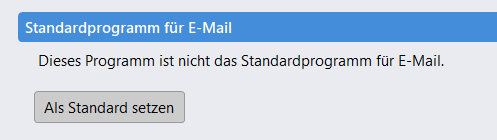
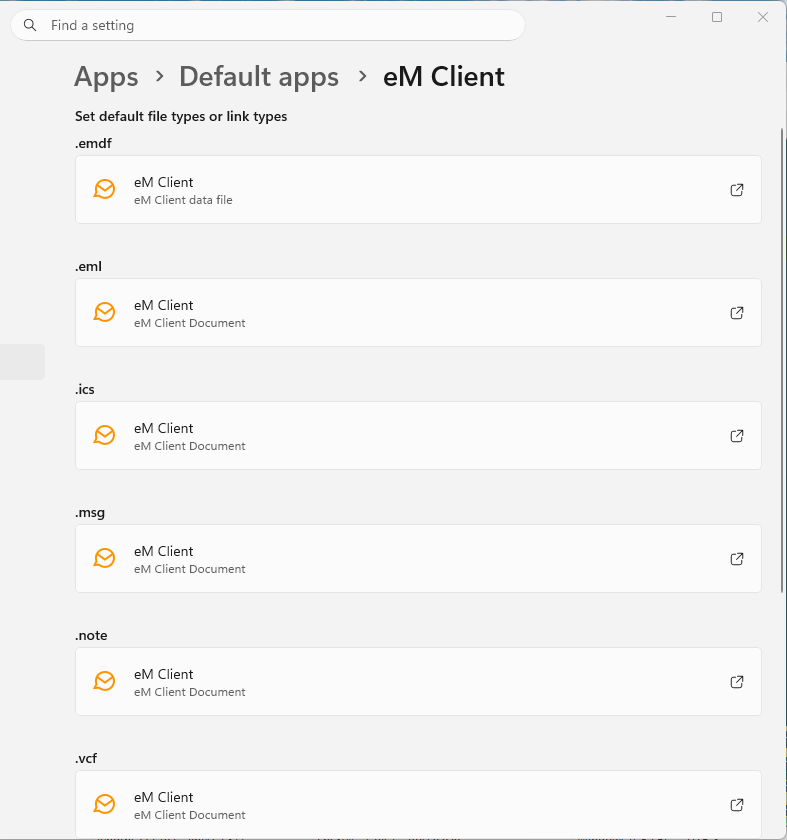
I’ve got everything up and running except I am unable to make eM Client to be the default mail handler. Running Windows 11. When I go to Apps Default apps eM Client it shows that eM Client is the default for all mail items, but when I go to menu Settings, it says This application is not the default mail handler.
Inside eM Client there is just one indicator for the “default mail app” but different Windows versions will list a number of different tasks/file extenstions/etc for which an app can be used as default.
In eM Client the text will change only if all available items are assigned to eM Client.
If you want to change it, go to system Settings > Apps > Default apps and find eM Client in the list below.
Click it and you’ll be able to assign it as default to the other “missing” items.
If you don’t want to use eM Client for all those files and utilities you can just keep it as default for what you want it for and ignore the text inside the app.
As of yestersay, I have the latest version 10.4.5663 installed. It is August 2026, and the issue with eM Client reporting that it is not the default mail client in Windows 11 has not gone away.
All the tips provided about setting all the file extensions simply do not work and never have. Please finally fix this ugly problem. It can’t be that hard.
Funny thing here is that all checks out according to the screenshot.
The possible difference over this way is that Outlook was removed (no other mail clients on this machine).
All the items are included in the screenshot, except for Webcal and Webcals, which were there before Outlook was uninstalled.
Oh dear, something broke.
Seems to be no change in the functionality of EM Client fortunately.
A related note is on a clean installation the program launches the correct section of the default apps section in Settings, clicking “Make Default” just goes to the Settings “Home” section.