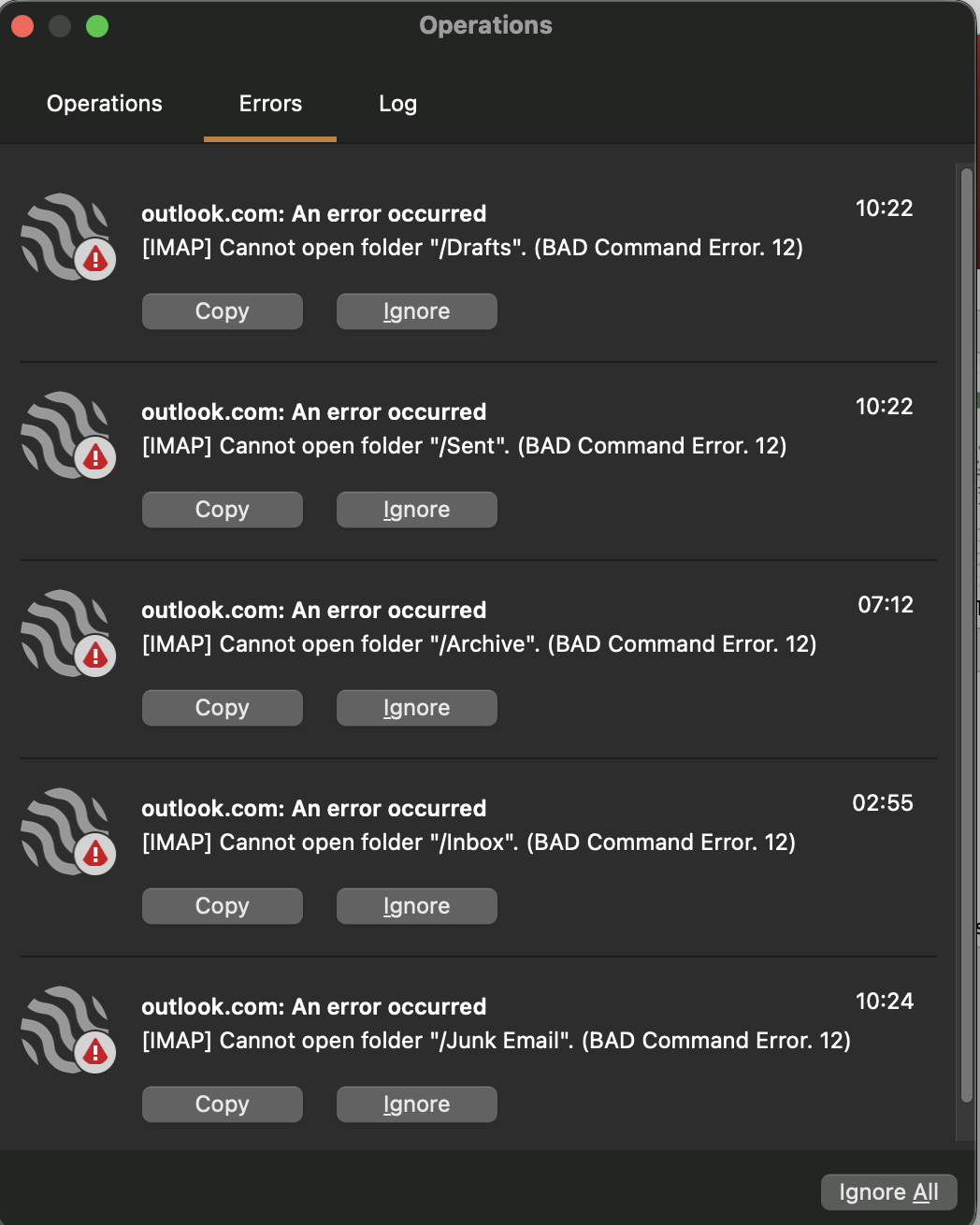
I’ve checked my account settings but I can’t see anything wrong. Can anyone explain this, please?
eM Client for MacOS.
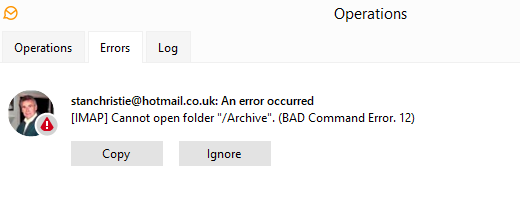
Nothing yet.
I started getting this message a couple of days ago on hotmail accounts - the folder concerned varies each time. Very frustrating.
Windows 11, happens on all computers.
Bad Command error 12 according to many websites and even Microsoft community sites is related to server issues where the third party client is trying to connect via IMAP or Exchange and cannot due to whatever is going on at the other end.
So try close and reopen eM Client eg: every hour and see if it resolves itself.
If it gets stuck on one specific folder eventually, you can try Right Click → Properties → Repair on that folder to force a re-sync. But as long as it keeps moving around, it is definitely a connection issue on the Hotmail end like Cyberzork mentioned.
I’ve tried folder repair and database repair, makes no difference.
However, after installing 10.4.4756.0 a day ago, I haven’t had the issue (yet?)
Thanks for your info. If it happens again on 10.4.4756.0 I will try that.
FWIW I was experienceing the same. Live.com account “Bad Command Error. 12”
Updated to 10.4.4756.
The problem persists.
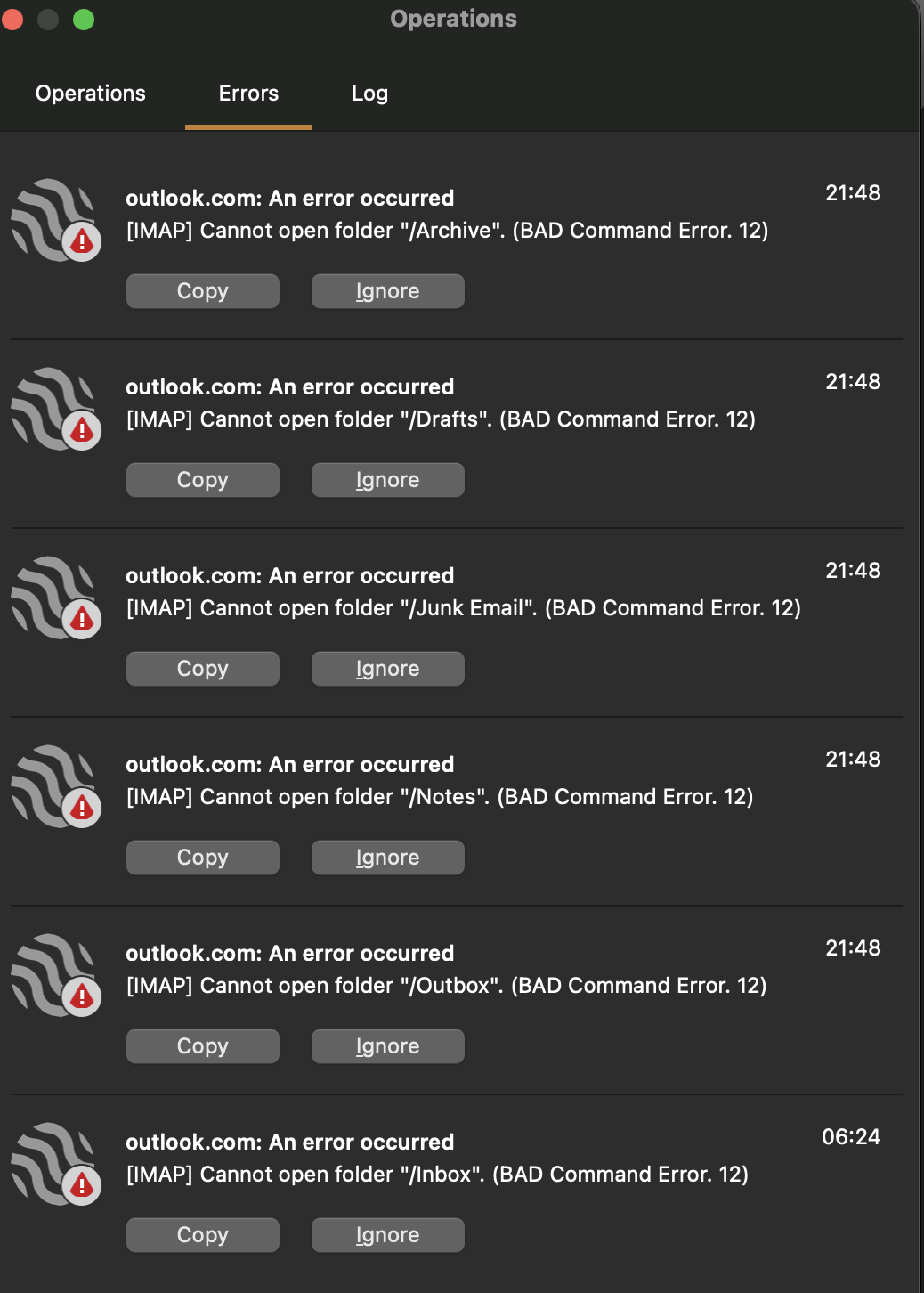
Had a friend getting this specific error 12 with an Outlook.com account and a few primary folders. After waiting a few days still the same error which seems to rule out a server issue.
So removed and re-added the account via the automatic account wizard and now working fine without errors. So if you haven’t already tried, remove and re-add the account.
1 Like
Thanks. Yes, it was one of the first things I tried. No improvement, unfortunately.
Ok could be then a eg: corrupted OAuth token.
Suggest next to then “close eM Client” snd go online to your Outlook account third party app section and remove / revoke the eM Client token and then reopen eM Client and you should get a browser prompt to reallow access to your Outlook account with a new token.
Manage third-party app access to your Microsoft account by visiting the below site.
Privacy dashboard (https://account.microsoft.com/privacy) and navigating to “Apps and services” to revoke permissions for, or remove, unwanted apps.
Thank you very much. That looks like the solution. I followed your instructions and, so far, not a single error. Much appreciated.
1 Like
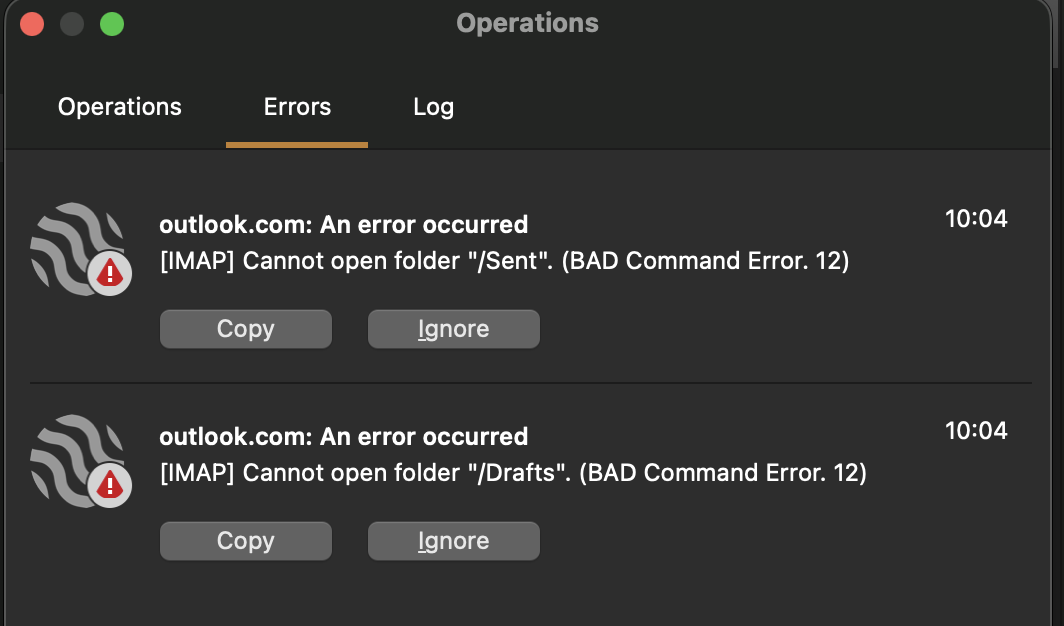
And still getting these errors; not so frequently but they are still coming.
I hadn’t had any since installing 10.4.4756.0 a week ago. Last night I got about 20 instances of the error. Weird how it comes and goes.
I have the same setup in Betterbird client. I get no errors there. Do we conclude that this is an eM Client problem? Could the developers comment on this ongoing problem, please?
For the moment I have now removed the Outlook account from eM Client and will keep Betterbird alongside and monitor it from there.
There is a MS Community thread on this where the moderators gave some explanations for Outlook.com errors 12.
-
Temporary rejection from the server: High server usage or a brief service interruption can cause IMAP commands to fail. Once the server load stabilizes, the request may succeed without any action from the user.
-
Throttling: If a large number of IMAP commands are sent within a short time, the server’s throttling policy can activate. This policy protects the server by temporarily rejecting the requests. When the throttling period ends, the connection can restore normally.
-
Automatic retry logic from the client app: Most third‑party applications include built‑in retry logic. When a temporary failure occurs, the app automatically retries the request until it succeeds. This often appears as the issue resolving itself.