Hello Support Team & Community.
I am a newcomer. For data protection reasons, I have been searching for an alternative to Outlook for a long time. Thunderbird did not meet my requirements in terms of functionality, and I am now really happy to have found eMClient. Great work. And because I support you, I will also purchase the personal license…
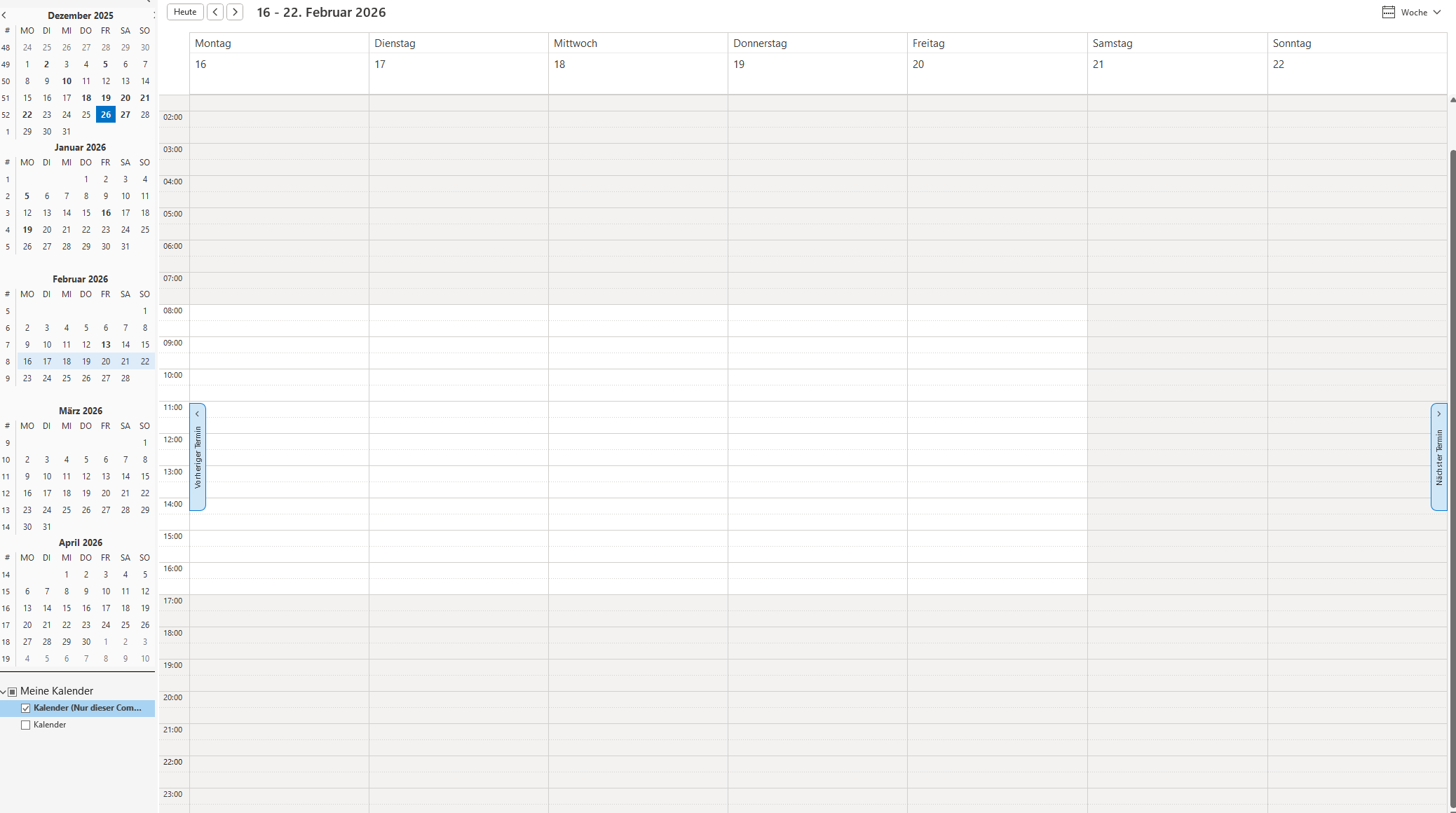
But I also have a question that you might be able to help me with. As in Outlook, you can define working hours in the calendar and specify how many hours the calendar should display. I like to use 00:00 to 23:00 and have defined my working hours as 07:00 to 18:00. With this setting, I miss the view option that shows times outside of working hours in a different color. Is there any way to set something like that? Or do you have any tips? Maybe using the design editor (perhaps coloring the entire calendar light gray and the working hours white?) I’ve attached a screenshot of Outlook.
Best regards,
Sunnyy
Translated with DeepL.com (free version)
