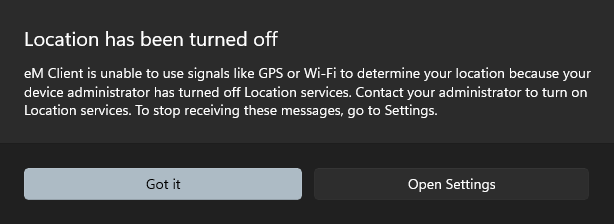
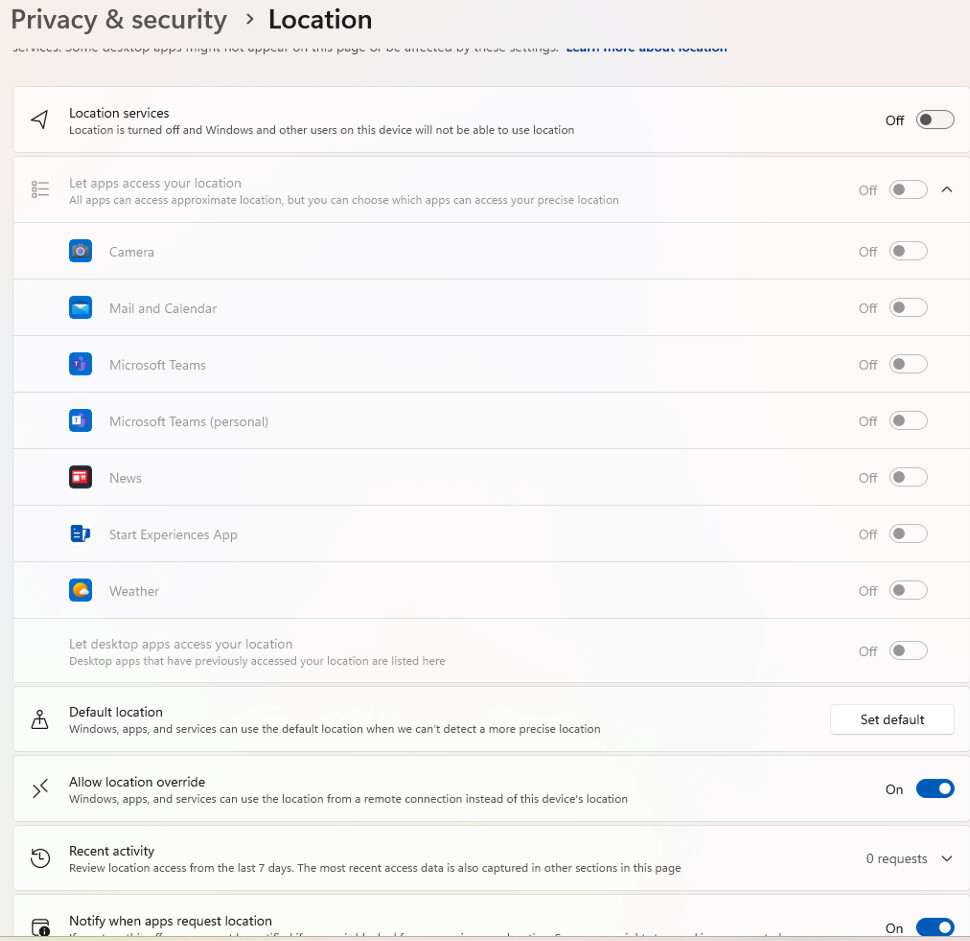
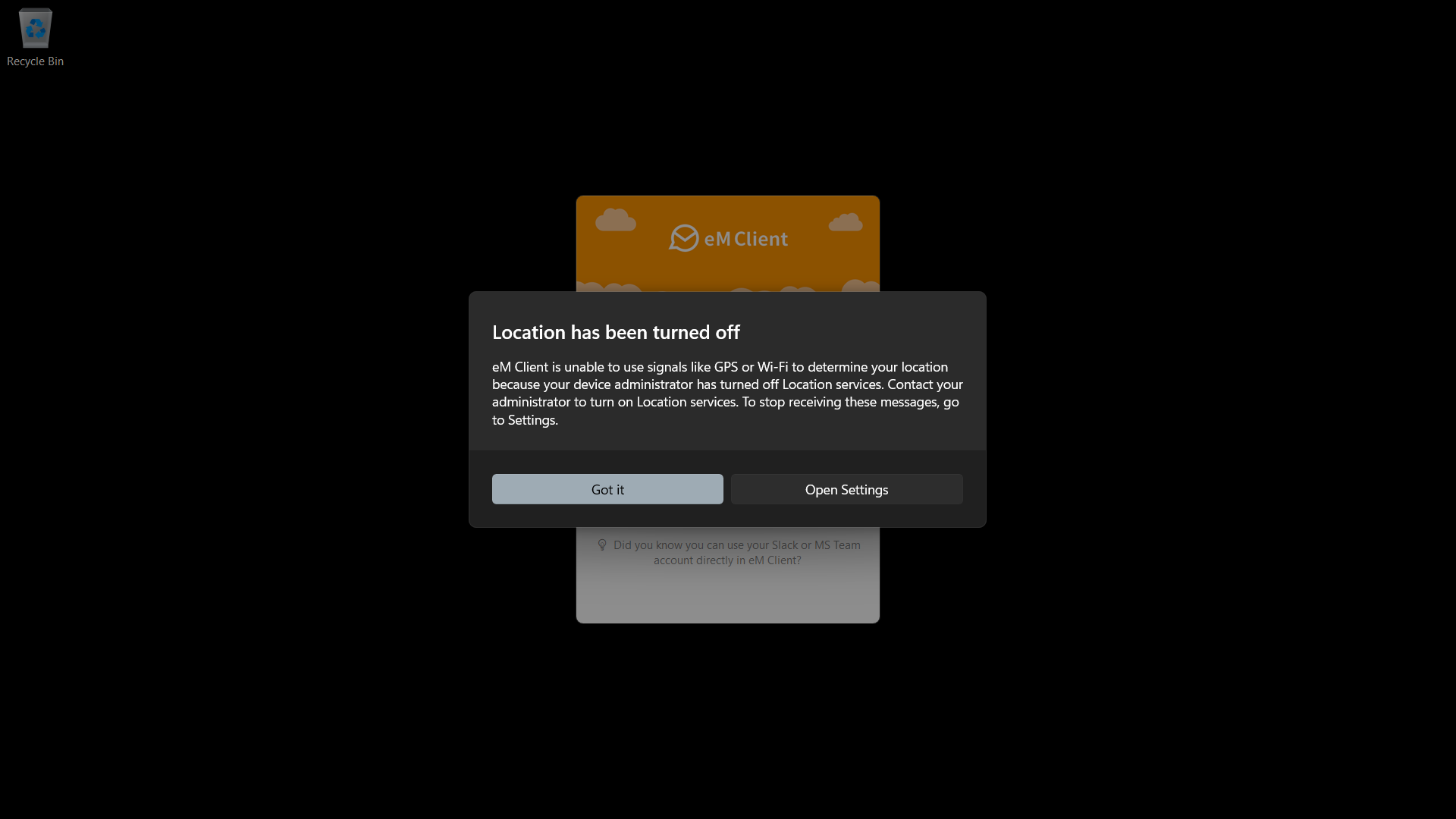
The computer is configured so that all apps are blocked from accessing device location services, therefore the following message is displayed on Windows 11 25H2.
“eM Client is unable to use signals like GPS or Wi-Fi to determine your location because your device administrator has turned off Location services.”
I am with Win 11 Pro 25H2 & the latest version of eMC (paid)
As far as I know eMC does not access location data so that is
the reason there is no reference under Settings/Mail/Privacy
that needs any option.
General Privacy is dealt with under the link you posted and is
available for all to read.
The error message is OS generated based upon whatever you
were doing at the time and its appearance is not eMC exclusive.
You have 2 choices, either change your OS setting or accept
the status quo.
skybat
¡Buena suerte!
¡Saludos desde Sevilla la soleada en España!
¡Mis mejores deseos y mantente a salvo!
eM Client wants access to location data, however the Operating System dialogue box is saying eM Client has been blocked from accessing location data because location services have been disabled by Group Policy.
The reason why the user is now informed that eM Client wants to access location services is due to privacy controls that Microsoft added for Wi-Fi access and location data in Windows 24H2/25H2.
The issue is not the dialogue box – that is working correctly – the issue is why is eM Client asking to access GPS or Wi-Fi location data in the first place.
I do not know why you have this particular issue, I do not
see this error as in your original post, perhaps there is a
setting in your OS.
Specifically where do you see the following as it is different
from the image post you previously made and say is correct?
"the Operating System dialogue box is saying eM Client has been blocked from accessing location data because location services have been disabled by Group Policy"
If this statement is accurate maybe this is caused by an entry
in Group Policy.
Yes agree with @skybat eM Client “doesn’t normally ask for any Device Location permission” and must be “some other setting within Windows itself” causing it.
My Windows 11 25H2 Location Settings using the latest eM Client V10.4.4151
I found the below post from a year ago where someone else also noticed eM Client requesting location access after upgrading the Operating System to a newer version.