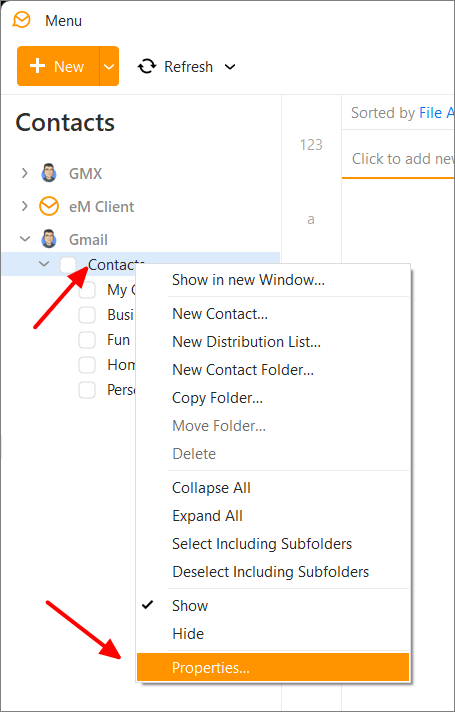
How do I correct this error:
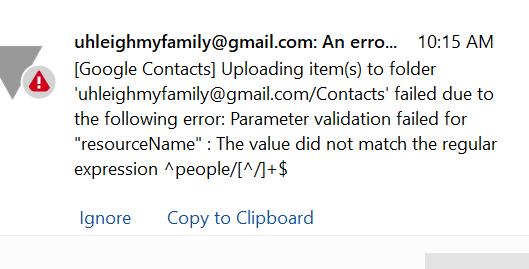
How do I correct this error:
Go to the Contacts section of eM Client, then by right-click on the Gmail Contacts folder, choose Properties > Repair > Repair. This will resync the contacts with Google and the error should disappear.
Thanks Gary, I tried that but when I right clicked, nothing happened… no menu showing “Properties” as an option
Strange… I clicked Menu—Tools—Contacts and tried right clicking there and never got the menu you did. But, when I clicked on the human silhouette icon for Contacts at the bottom of the main screen I was able to find the repair options like you did… looks like a bug in the GUI.
Thanks!
Yes, because Menu > Tools > Contacts is not the Contacts section of eM Client.