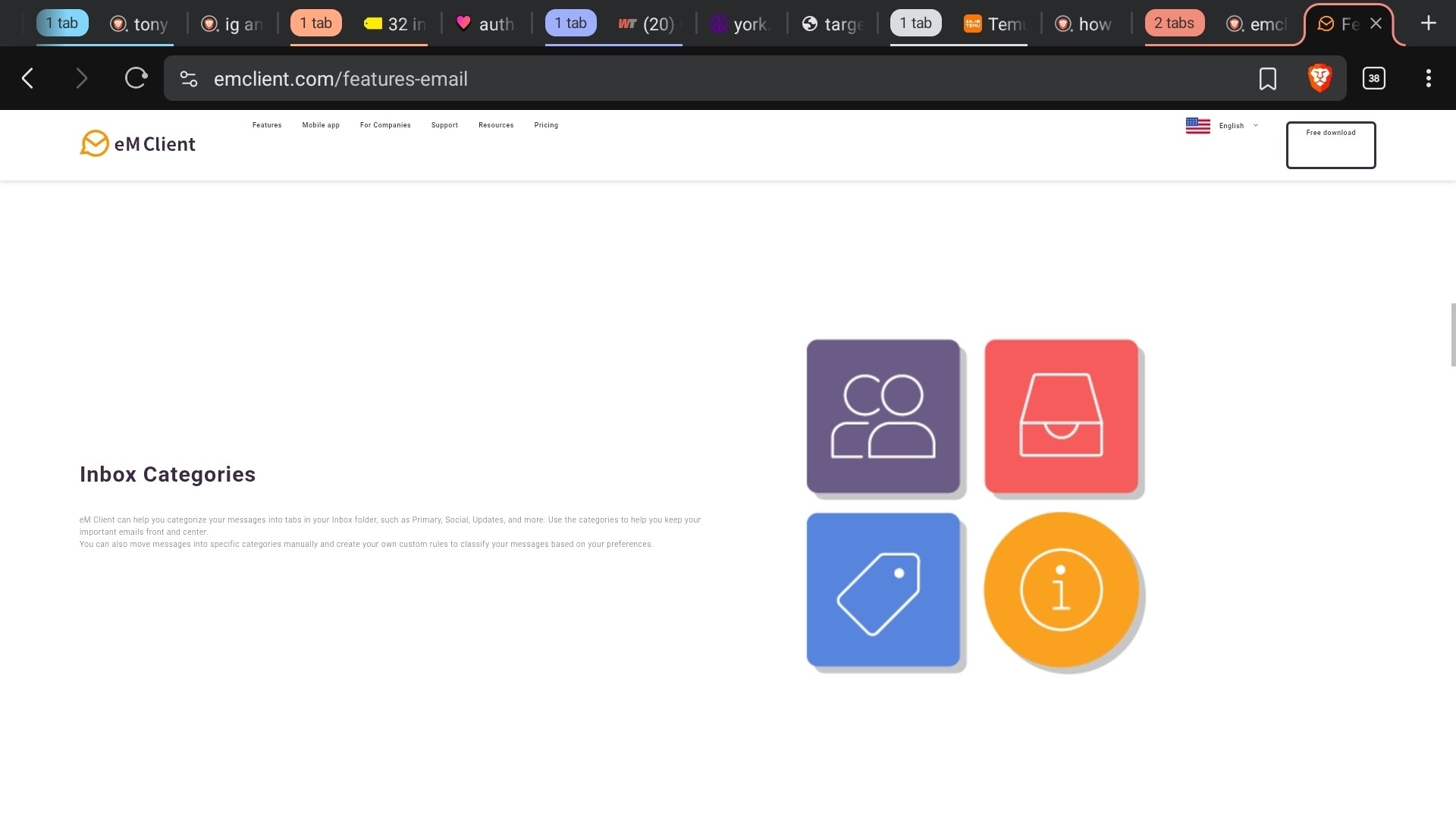
Ridiculously tiny.
The website fonts and sizes etc looks fine to me personally at 100% zoom & default font on eg: Chrome browser on Desktop and Mobile iPad & Android apps .
You might have the webpage “possibly zoomed out” showing the font smaller than normal size, which you can check usually “at the top right of most browsers” via the 3 dots.
If you are already at 100% zoom in your browser settings, then go to the browser “settings / appearance” where there is font adjustments in most browsers to set whatever font & size you want,
1 Like
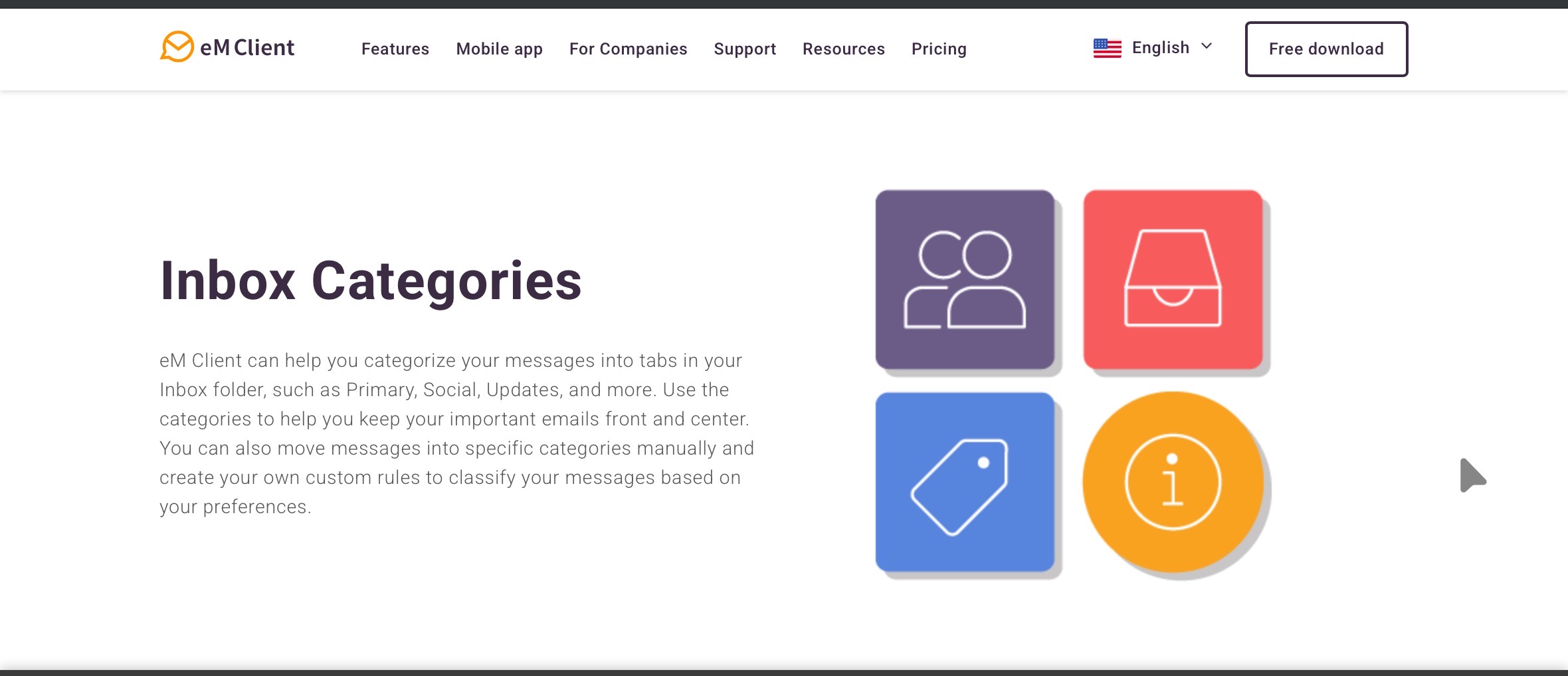
You don’t see the images vs the font size? That image I posted is 100%.
That webpage font “is showing way larger for me personally and looks in proportion” compared to your screenshot. You must have a different default font and size or possible a browser issue.
What browser are you using and what version of browser ? Also is this on Pc or Mac OS
It doesn’t make sense that emc’s website is the only site I’m seeing this on. I don’t set the font I’m pretty sure that’s a funtion of the website’s coding.
I’m using Brave on Android. It looks very different on Window’s using Brave.
I suspect its then Braves eg: mobile coding interpretation of the website or possibly your browser cache might need eg: clearing (all time) & starting new.
Using eg: Chrome browser on Android or iPad that page looks like this below in Landscape using whatever default font and size it uses built-in..Try Google Chrome Droid Browser.