as many attachments as useful attachments

Useless attachments
The .htm attachments are normally “just part of the body of the email” and just display as attachments, and is determined by the “senders mail client” and “how they created the email”.
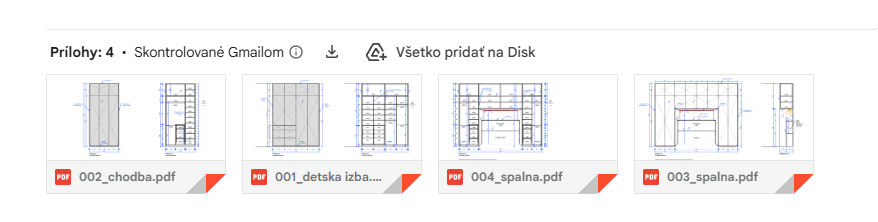
If you are referring to Gmail via the webmail “that can display differently than a mail client”.
If the .htm files “are only displaying with a non Gmail account in eM Client”, then that will be as i said to do with either the senders mail client or the way the sender is creating the email.
If you want to have that investigated as to why the .htm files are displaying in that acct email, then if you have a current active paid Pro, Personal or Business version, go to “Menu / File / Export” and choose “Export emails to .eml file” and save that. Then go to the VIP support page and login and lodge a support ticket and attach that .eml message to be investigated.
The sender is send email from Mac.
The sender is send email from Mac.
Yes Apple Mac Mail unfortunately has some “custom compose email formatting” or non standard coding that’s different to most mail clients, so will sometimes show as .htm file attachments in alot of mail clients. Gmail on the web handles this so you don’t normally see it but its there.
Suggest to ask the sender to maybe then change to eM Client for Mac and you shouldn’t have that issue anymore. There is also alot more options in eM Client so they will benefit from it too.