I use the unread feature constantly - so it’s important to me it be accurate at a glance.
I see several issues, include what I would call a bug.
There needs to be a quick way or setting to as I read the emails that, well, they leave the unread box. Immediately.
Related to this, the unread count fails to update properly.
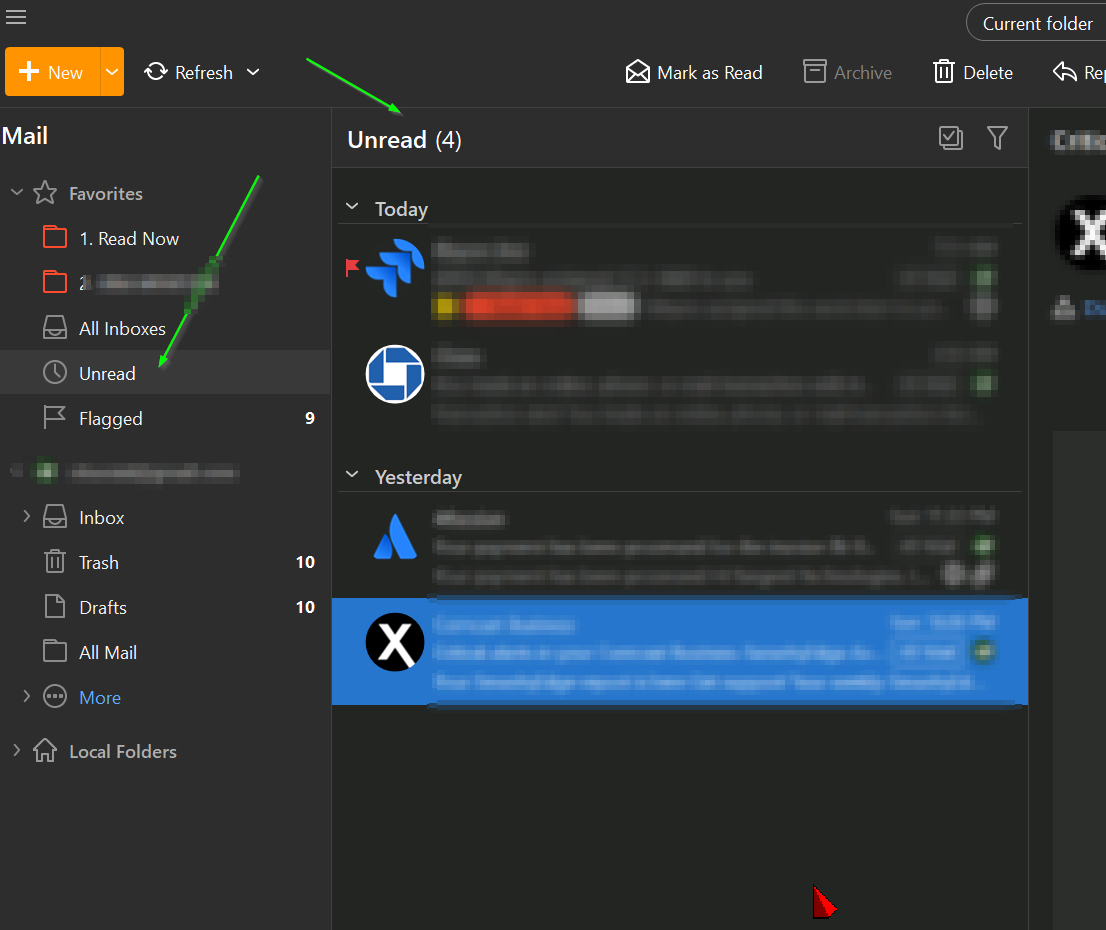
This screen shot shows how read emails are still sitting in the ‘unread’ box requiring me to stop and look for icons or swap back and forth. Even a refresh button would be more useful than this is.
This I consider a bug - you can clearly see there are zero unread, yet it still shows 4 at the top. Makes me have to stop and look.
There needs to be a quick way or setting to as I read the emails that, well, they leave the unread box. Immediately.
The only way to clear the read mails from the Unread global folder is to “click to another folder and then click back to the Unread folder”.
The reason for this as @gary advised previously in the below thread, is if the emails automatically removed from the unread global folder after being read “where alot of users have already suggested that”, it would then create a cascade effect and would eventually clear all your unread messages.
So that’s why read messages don’t automatically clear. That may change one-day if there is a way to avoid the cascading auto read effect.
And now that I think about it, the other ‘quick fix’ is - I click on the unread box and it refreshes. I would find that good enough. I’d simply click there instead of clicking another email.