Is there a way to turn this off? I do not want to see spam in my Unread tab. It seems this has been activated after an update?
Hello, Junk and Trash folders are by default not included for the Unread special folder, there is no settings for this, are these spam emails really located in a correctly-recognized Junk folder?
You can check the real location of a specific message either via the Folder box in the list/message header or via right-click inside the message>Properties.
Make sure that folder is correctly seen byt the program as a Junk folder for that given account, it will have this icon:
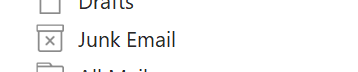
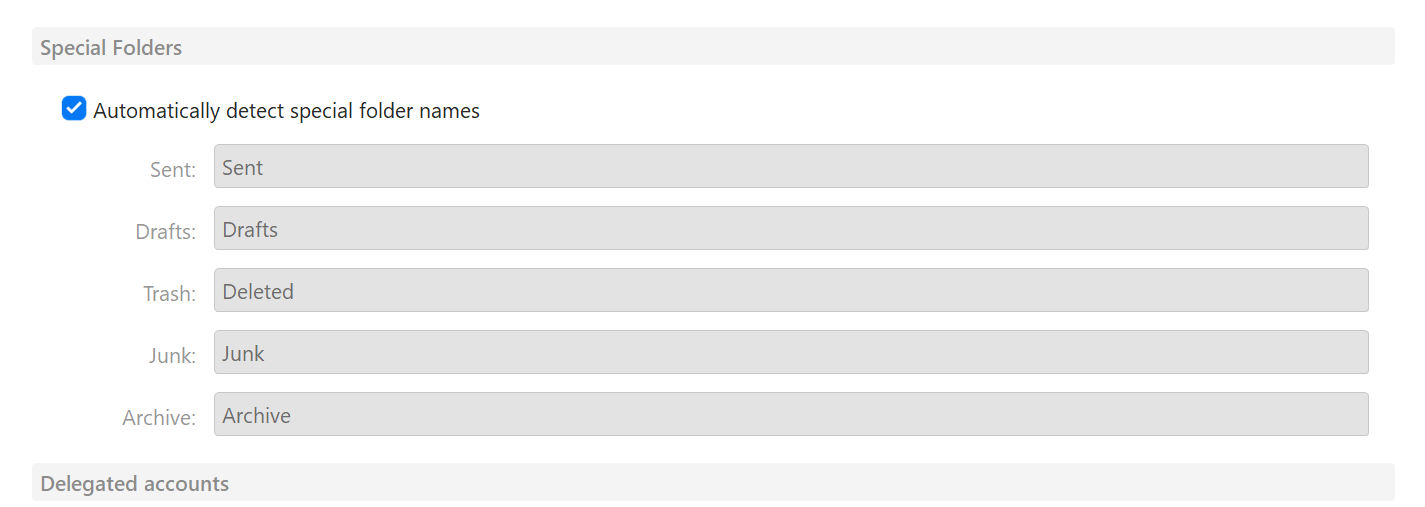
Once you find in which account this folder is located, you can specify/fix the detected Junk folder in menu>Accounts under the IMAP tab; you can uncheck the option to detect these folders automaticallt and instead fill in the correct location:
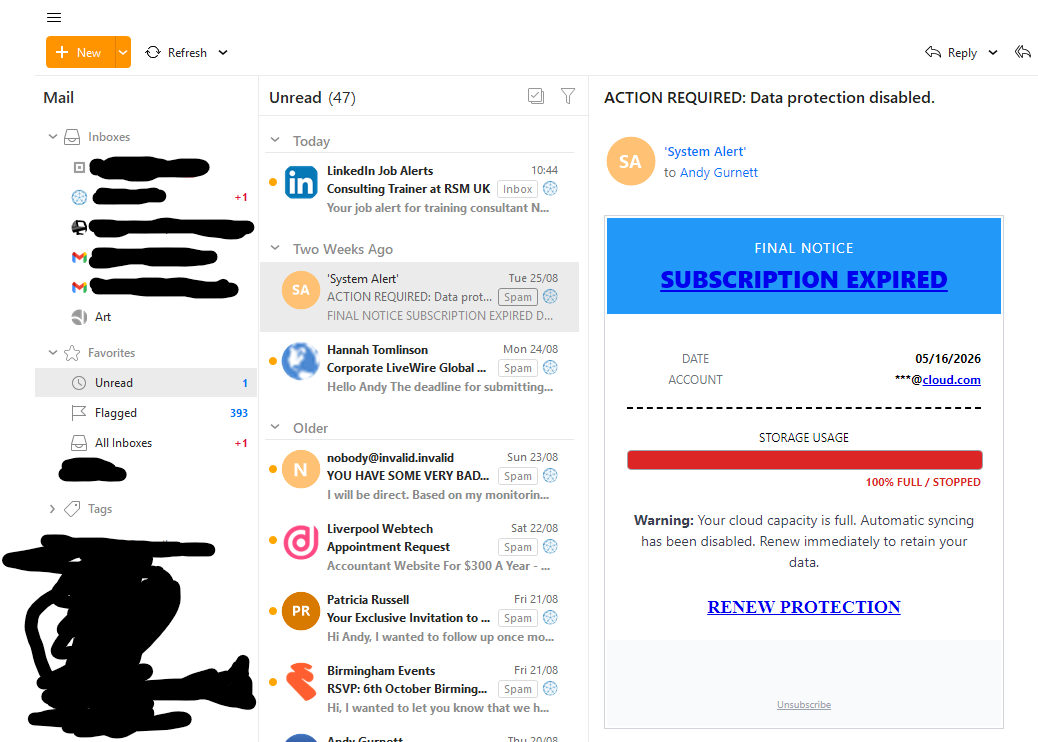
It’s marked as spam but it’s definitely in the Unread folder. It wasn’t previously, it just stayed in the various spam folders. I realised that there was a power outage the other day and thought maybe the program got corrupted.
Can you please try follwing the steps I mentioned before? Checking if the Spam folder is correctly recognized as the special folder for Junk/Spam and not just a “normal” folder named Spam right now?
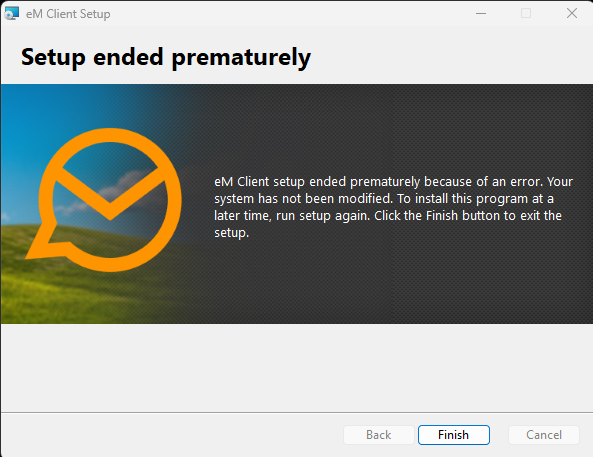
I don’t think repair of the installation would do anything in this case, but you can try restarting your device and trying the repair again before running eM Client. Otherwise without the error that popped up I cannot tell what might have stopped the repair procedure of the installation.
I see you are correct there is a correct Junk Email folder that is receiving some messages and a regular folder called Spam that is also receiving some messages. I am not sure why this is. Is there something I can do to affect the messages going into Spam and have them going to Junk Email so that I only have one folder for Junk/Spam and that doesn’t appear in my Unread?
Try setting the “Spam” folder as the main Junk folder in eM Client and see if you can delete the other Junk folder.
This can happen sometimes when the server either dos not identify the spam/junk folder correctly or if there was perhaps another junk folder created in the past by different app… the best solution is to identify which folder the mail server sees as the main one (as that cannot usually be changed) and customize the eM Client settings to match so they both use the same one.
1 Like