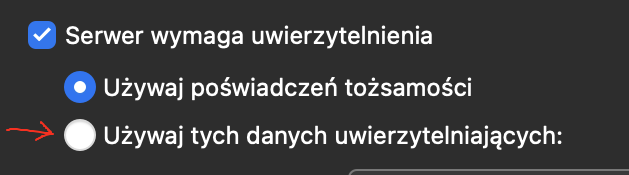
I 100% put OK password and mail but still got error
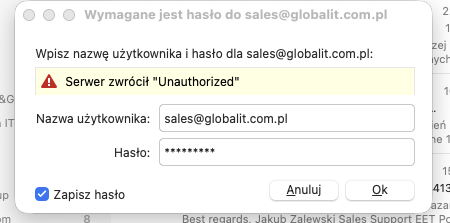
If this is a new setup and you can get into your webmail ok, then you might need a eg: “generated app password” from your account online rather than your normal email password.
Or could be you might need to eg: “allow third party mail access” in your mail account online.
Or could be your eg: “mail server admin might be restricting certain mail clients” & causing invalid username and password..
So check the above incase that’s the problem.
Apart from that, update who hosts your mail ?
Also is it an IMAP, Exchange, Office 365 or iCloud account ?
Also what is your incoming mail server settings ?
Lastly what version of eM Client ? and do you have Windows or Mac and what OS version ?
Apart from that, update who hosts your mail ? its my serwer mail
Also is it an IMAP, Exchange, Office 365 or iCloud account ? - its only IMAP
Also what is your incoming mail server settings ?
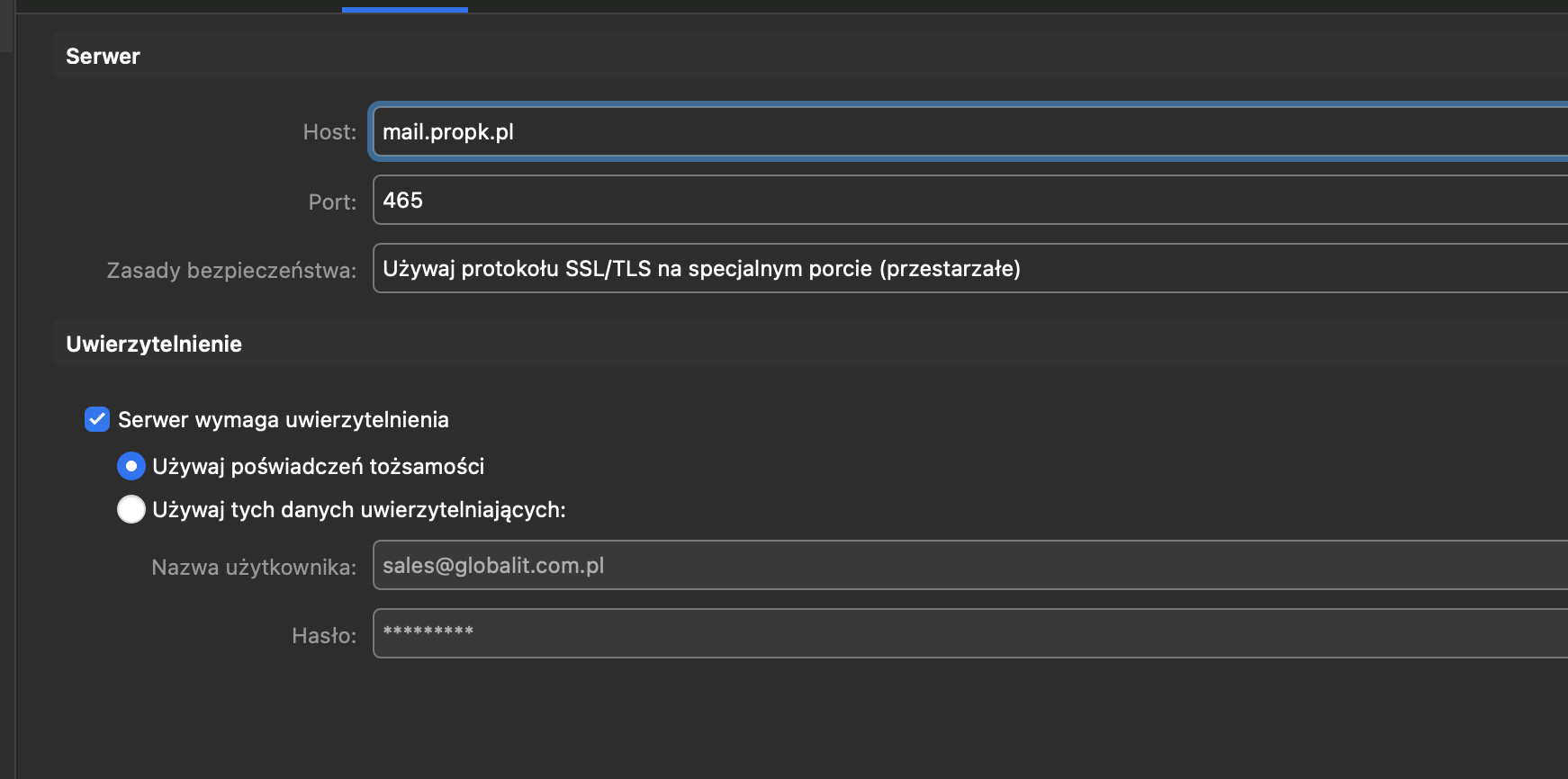
I check in Windows and MacOS - but i got for another client mail.app and Outlook Mac - its all work perfect
Could be your “Security Policies” might need changing for your IMAP & SMTP tabs
These are the following settings you can use with eM Client.
eM Client V10.3 or higher
(IMAP)
Server address - xxxxxx
Server Port - 993
Security Policy - "Use TLS on Special Port”
Or
Server Address - xxxxxx
Server Port - 143
Security Policy - "Use STARTTLS if available”
(SMTP)
Server Address - xxxxxx
Server Port - 587
Security Policy - "Use STARTTLS (Always)”
Or
Server Address - xxxxxx
Server Port - 465
Security Policy "Use TLS on Special Port”
eM Client V6 to V10.2
(IMAP)
Server Address - xxxxxx
Server Port - 993
Security Policy - “Use SSL/TLS on special port (legacy)”
Or
Server Address - xxxxxx
Server Port - 143
Security Policy - Use SSL/TLS if available
(SMTP)
Server Address - xxxxxx
Server Port - 587
Security Policy - “Force usage of SSL/TLS”
Or
Server Address - xxxxxx
Server Port - 465
Security Policy - “Use SSL/TLS on special port (legacy)”
Also you might need to enable “use these credentials” check box with your email address / password.