I started using the mobile app and I’m loving it. So much, that I added to it some email accounts that I didn’t have on my PC client. Is there a way to export that info from the app to the PC client, or do I have to capture them manually? Thanks
Is there a way to export that info from the app to the PC client, or do I have to capture them manually?
Yes you can export the mobile app settings.
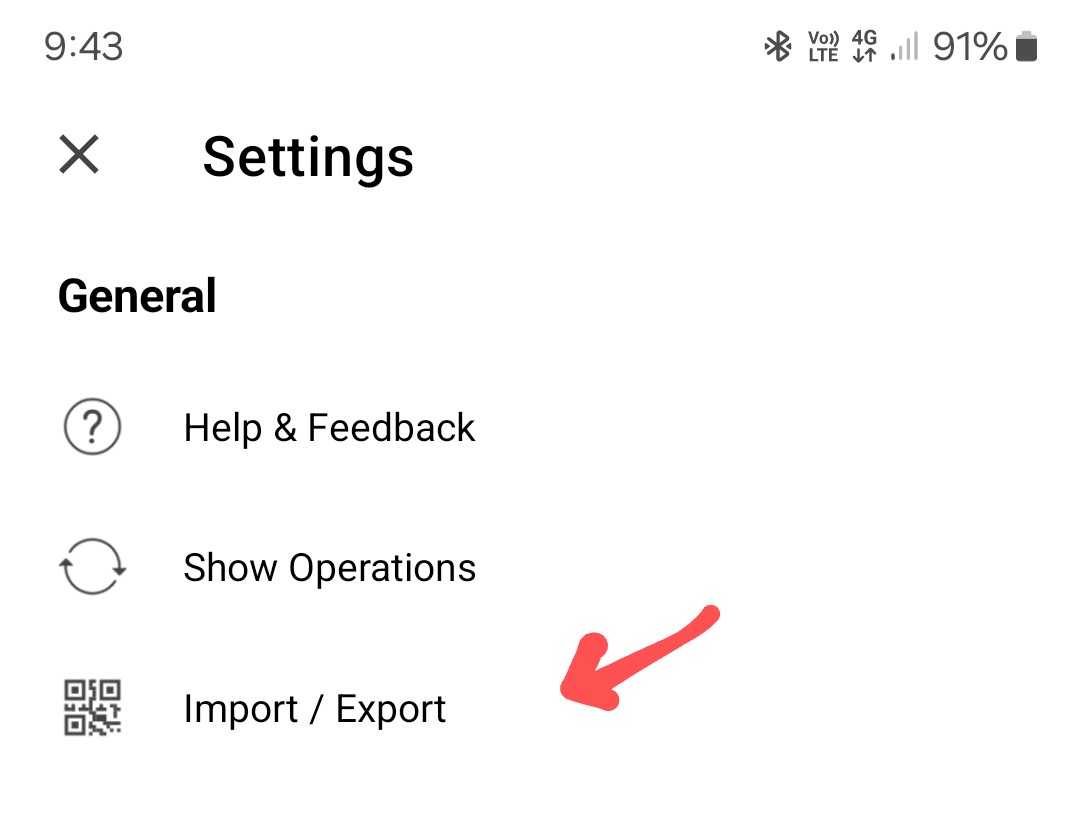
Press the “Menu / Settings” and under “General” press “Import / Export”.
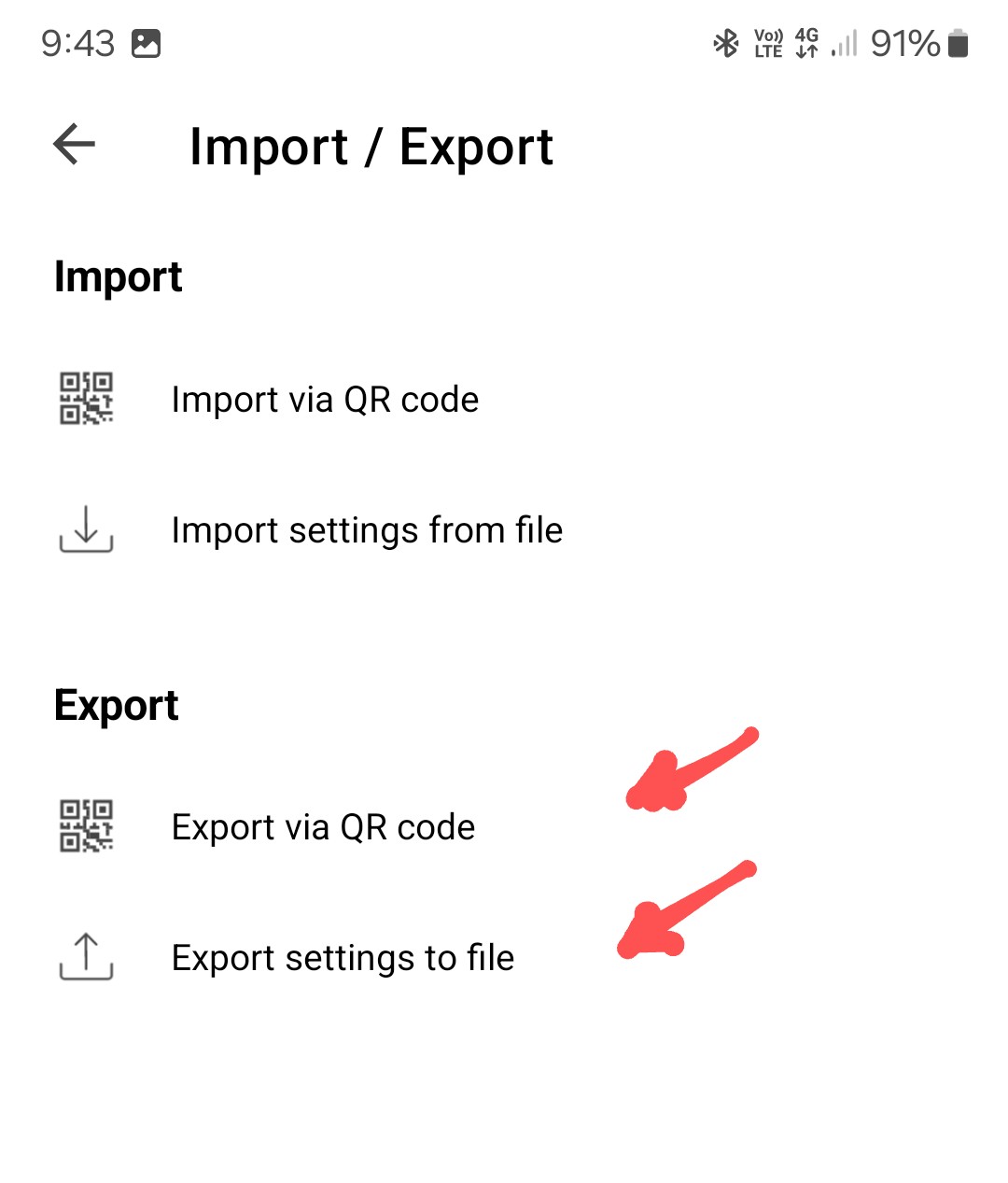
Then under “Export” press either “Export via QR Code” or “Export settings to a file”.
1 Like
Thanks a lot. On my mobile app (version 10.0.2081) I only get the “Importar mediante códio QR”, taht is Import via QR code. There’s no export option and obviously not an option to export to file or via QR. The “Importar mediante código QR” option opens my camera directly.
There’s no export option and obviously not an option to export to file or via QR
Apologies, those export options on the mobile app “are in an upcoming release” which hopefully will be out soon on the Google Playstore and iOS App store.
Is this a beta version? Is it also for iOS?
Is this a beta version?
It’s not a current public beta mobile release version, but is an upcoming beta version. no eta as yet.
Is it also for iOS?
I presume the same export mobile options should also be available on the iOS devices when the next Beta is released, which hopefully is not far away.
There is a new iOS update V10.0.2643 on the App Store just been released that now has the Import and Export settings to file and import and Export via QR code option.