As per title. Certain apps on my android create calendar entries only on the phone’s native calendar. Is there a way to make the emclient calendar pull them/sync them?
I can sync the phone’s calendar entries with google calendar, so that they show as entries of a separate account (no account credentials, just a designation as the phone’s “my phone/my calendar”), but then they won’t show up in emclient as google calendar entries (as of course they’re not).
Outlook on android allows me to add a local account including the phone’s native “my phone/my calendar”). The entries show up as a different colour/calendar, but they sync.
Certain apps on my android create calendar entries only on the phone’s native calendar. Is there a way to make the emclient calendar pull them/sync them?
As you have Google calendar, I would then “set Google calendar app to be the default” in your OS, so when you save from other Droid apps it saves to the that calendar directly and not your local calendar. That will then sync with eM Client “if you add in your same Google calendar account”.
Or otherwise "if you don’t want to set Google Calendar as the default or your other apps still won’t save directly to Google Calendar, then you will normally have to manually add your Local Calendar entries to a cloud calendar as there is no custom sync local calendar to eM Client app.
Most Droid apps can also save to .ICS files which will then save events into eg: Google calendar or any other standard default cloud calendar if your other apps have that option in them when saving.
Set Google calendar app to be the default in your OS
The OS on Samsung s23+ won’t do that. That’s a Samsung OS issue.
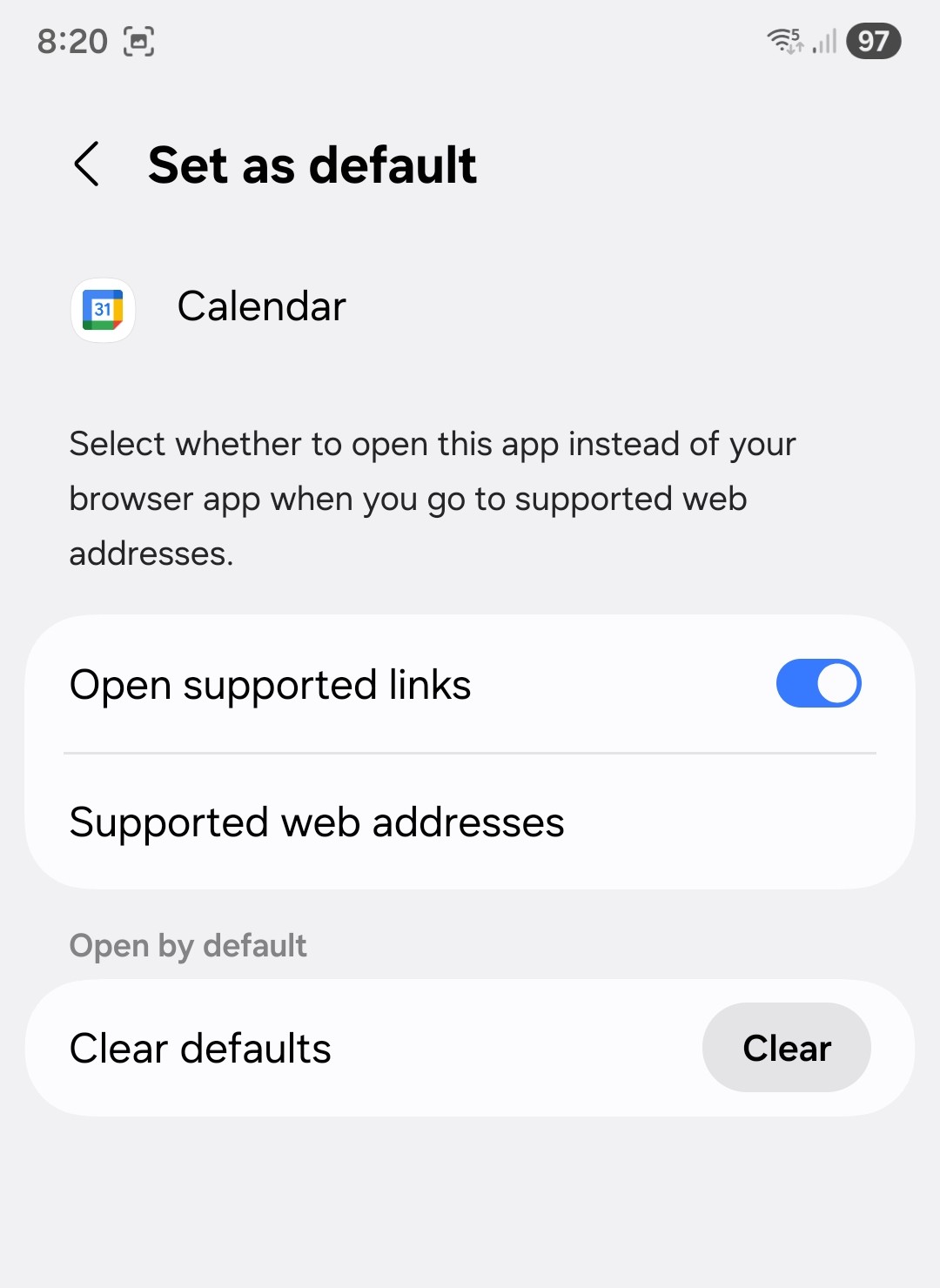
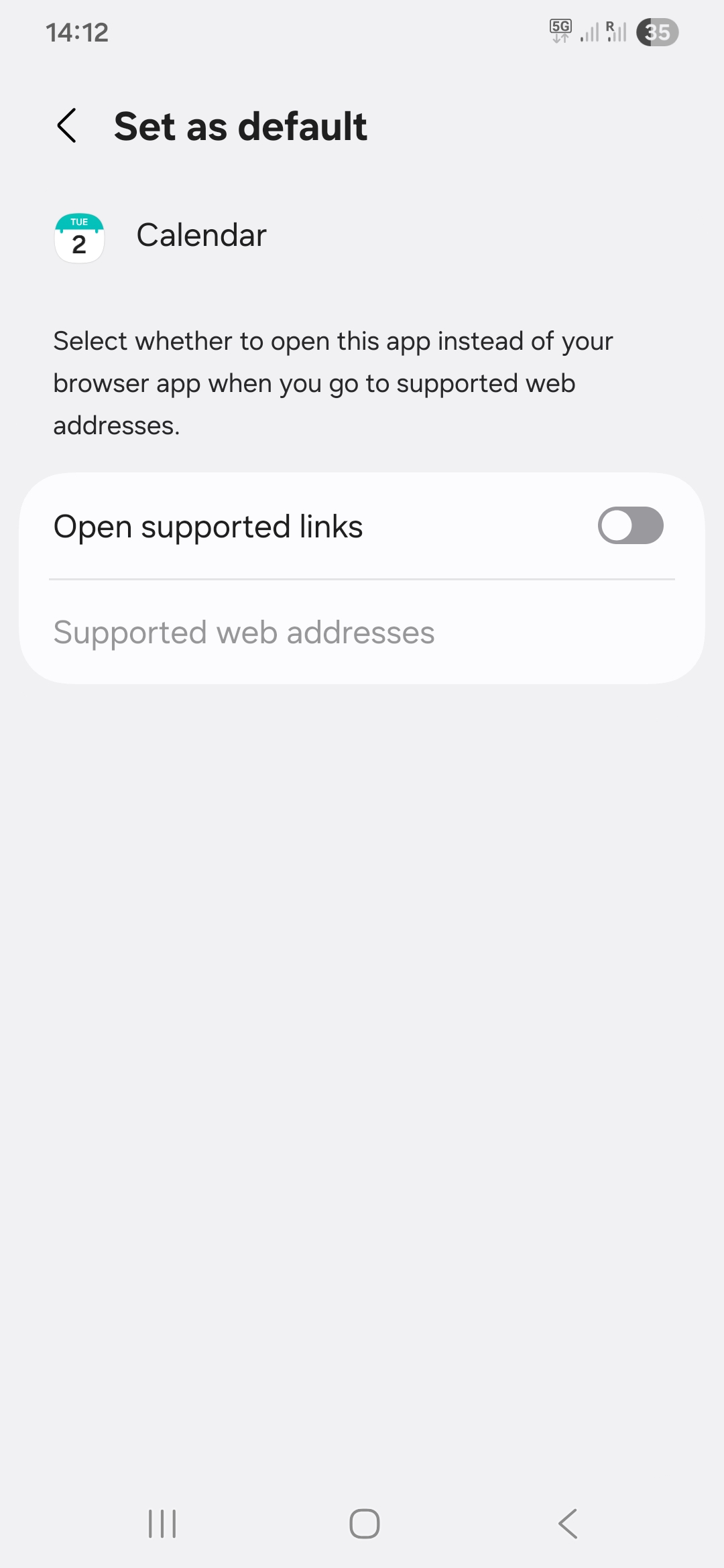
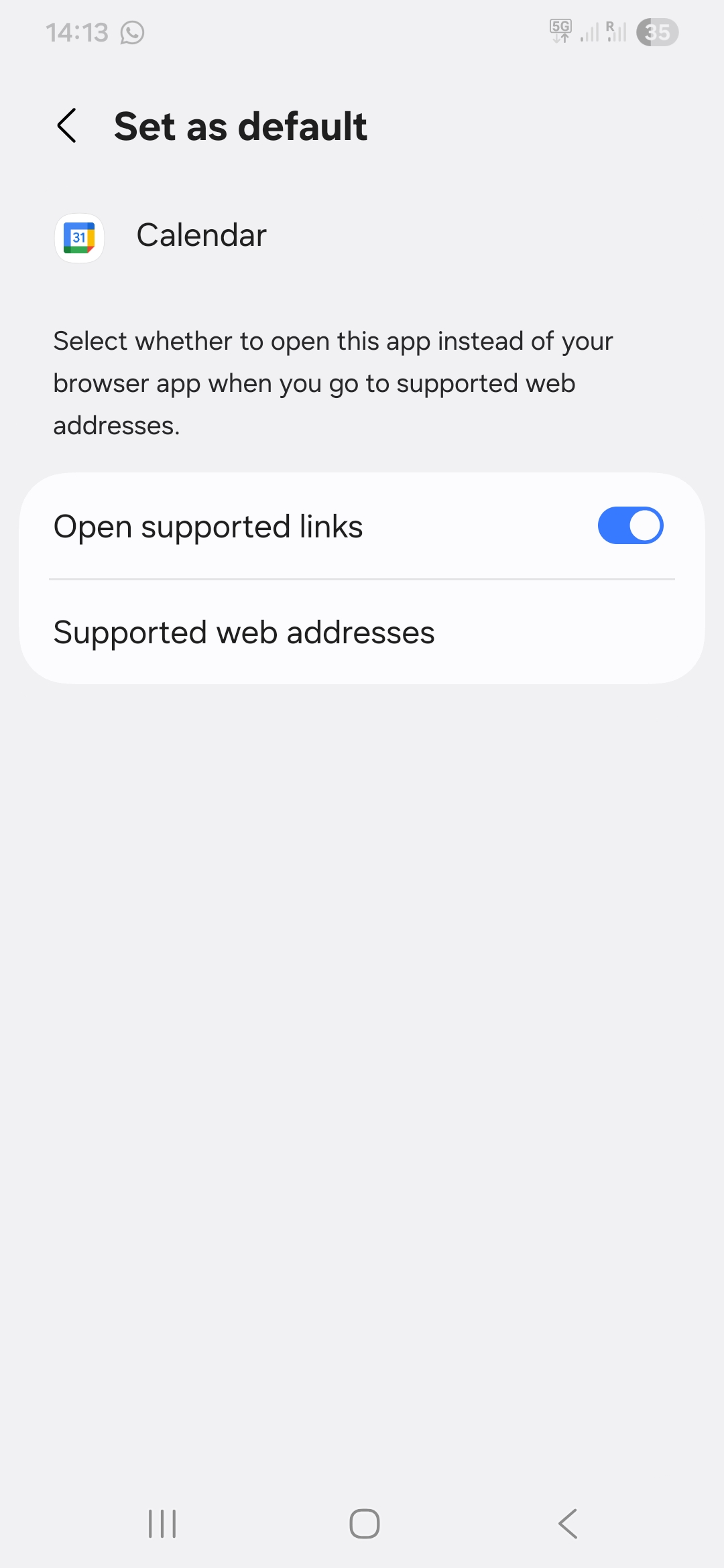
Yes the Samsung S22/23/24/25+ will do that via “OS / Settings / Apps / Google Calendar / Set as default”
To clear your current Samsung Stock Calendar as the default, go into your Samsung stock Calendar app in the “OS Settings / Apps / Samsung Stock Calendar / Set as default” and “Clear it as the default” via the Clear button. Then make the Google Calendar the default.
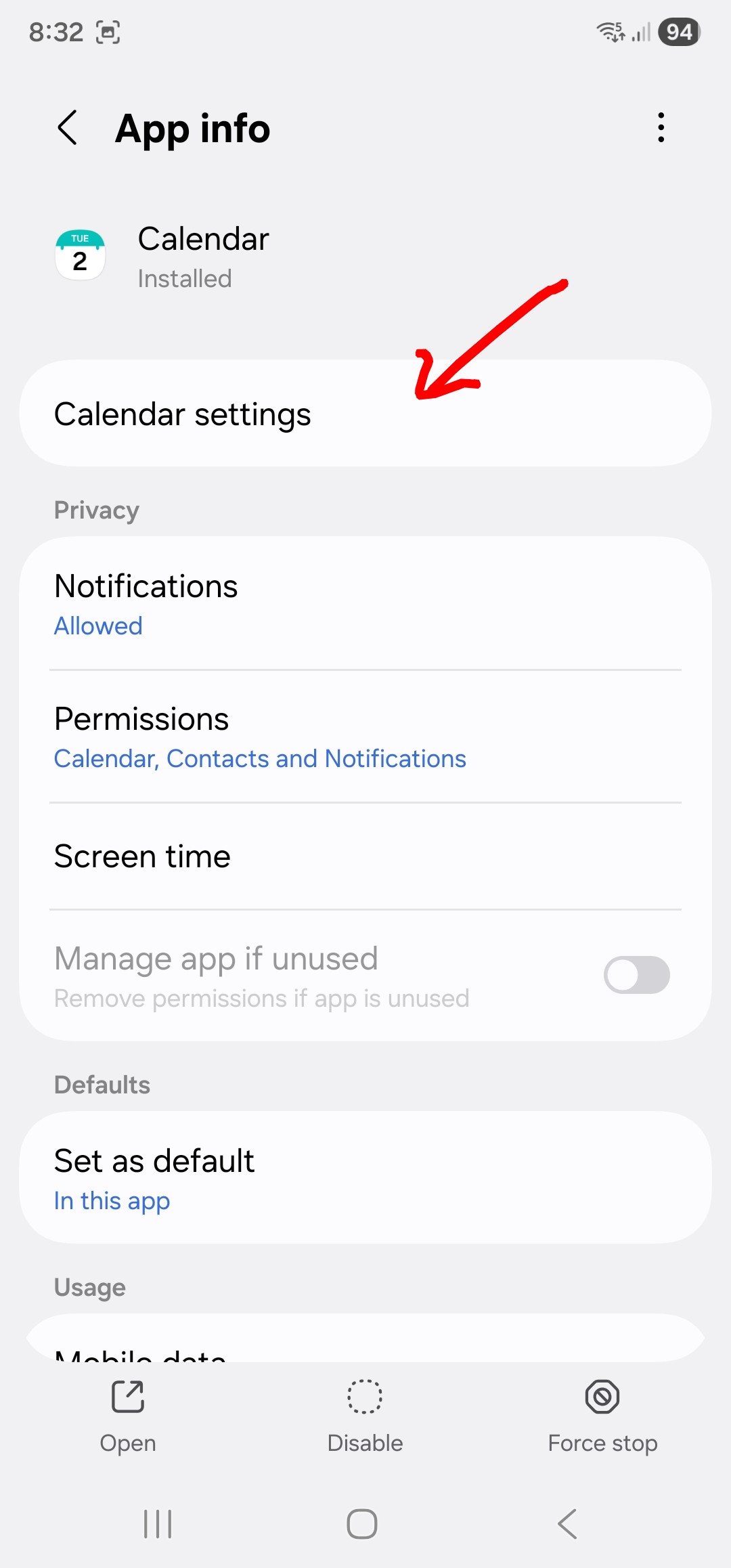
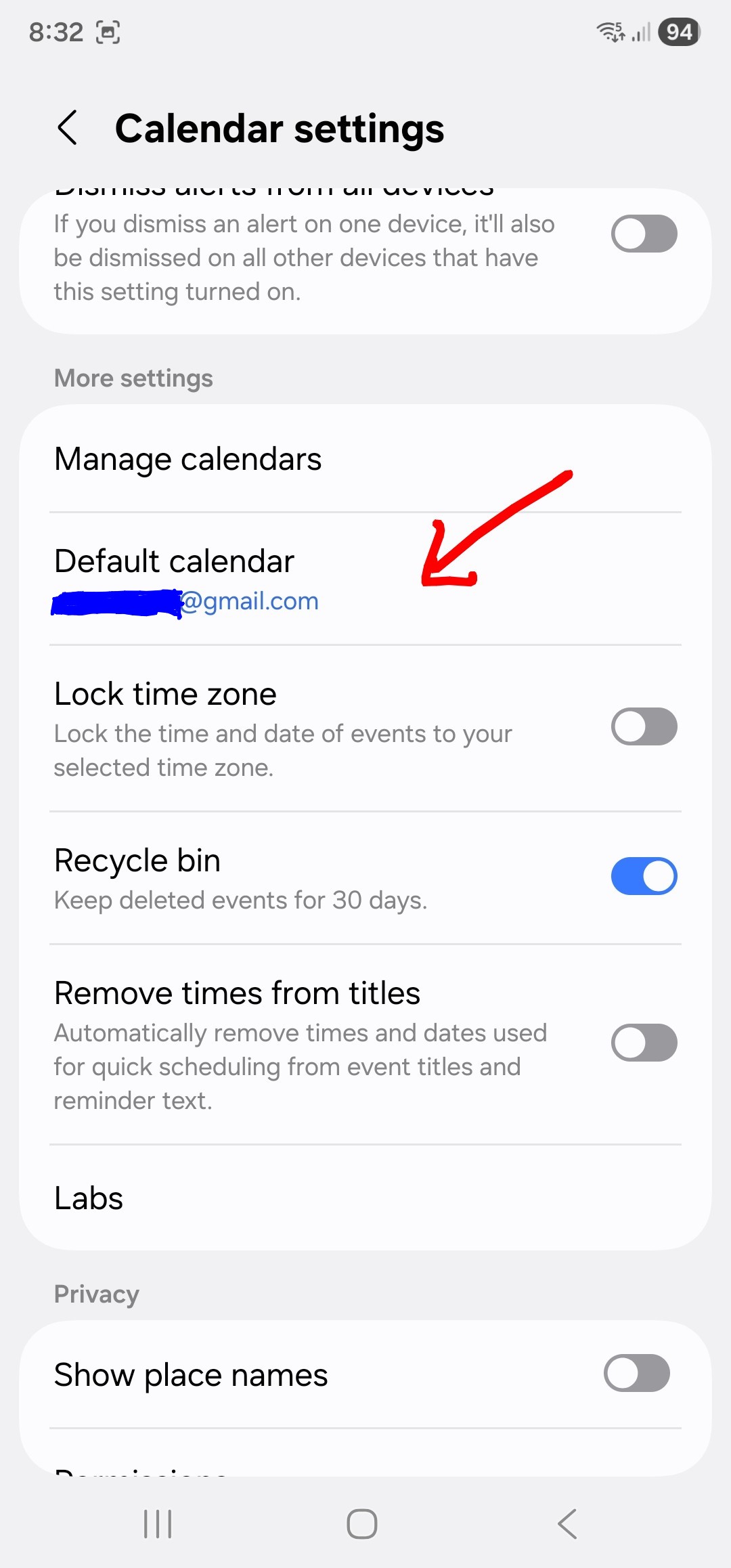
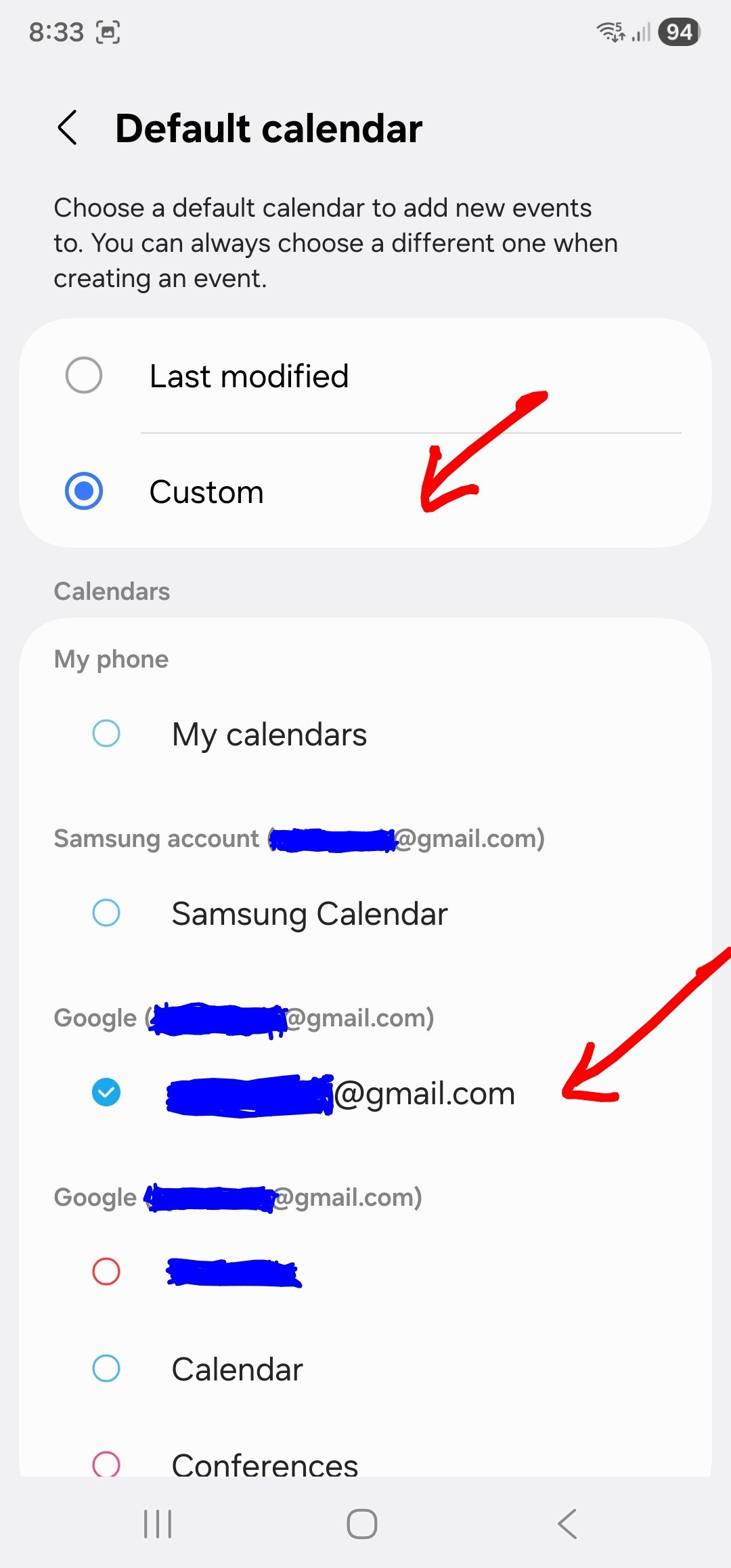
Also go into your “OS / Settings / Apps / Samsung Stock Calendar / Calendar Settings / Default Calendar / Custom” and select your “Google Google account email address” and disable all other calendars as below example.
So even if you do then open the Samsung Stock Calendar, “it will only show your Google Calendar events” and “will sync then to eM Client the same” with the same Google email account.
Thank you for getting in all the trouble. The screenshots are very helpful. They’re also very telling in that my phone doesn’t have the same “clear” button, see attached.
Ok well just select then Google Calendar as your default calendar “within the Samsung Stock Calendar as per my screenshot” further up and disable / uncheck all the other calendars in that app so it will then be the same as eM Client.
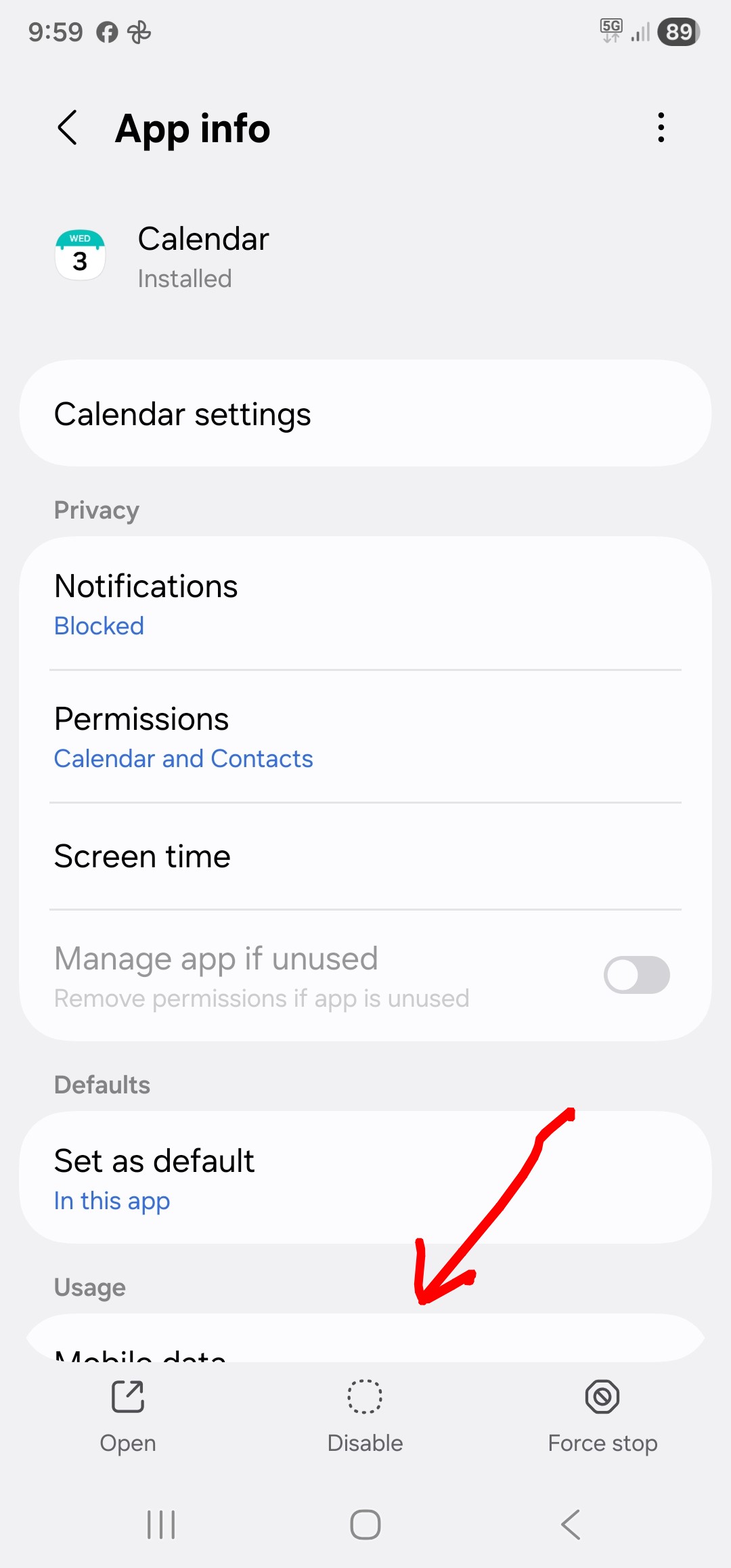
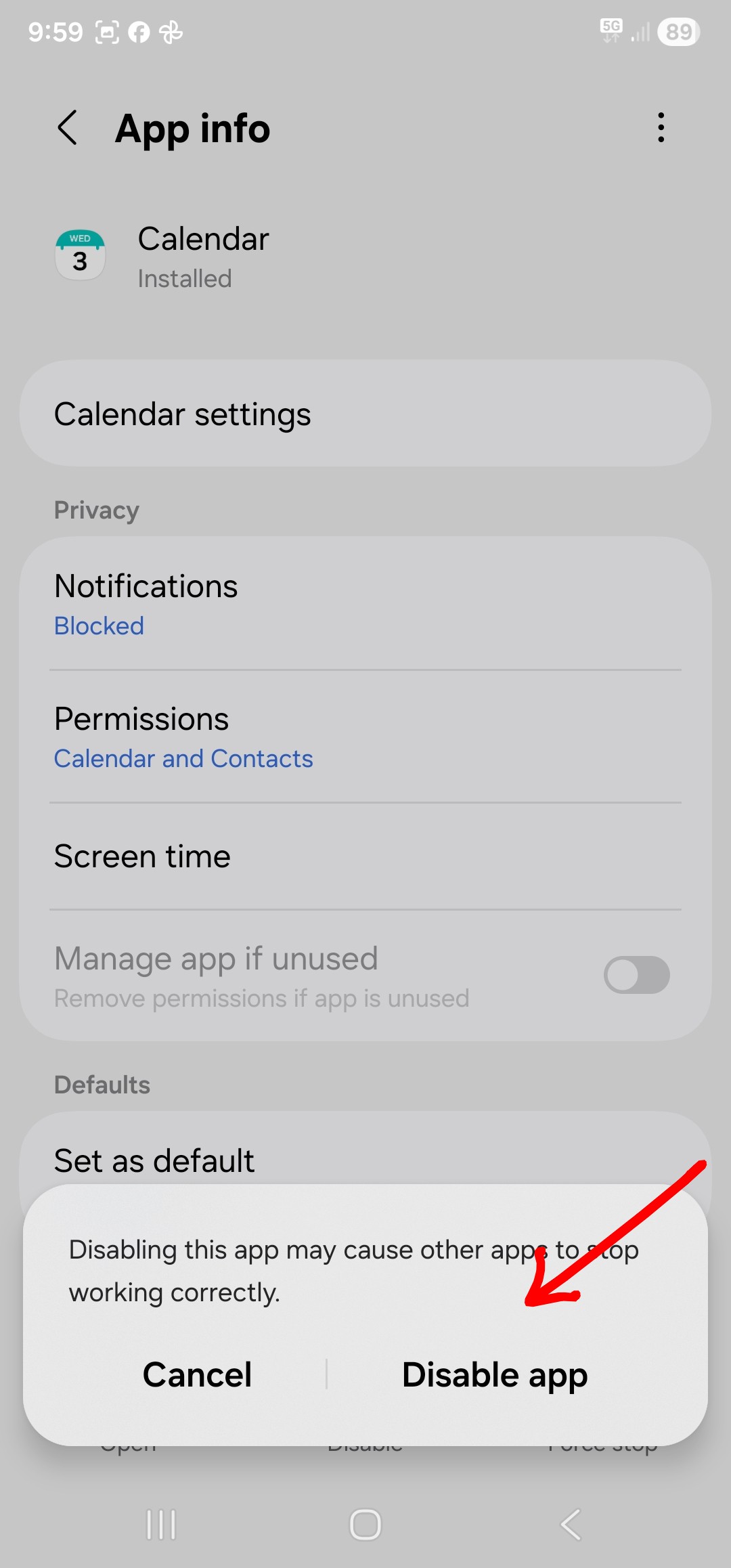
Or alternatively go back to “OS Settings / Apps / Samsung Stock Calendar” and press “Disable” at the very bottom of the app.
So your OS should then use the Google Calendar as default when saving or adding events and sync the same as eM Client, provided you have no other alternative calendar apps installed or enabled.
After more experimenting with setting Google Calendar as default “where there is no clear default button in the Samsung Stock Calendar app” as you advised, there is a way to force the OS to ask you which calendar you want as default.
To do that, open all your various calendar apps you have “including Google Calendar app” and (press the clear button on any of them that have a clear button). Then clear the cache and data in the Google Calendar app “Storage section” and then uninstall the Google Calendar app and reinstall the Google Calendar app from the Playstore.
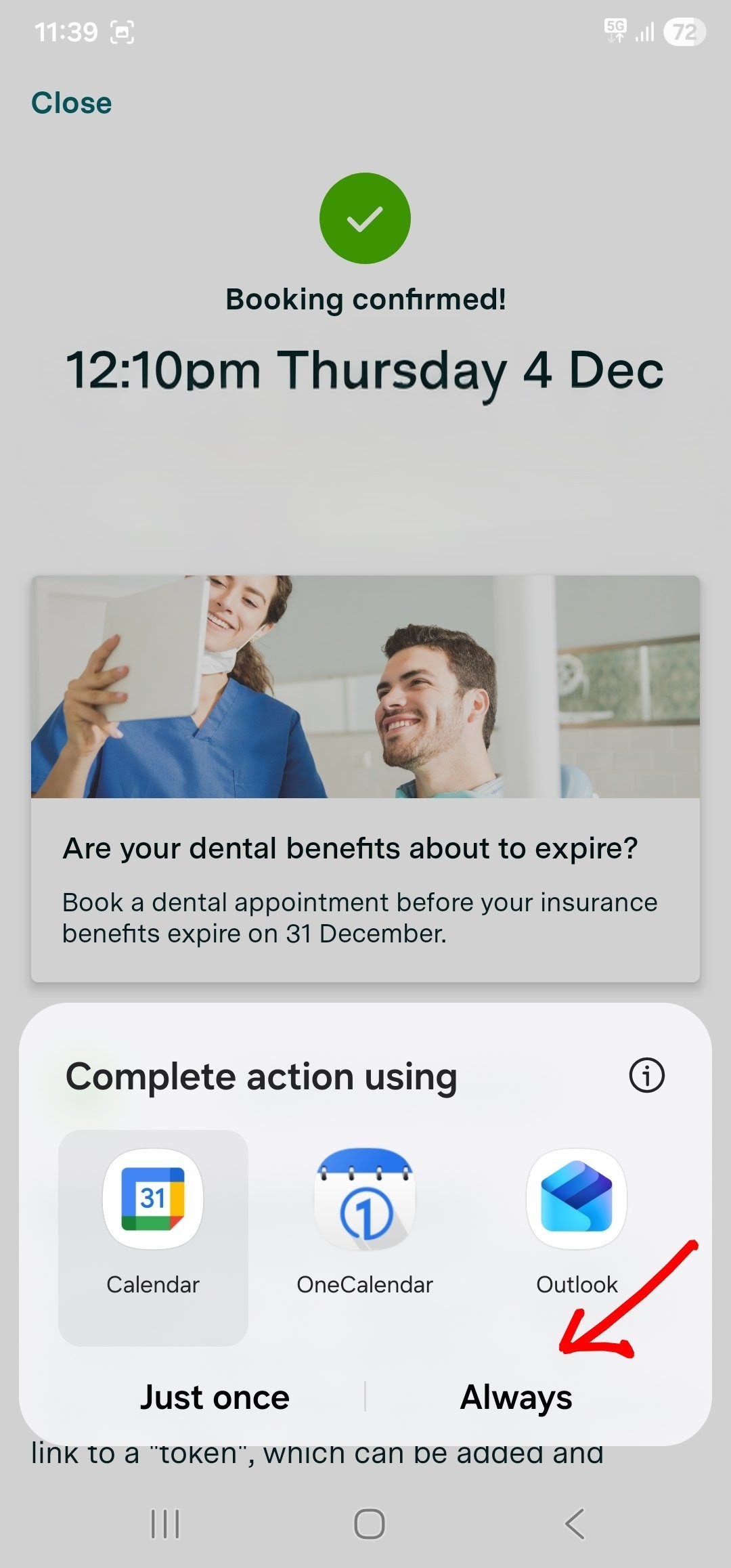
Then reboot your Samsung mobile and then open one of your apps that saves / creates an event “which will then force the Droid OS to ask you which calendar you want default”, as in the example screenshot below where you then press on “Google Calendar” and select “Allways”.
It does not on my phone. It does not ask which calendar to use. It just asks for permission to “the calendar”, I believe it refers to the calendar as a service, not as an app. It then proceeds to make an entry on Samsung’s native calendar. This, while I have the Samsung Calendar disabled, while I have disabled permissions to the calendar service to ALL apps (incl eMC and Outlook) except Google Calendar (after clearing the cache on it, uninstalling it, reinstalling it and rebooting), and while I have cleared the cache on eMC, on Outlook and on the third party apps that I’m using to create calendar events.
I troubleshot with Samsung support via chat last night and via remote-control today. No luck, they are still looking into it. Samsung calendar is somehow hardwired as the default calendar. My phone doesn’t have a switch to define which is the default calendar app (similat to the switch it has to determine eg which is the default browser). Whether in the phone’s settings, or in the Google/Samsung Calendar apps’ settings. All troubleshooting attempts are to merely indirectly influence that choice.
But this is all incidental to my phone. The main point for eMC purposes is that its Android calendar cannot see local / native calendars, while Outlook on Android can.
This was confirmed by eMC support today:
Blockquote
thank you for reaching out. Unfortunately, this is not currently possible. When designing the application, we have only considered synchronization via accounts; be it email accounts or specialized CalDAV accounts. eM Client is not able to send or receive data from native apps. We are really sorry about the inconvenience.
The main point for eMC purposes is that its Android calendar cannot see local / native calendars, while Outlook on Android can.
It’s not surposed to connect directly by default to the local Samsung app event entries “as that’s a completely different custom written local calendar app”. So suggest if you want that, put in a Sleekplan suggestion for others to vote on.
So as I mentioned previously if you currently want to sync your local Samsung Stock Calendar events to eM Client calendar" and carn’t make Google Calendar default in your Samsung as I can, then “just enable Google calendar account (within the stock Samsung calendar app) as per my screenshots above” and disable any other calendars including the Samsung calendar account (within the app itself), so your saved event entries will then sync to eM Client Calendar via your Google account “as it’s then the only account enabled in the stock Samsung calendar”.
That’s what I do if I want to use the stock Samsung calendar app and it then syncs fine to eM Client calendar as per my screenshots above and below using my Samsung & OS16