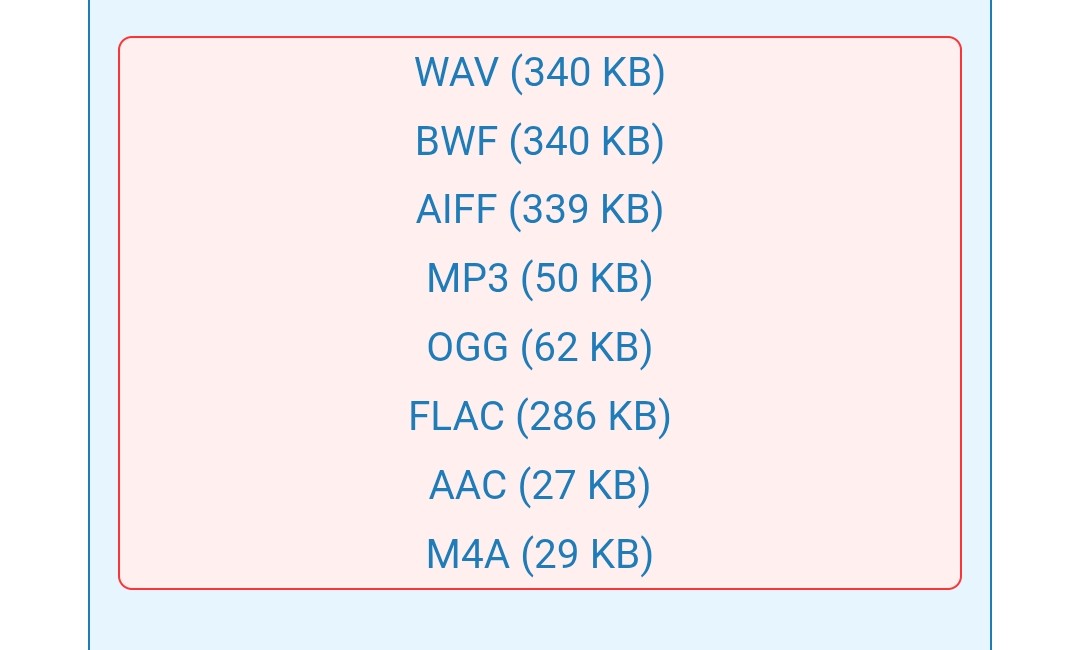
If you want a Swoosh sending mail sound for eM Client on Desktop or Droid Mobile app like Apple you can get it via the Big sound site below.
For Android app, put it in the “Internal Storage / Notifications” folder and then close and reopen eM Client to then select it from your account / notifications / sent mail. It will be at the top.
CC0 (public domain): Free and royalty-free