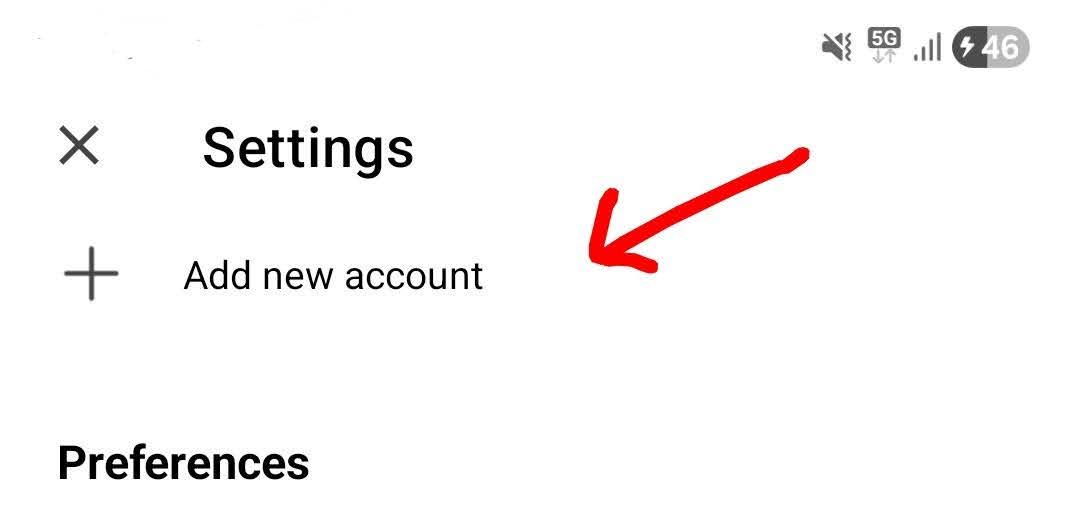
If you already have your email setup in the mobile app and just want to manually add an Internet Calendar in the mobile app , press the Menu (top left) and press “Settings”.
Then under accounts press “Add new account”.
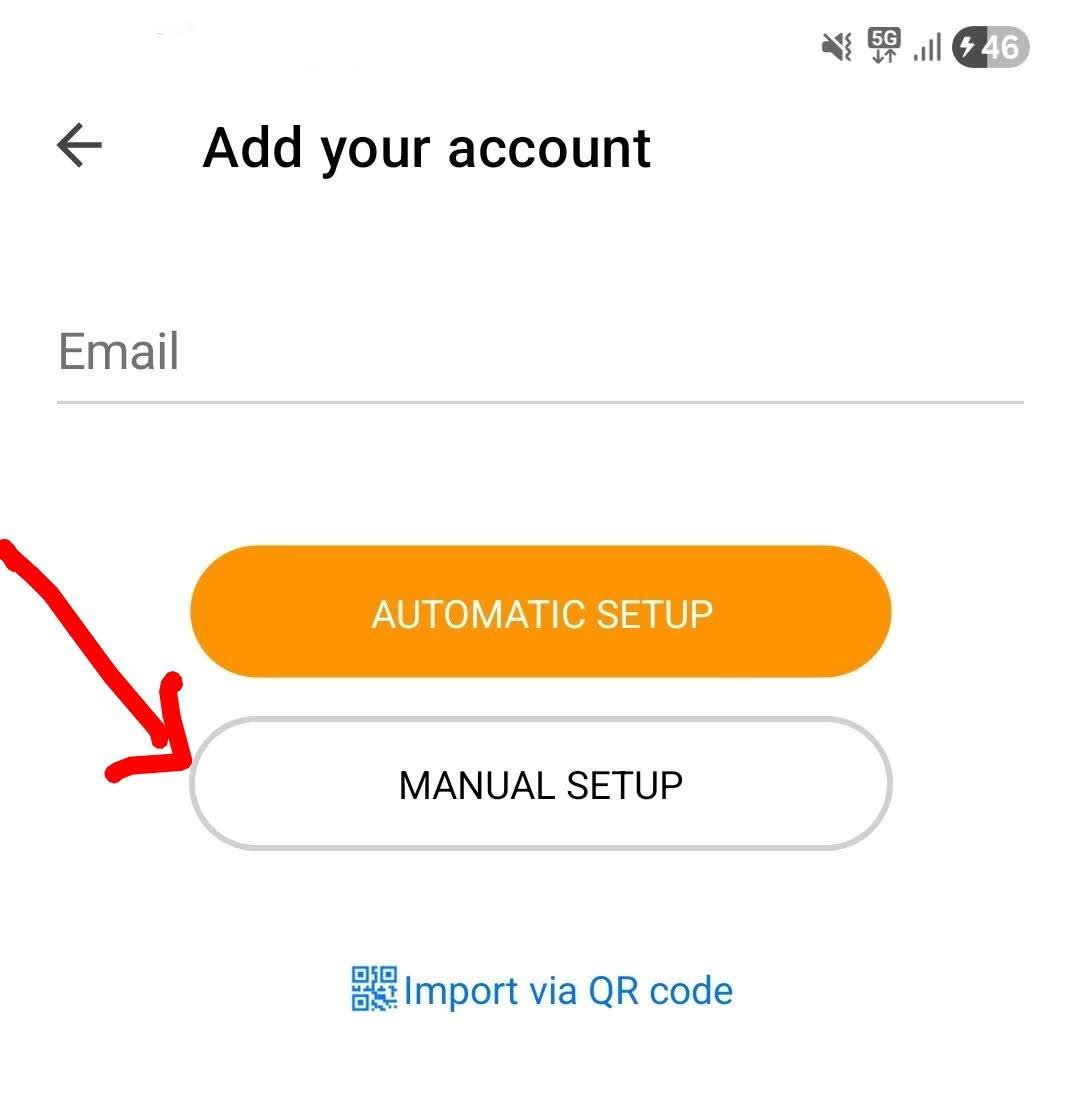
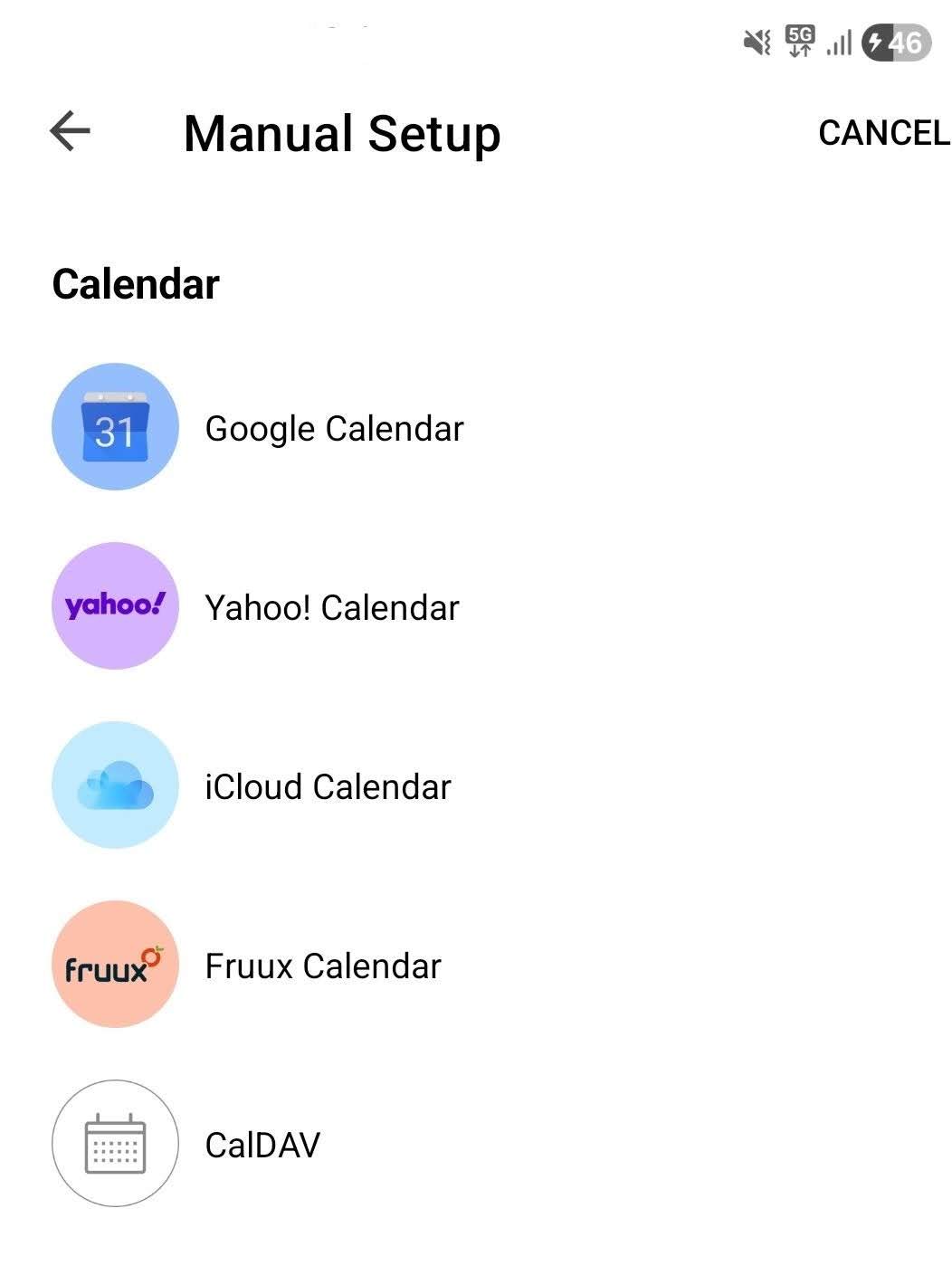
Then press “Manual setup” and choose your specific Calendar and follow the wizard.
Note: If it’s a CalDAV web based calendar, you will need the url provided by the calendar website.