Is there a way to subscribe to Internet calendars in the mobile app?
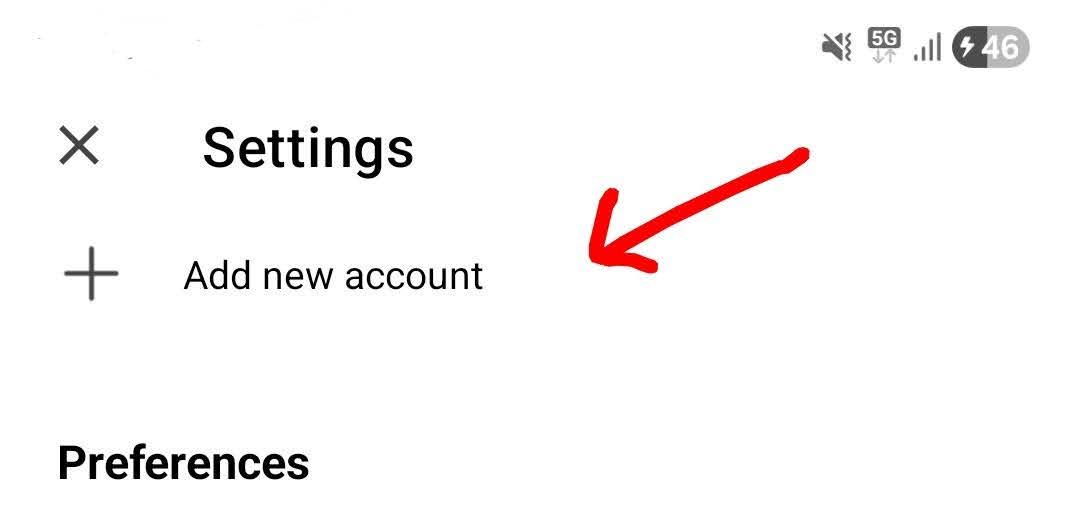
If you already have your email setup in the mobile app and just want to manually add an Internet Calendar in the mobile app , press the Menu (top left) and press “Settings”.
Then under accounts press “Add new account”.
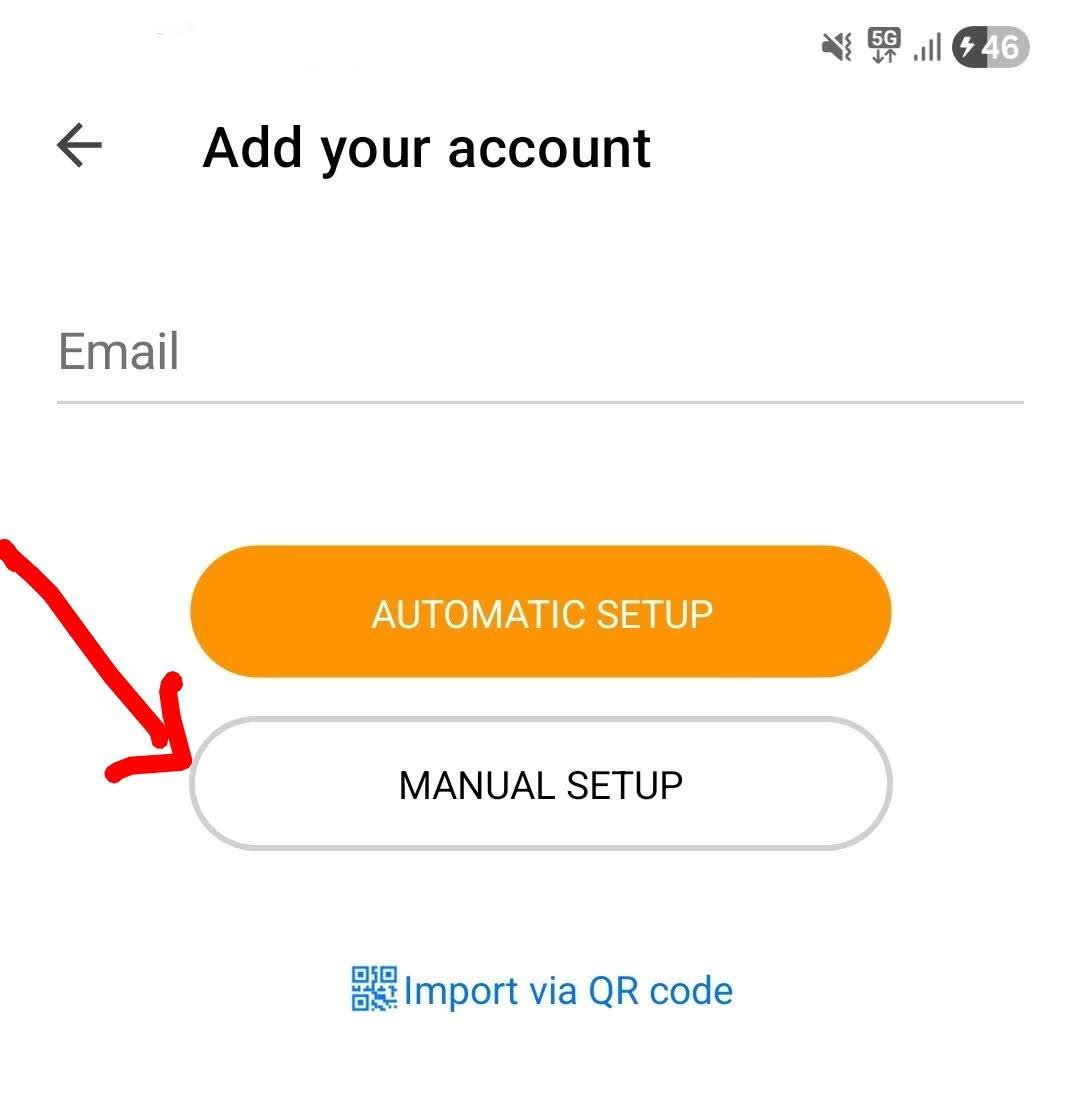
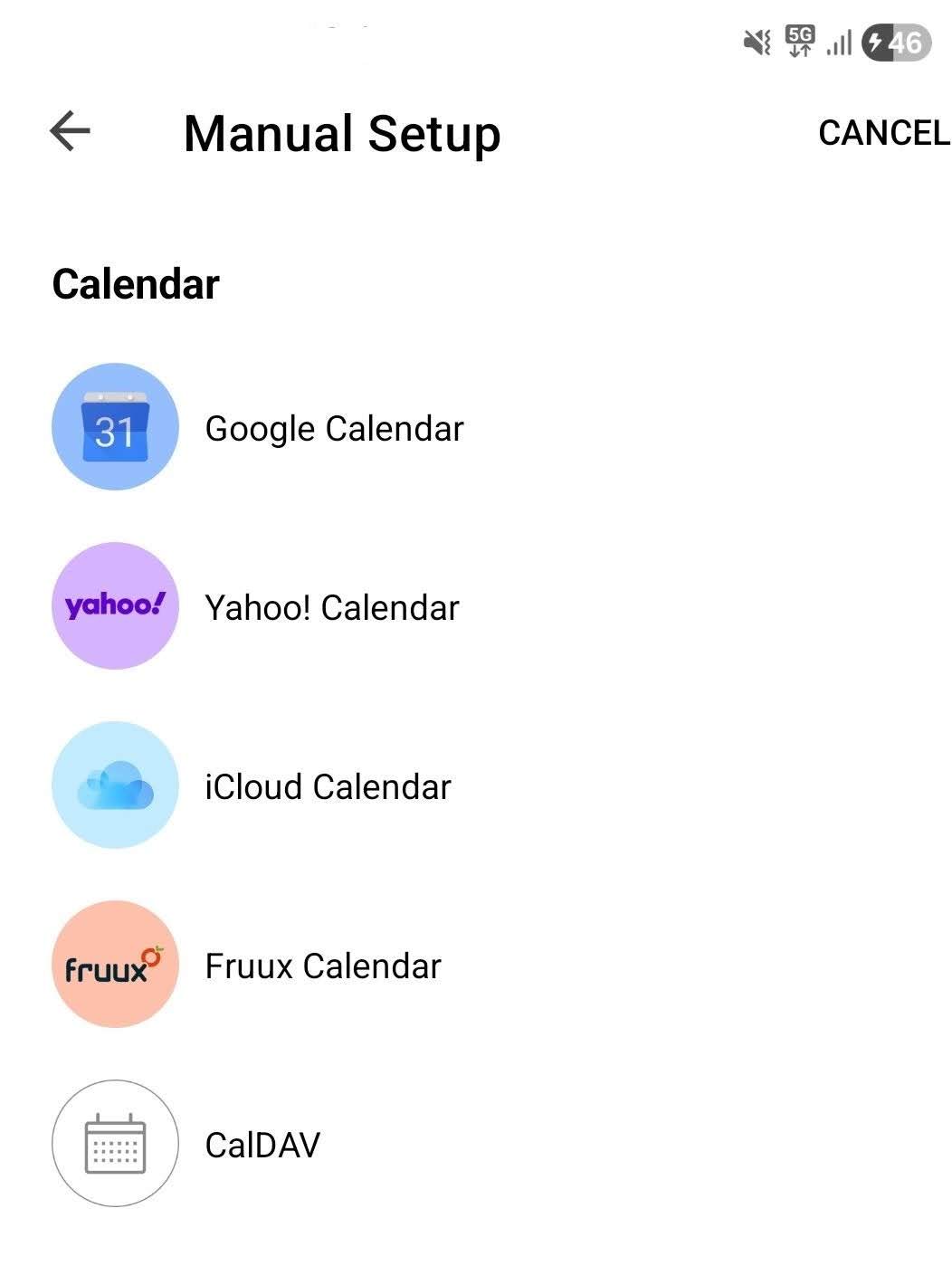
Then press “Manual setup” and choose your specific Calendar and follow the wizard.
Note: If it’s a CalDAV web based calendar, you will need the url provided by the calendar website.
Thanks for Your answer.
This way may help to integrale a calendar if it is part of an E-Mail-Account.
I want to build up the Connection to an Internet calendar (webdav). On the Desktop Version this is easy done by „Extras“ „Internet Kalender abbonieren“.
If its a differant webbased calendar to any of the above mobile calendar options, then suggest you create an idea for that via the Sleekplan page where others can then vote for that.
On the Desktop Version this is easy done by „Extras“ „Internet Kalender abbonieren“.
Whats the website of the calendar you want to link ?
Also when you say “Desktop Version” what program are you currently using to connect it ?