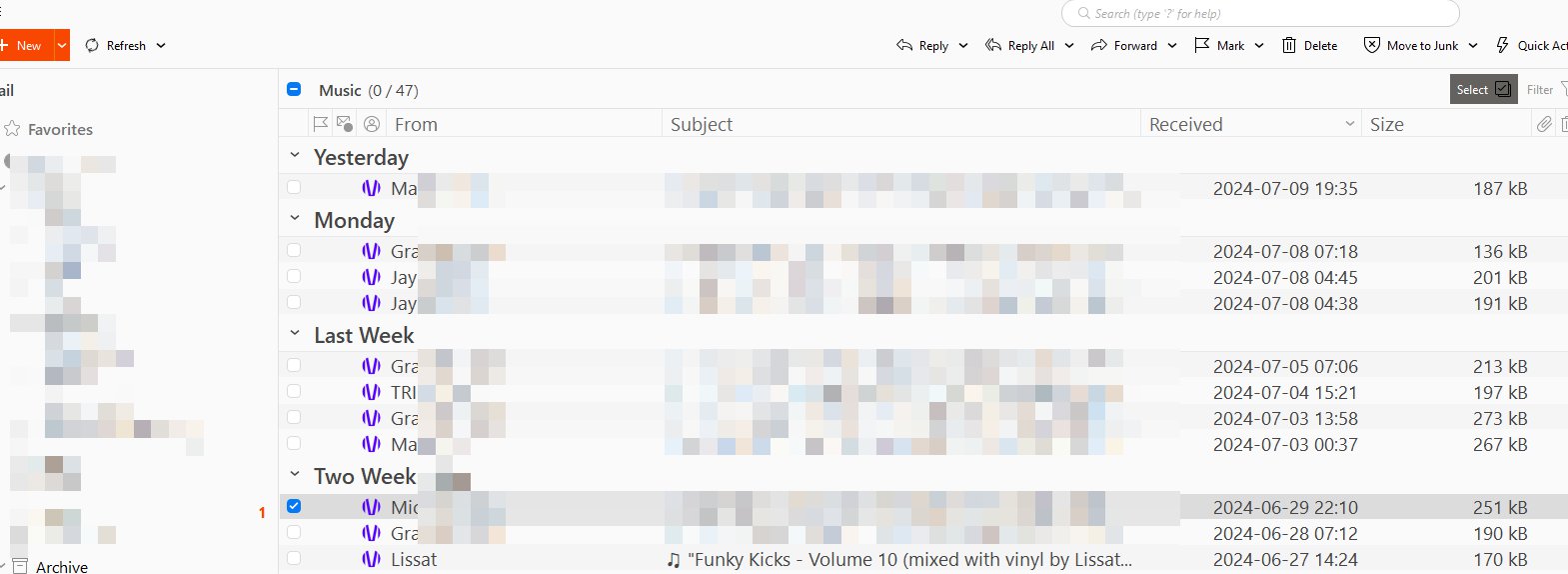
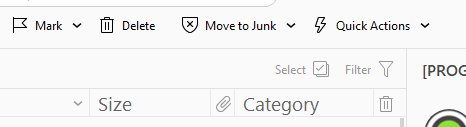
I just looked where I can search for a text and after I’ve made a screen shot of this part (Clipboard Image.jpg) I’ve found the “Select” and “Filter” in a complete unreadable grey.
After pressing “select” I only saw the columns moving but no selection boxes, but after another screenshot and zoom-in I’ve seen the unseeable selection boxes.
And then I noticed the search in the top window bar. For me as a classic user, I never look for something like that in a title bar in other programs (except at work in MS 365 but the title bar is blue).
On my other programs the title background is also grey or black. Only in eM client it is white and finally the search was hard to find.
Monitor is a LG 27GP850.
Windows 10
Maybe the theme could be updated. The light-grey to black etc.?
You do not say the Theme you are using.
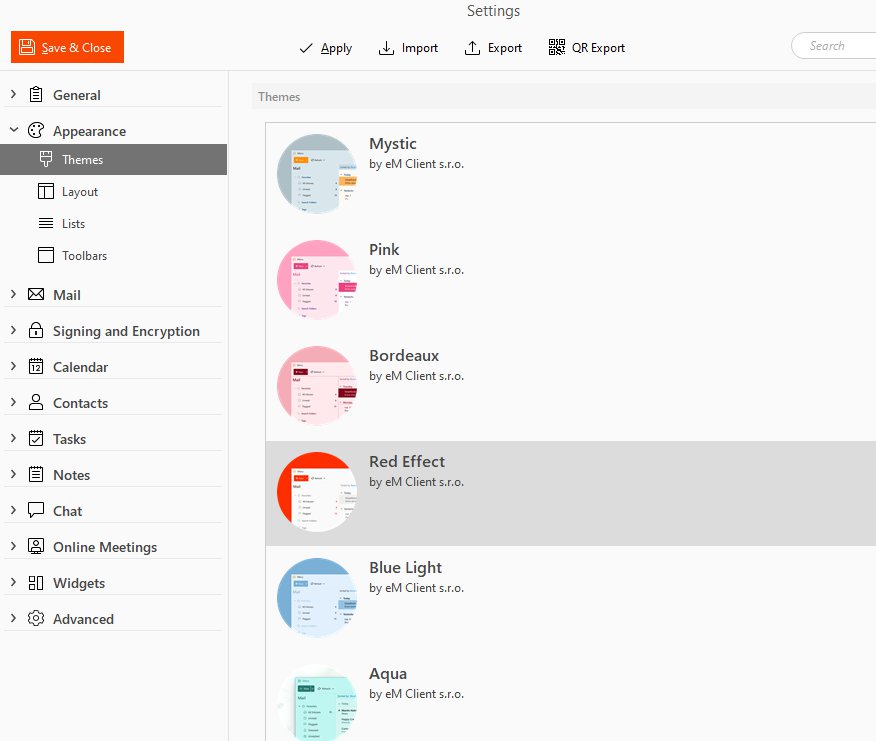
In any event there is a selection of standard Themes included with eMC
Menu -Settings ->General ->Appearance ->Themes (also a link for Theme Editor)
AND
A large selection of User created Themes for FREE download:
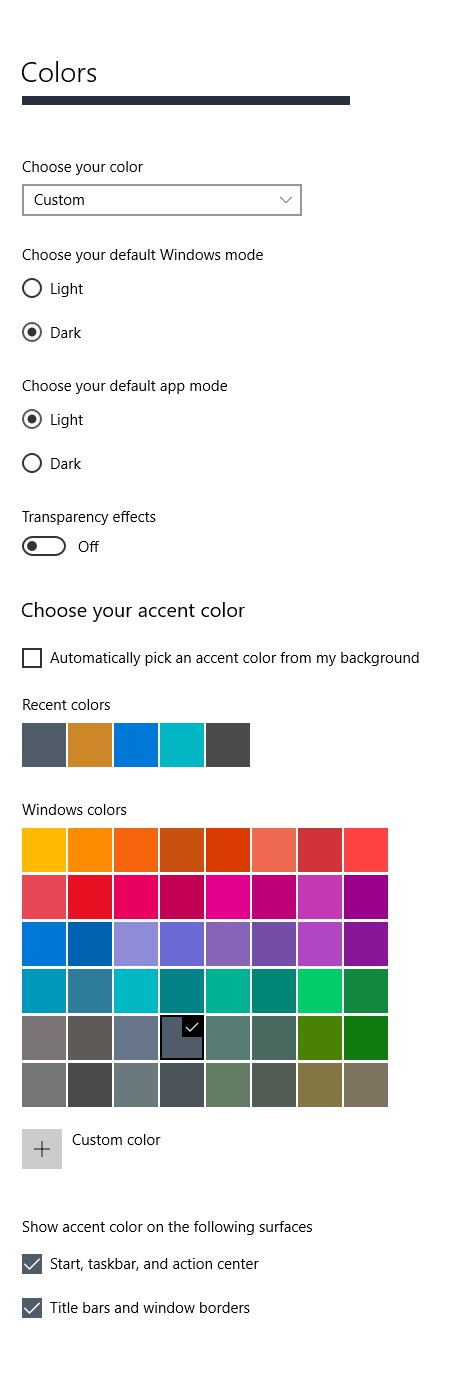
Yeah that’s intentional. Windows accent color together with some of eM Client themes would result in pretty ugly color combinations. There was a system theme color that followed the accent colors from window, but we’ve removed it in eM 10, because it was very hard to set the colors in a right way not to loog ugly.
But we’ll take a look at the red effect color theme and we’ll try to improve it in the next update. It seems we’ve missed some new colors in that theme.
I’ve also tried another 2 themes: Blue Light and Industry.
Serious question: Can you read this light grey text? I can’t on my top LG 27" monitors.
I don’t need it often. I only just report this because I was looking for the search box which I wasn’t able to find because of the background color of the title bar.
It is quite ok on my computer. The problem is that every monitor is different and it is always some kind of compromise. But of course we can try to give a bigger contrast to this particular color. And you can do it by yourself in theme manager too.
I’ve also tried another 2 themes: Blue Light and Industry.
Serious question: Can you read this light grey text? I can’t on my top LG 27" monitors.
I also don’t have any problems seeing eM Client with the Light Blue or Industry themes on my Windows 11 with a 2K video resolution setup.
Sometimes colours on Monitors can be hard to see “due to using the default Windows Monitor driver” that may or may not always work properly with every application.
Most brand name monitors usually come with specific monitor drivers (different from the video card driver) that can then make a difference to the colours and sharpness of the picture etc.
So check with LG via their website if they have a specific monitor driver available for yours.
Also check that you have the latest video driver “for your specific video card” as sometimes Windows will just install a generic video driver (like generic monitor drivers) but it’s no nessasarily the correct one. That can also make a difference to the picture colours.
I’m using the onboard graphics card of my i7700 (incl. latest drivers) with DP, their OnScreenControl and the ICC profile from rtings who have tested the LG 27GP850.
As long all write I don’t have problems seeing … screen shots would help to see differences (from the same themes I had posted).