Hi, what is the trick for inserting social media icons to your signature template without them losing image quality in the process? I tried different icons, different sizes but of course once they are in the signature they have to be small enough. When I try to resize a 128128 files to 4040 or 32*32 they appear blurry afterwards, at the same time I can’t find another way to make them appear smaller. Please help!
When I try to resize a 128128 files to 40 40 or 32*32 they appear blurry afterwards, at the same time I can’t find another way to make them appear smaller.
Resizing an Image from 128 x 128 Pixels down to 32 x 32 Pixels “using a regular Bitmap paint program” such as the freeware Paint.net Windows or Pinta Mac etc "will always be a bit pixely”, unless you possibly used an eg: AI Image Generator convertor programs.
Im old school and personally haven’t ventured into AI Image converted images yet resizing or rescaling, but others on this free forum who do might comment on that or some other better way to scale an an image that small.
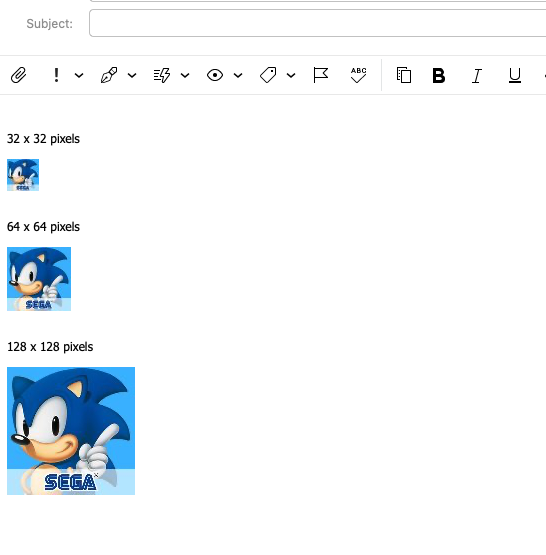
I did convert a 128 x 128 Pixel Sonic Hedgehog icon for a test down to 64 x 64 and 32 x 32 pixels using “Maintain Aspect Ratio” when resizing, and yes the 32 x 32 image is a bit pixely but i would expect that being that small. I usually also save the bitmap images in (.png) format before inserting them into a signature.
I personally normally dont create signatures or templates with logos smaller than 64 x 64 pixels.