Is it possible to move this option on top of the drop down list? Now I have to scroll down more than one page always to change the language. I am frequently changing between German and English.
As far as I believe, automatic checking is not supported.
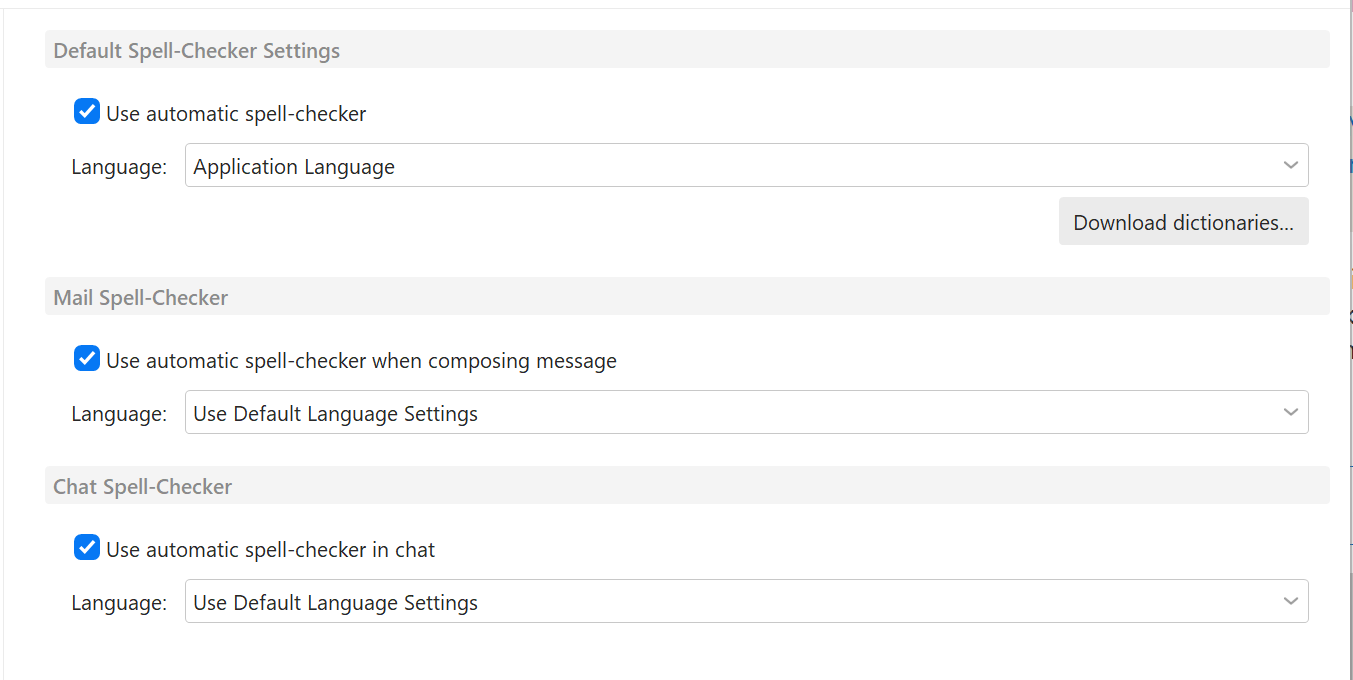
You can enable the spell-check to be automatic in Settings>General>Spell-checker.
You can set the generic default and also separate for Mail and Chat specifically.
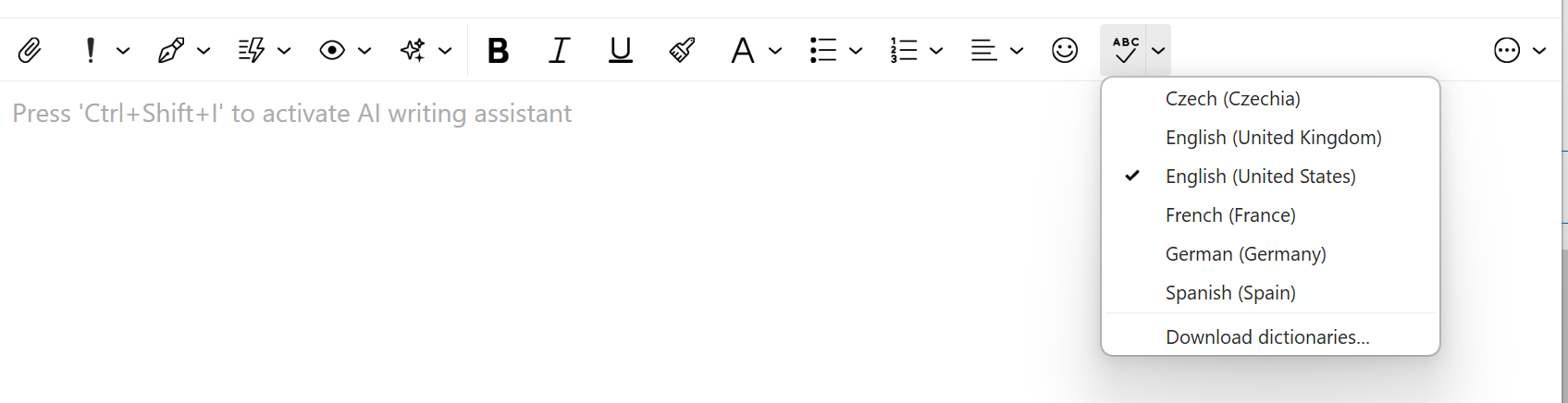
As for changing language - I suspect you want to do this in the compose window? If so, you can add the language selector to the toolbar and not use the drop-down menu at all.
Open the drop-down - Select CUSTOMIZE at the bottom - ADD Spellcheck language to the “Items to show”.
Then you can use the selector directly like this:
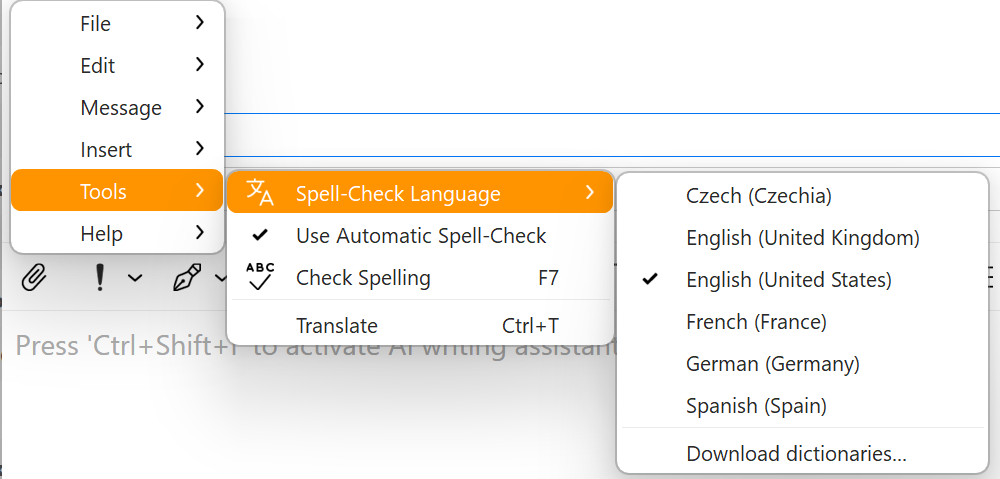
Alternatively there is also the older option via the Compose window menu > Tools > Spell-check language, but we added the toolbar button option to make it easier.
1 Like