I’ve just returned to eM Client after several years and am very happy to see the improvements they’ve made. I think it’s finally going to work well for me.
In gmail I often select multiple emails to operate on for various purposes, and that can be done just by clicking in the check boxes next to the messages. But in eM Client every time I turn that on so can see the check boxes, that click on an email, the checkboxes disappear. This is frustrating and seems pointless to me. Is there any way to make the Select checkboxes stay on?
Not sure what check boxes you are referring to in eM Client. Maybe screenshot that as example.
If you want to select a specific selection of emails, “click on the first email” and then “hold down the Ctrl or Cmd key” (depending on if you have Windows or Mac & keyboard setup), and then while holding “click on the individual emails you want selected”. Then do whatever you need to do with them in eM Client.
If you want to select a group of emails in a row, “click on the first email” and then “hold down the Shift key” and then while holding “click the last email you want selected” which will then select that group of emails. Then do whatever you need to do with them in eM Client.
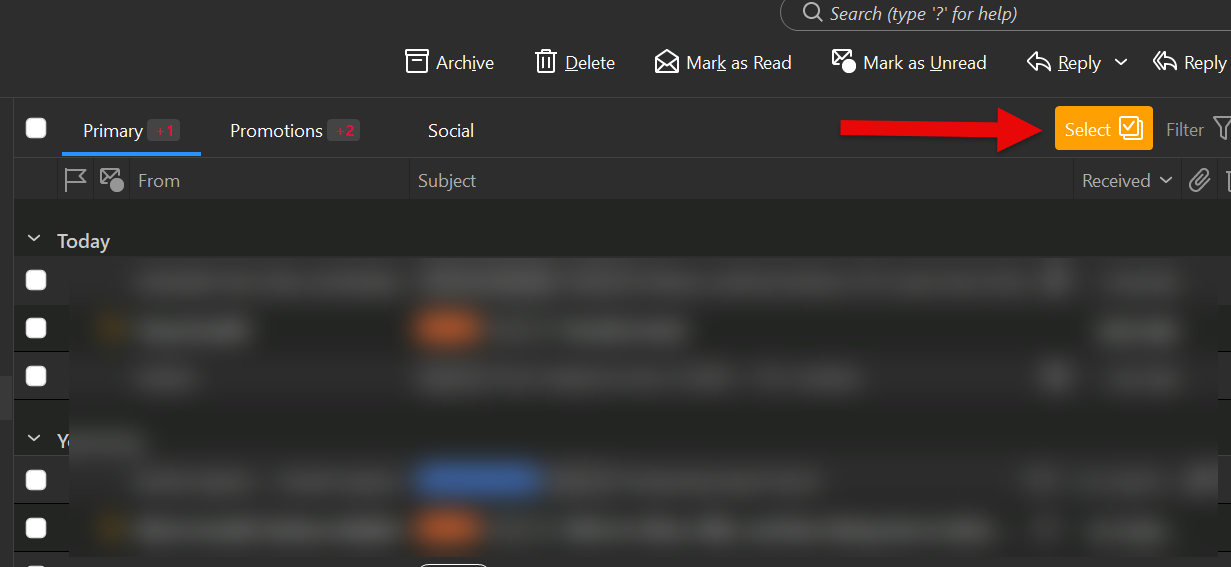
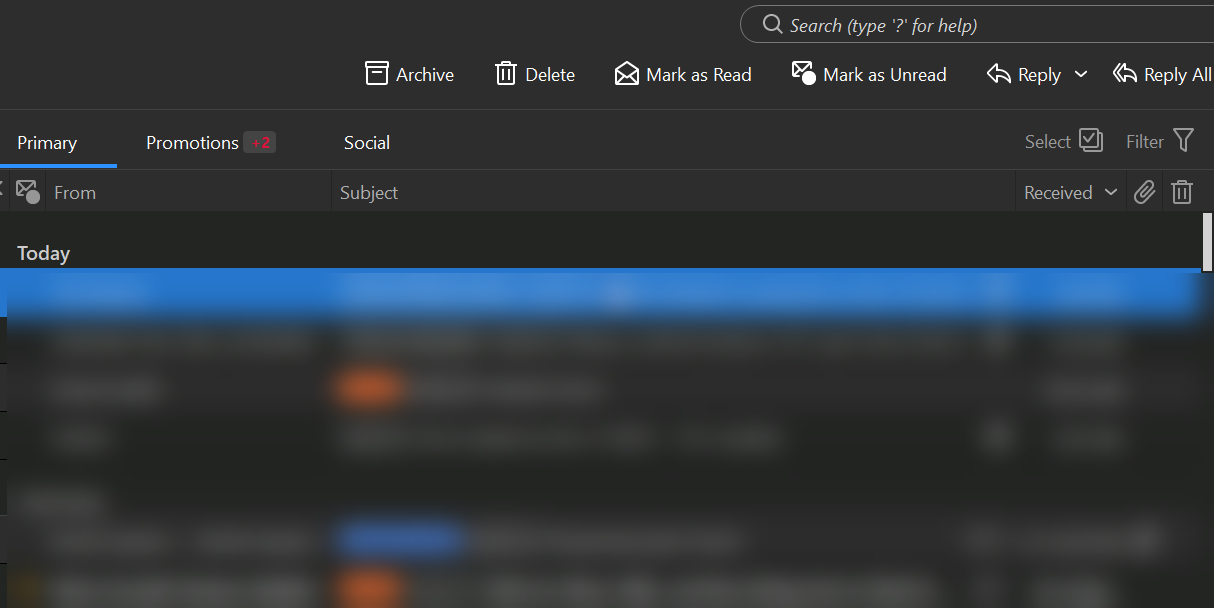
Hi—thanks for your reply. In the first screenshot (eM Client 1) the Select button is pressed and the checkboxes appear to the left of the message names, right under the “Today” column. When I double click on a message to view it in its own dialog box the check boxes disappear as seen in the 2nd screenshot (eM Client 2).
I’m used to gMail in a browser, which has permanent checkboxes next to the messages all the time, and all you have to do is click on the ones you want. I thought maybe there’s a way to do that in eM Client.