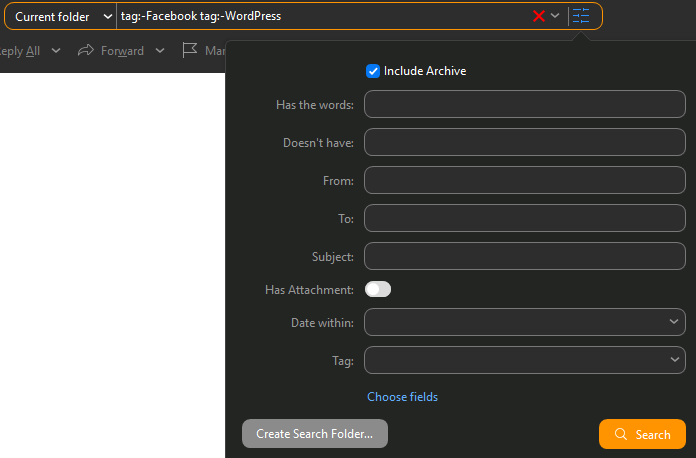
Suppose I have a created a complex search folder. It excludes 2 tags and 4 email senders.
Now I want to modify this search query to additionally exclude another sender.
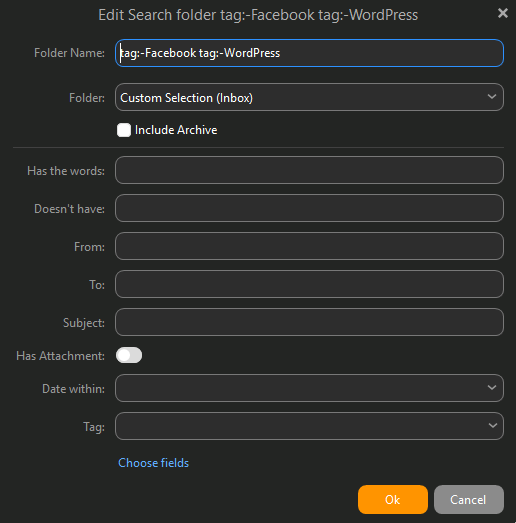
How do I do this, given that the “edit” dialog is blank? How do I see the existing query? How do I see which senders are already excluded?
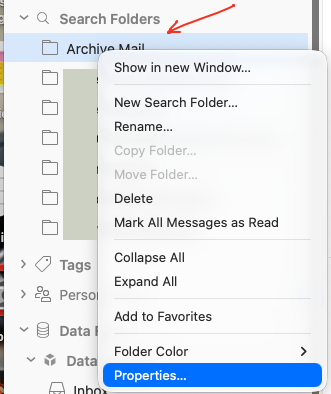
To modify a search folder, “right click on it” in the left panel and click “properties” at the bottom.
You misunderstand.
This is the problem. I have already clicked the button you are talking about, and the edit dialog is blank. It does not show the search query. All inputs are empty.
This is because certain search queries are not parsed by that dialog correctly, leaving it blank.
Do a screenshot of the edit dialogue that’s blank
Also what version of eM Client are you using.
Also what ver of Windows or Mac OS do you have.
It’s tag exclusions, maybe other exclusions. Tag exclusions that don’t render correctly, even though tag exclusion is supported by the query engine.
I just need a way to see and edit the raw query text, which I know emClient saves, because I’ve seen it in the XML export.