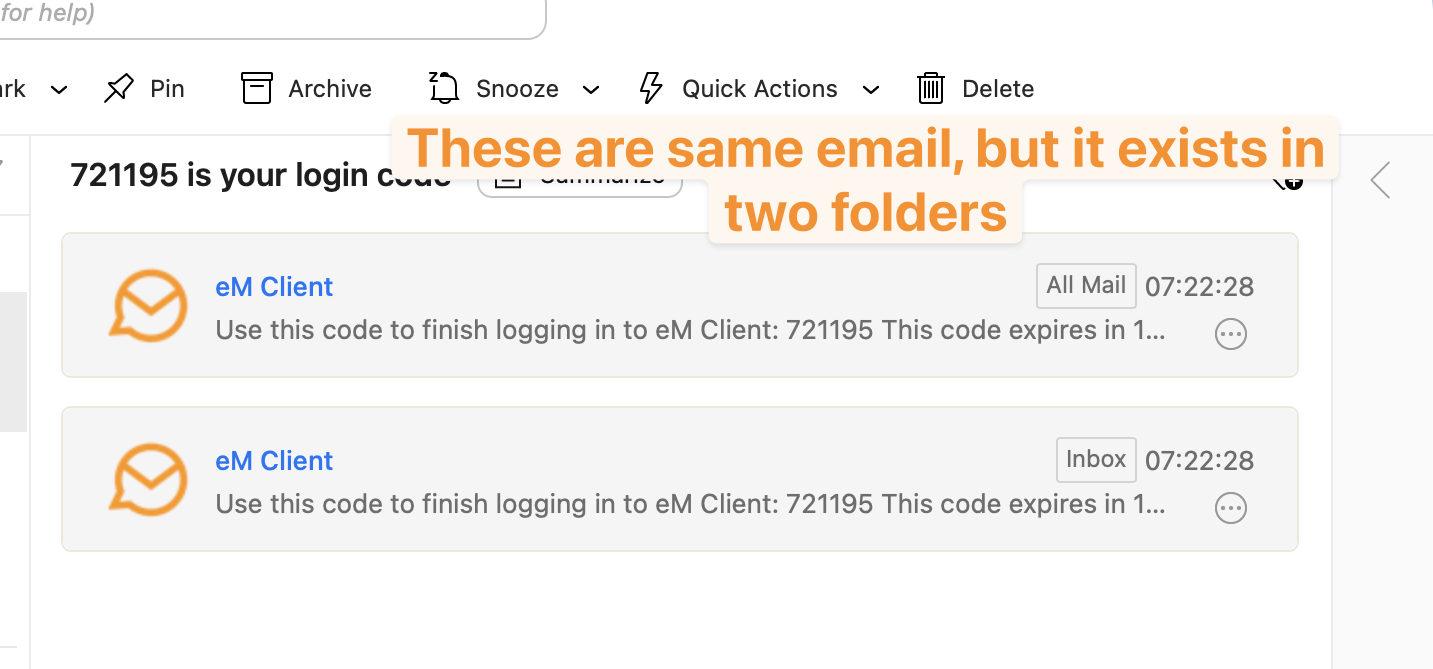
Same email is shown for each folder it is in

Hello!

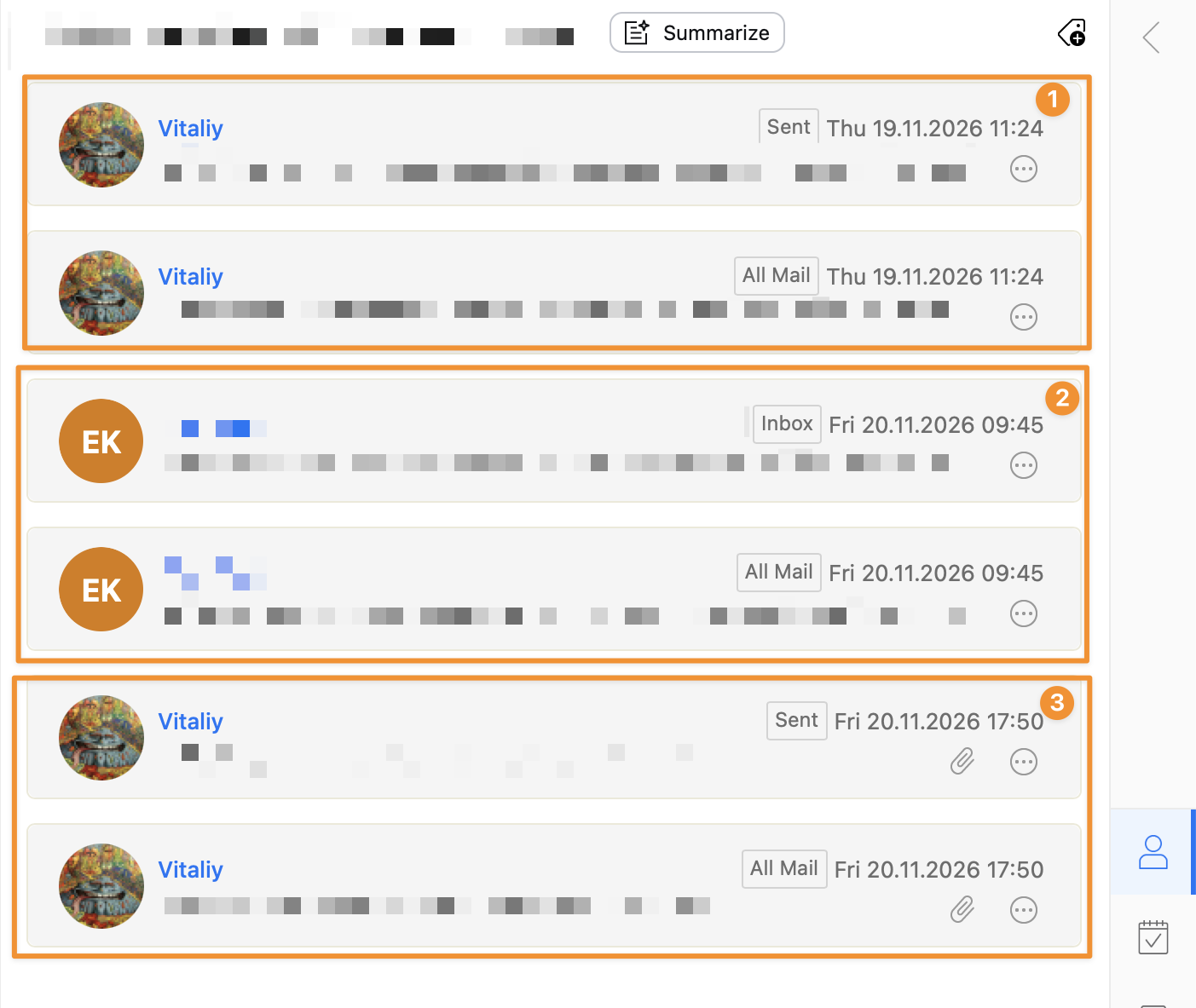
I’m seeing each email displayed in thread twice: for the folder it is currently in, and for the “All Mail” folder.

Hence, my chains look weird: I see each message twice.

Is there a way to make eM Client “merge” (show that the message is in multiple folders?) them into one, or hide the “All Mail” unless I’m viewing that explicit folder?

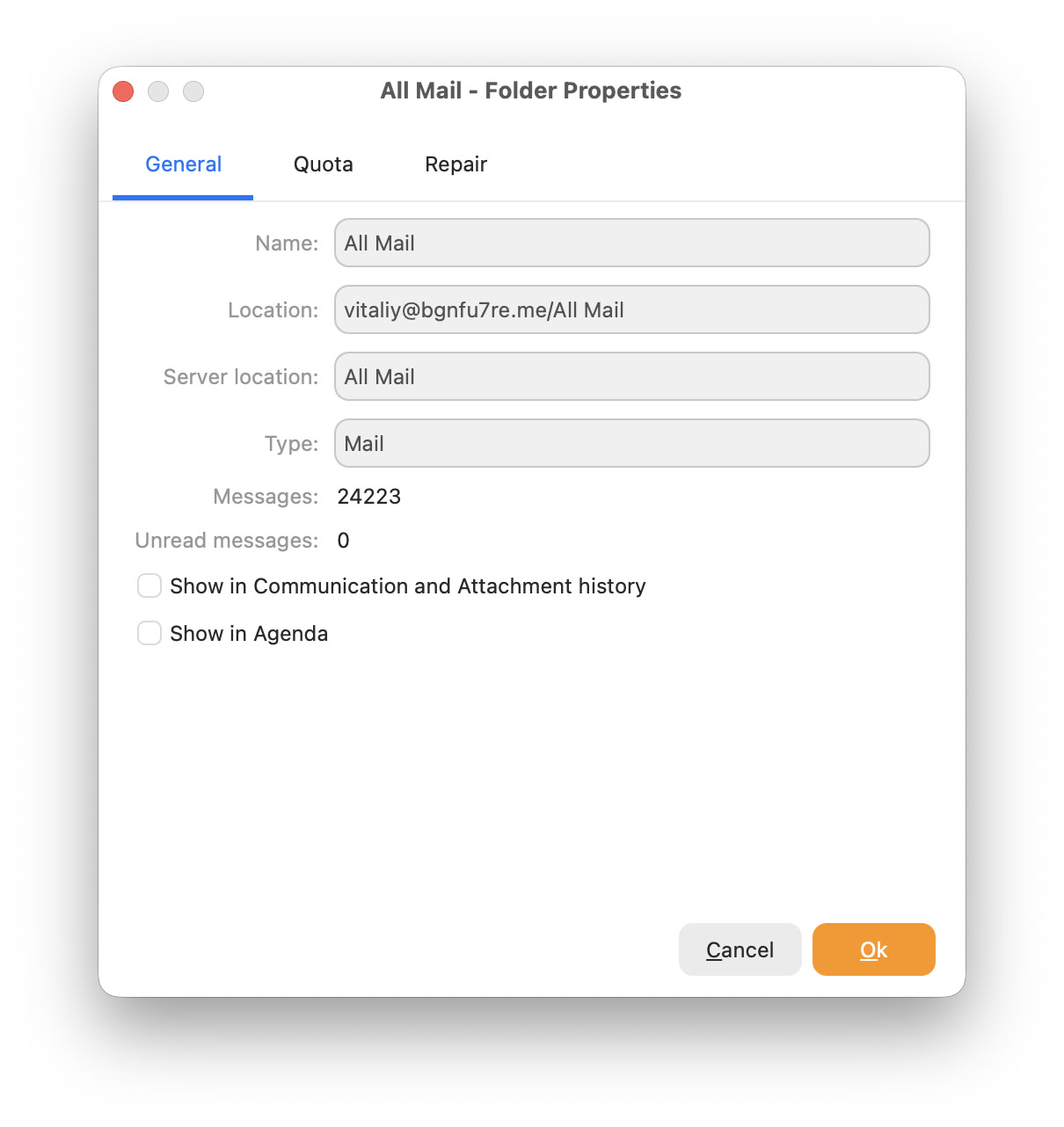
In the “All Mail” folder properties, I already have unticked “Show in Communication and Attachment history”; having that it didn’t help, I’m guessing that was not it.

If your are using Proton Mail see @Olivia_Rust post below.

I do indeed use Proton Mail, and this is probably my solution, thank you.

My worry is that with ticking off “All Mail”, then there is a non-zero chance I’ll “lose” some email (it somehow going straight to “All Mail” hence never landing email client).
I’m guessing, that’s the only solution right now?

Turing off Show All Mail in Proton Mail Bridge still lets you receive all your mail.

The setting only hides the All Mail folder in your desktop email client and does not block incoming messages or remove emails from your account.

True, but I’m solely using the mail client (another one at this point). If I never visit the website, I never know there’s an email.