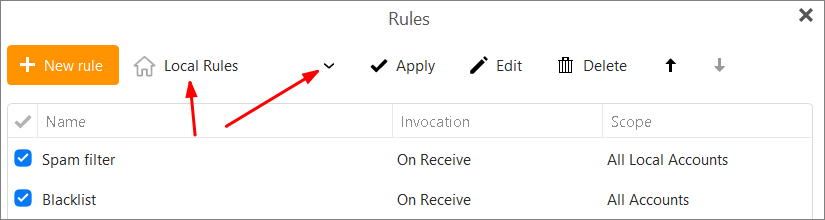
My wife and are setting up rules to forward messages from certain addresses to each other. We are both using EMClient 9.0.1708. I can set up rules forwarding to her email (first.second@googlemail.com) OK, but for both of us, EMClient will not accept my email (first.second@gmail.com) as a forwarding address (though it is perfectly valid).
Note it will not accept “[email protected]” either. That may not be a real address, but it is perfectly valid syntax.
I realize this answer is two years old, but I have the same problem and wonder if there is a way to make it a server-based rule, so that it will work on in eM Client on my tablet and phone, as well as when using my home PC. Thanks.
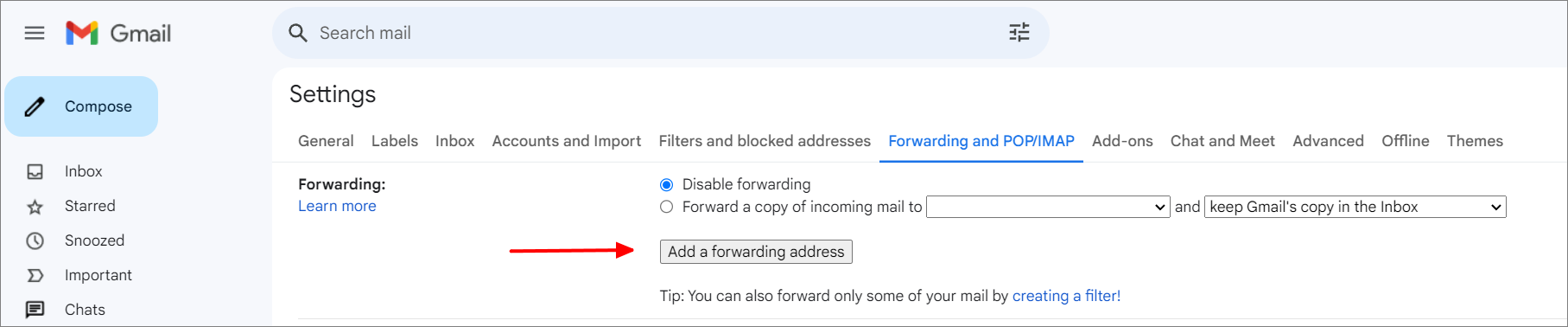
Once the confirmation email has been sent by Google to the destination address and it has been approved by the recipient, then you can create the server Rule using eM Client.