Even though I can’t see the size once it’s resized, it’s still too large and I can’t shrink it any further.
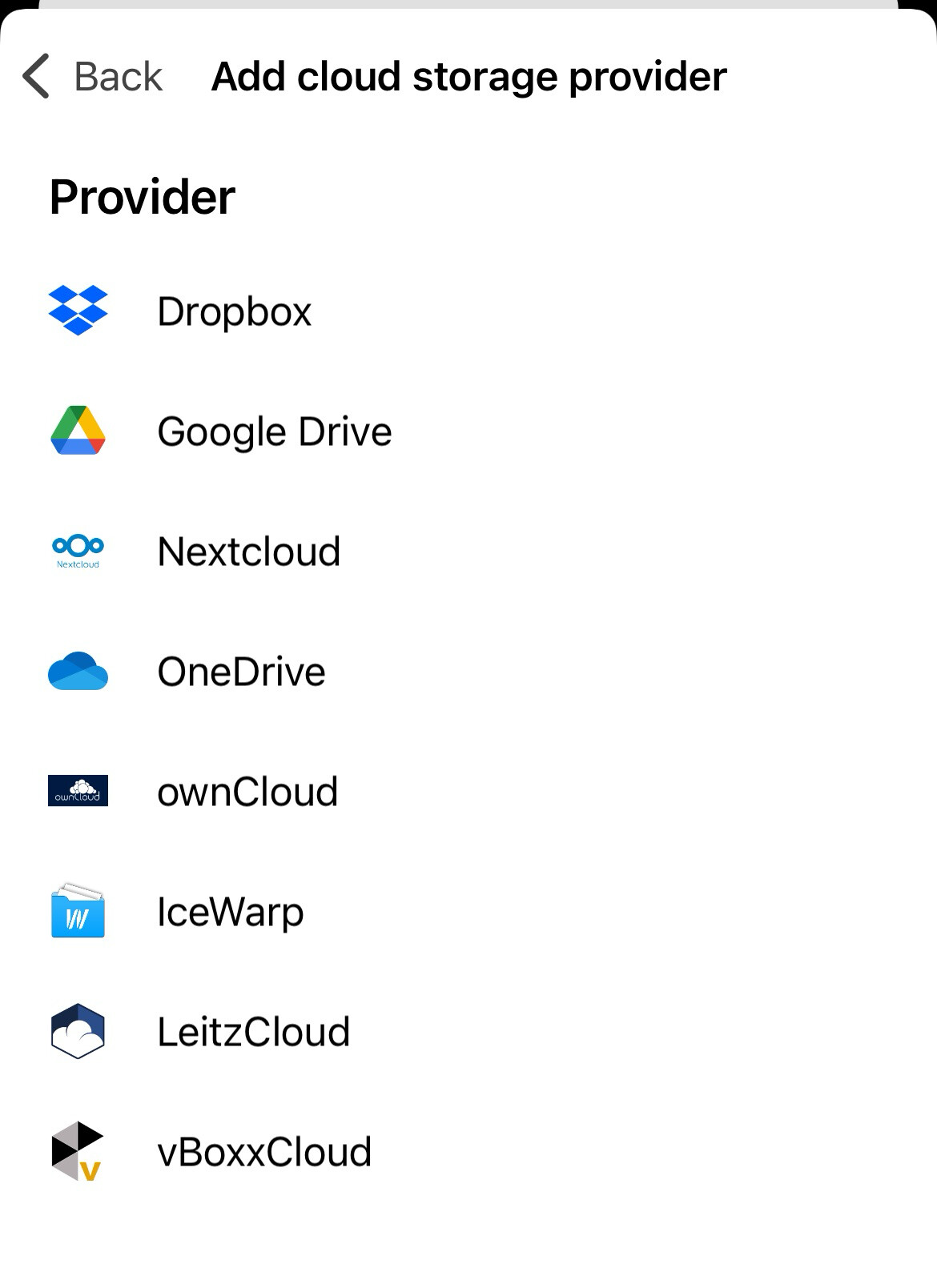
If you want your images as “Original Size” and they are too large to send when they are attached then you can setup to send them “via a Cloud Drive Link” using the latest eM Client Droid mobile app V10.5.246 . Go to “Menu / Settings / Mail / Cloud Storage”.
Here is a thread i wrote on how to send file attachments via cloud drive link on the mobile app.