though that I was safe with my database on an external drive. I have done it before with no issue. Ie: from my old computer to this new one…
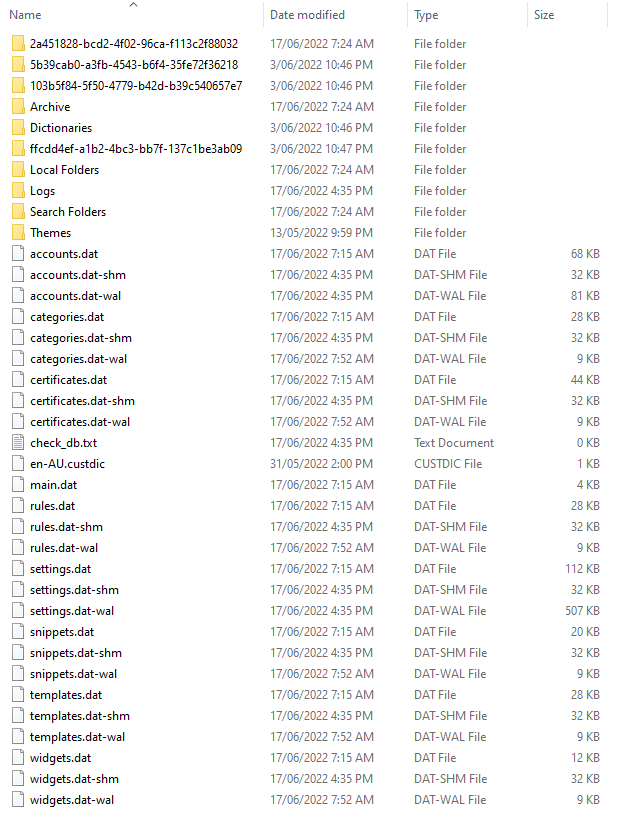
Without an eM Client backup.zip as @Gary advised, if you had Windows and you have backed up your previous harddisk “eM Client hidden Roaming folder” as per below example, then you could just eg: install a clean install of eM Client an skip the wizard setup. Then close eM Client.
Lastly delete the contents (of the new eM Client hidden roaming folder) and then replace it with your old hard-disk version. When you then open eM Client, it will be as it was before.
Note: You need to have the same or later version of eM Client installed or it won’t work. You can get all the versions of eM Client from the release history page.
C:\Users\yourname\AppData\Roaming\eM Client