My incoming mails are moved to different folders by rules and I start eM Client in the global “unread” folder to check my mails. I then walk through my unread mails by marking them with the left mouse button.
It would be nice to be able with the right mouse button to put myself into the folder that the mail has been moved to, to view context.
In other words, when I have a mail marked and click the right mouse button, the menu currently offers “copy to folder”, “move to folder”, “move to junk”, “move to archive” and I would very much like an additional option like “Go to folder”, which would then put me into that folder.
I looked into shortcuts but they do not provide a “go to folder” option.
You can press the key G in V10 and then “type a few letters of the folder name” to show the folder. Then either arrow down and “press on the folder” or “click on the folder” to open it.
Thanks, yes, I know. I’ve read the recent threads regarding “go to folder”-options.
But that would force me to use the keyboard. A “mouse-only”-option would be more ergonomic and elegant.
But it is a minor inconvenience only, of course. Just nice to have…
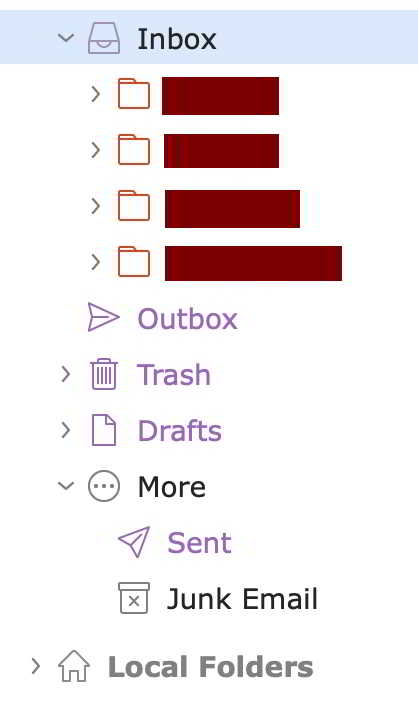
Below those four there’s a first level made of those subfolders which I use most, so they’re readily accessible, for instance for quick drag & drop. Further down, roughly 900-1000 sub-subfolders of sub-subfolders etc., that are always closed. Pressing upper case G (*) opens the complete folder tree. The question is, how can I get back to the original setup as shown in the pict, without having to painstakingly close subfolder after subfolder (twice today)?
(*) Took me a while to figure this one out. But it doesn’t seem to be listed in the prefs /General/Shortcuts, so is there a way to modify it? And, while we’re at it, are there any other such hidden shortcuts?