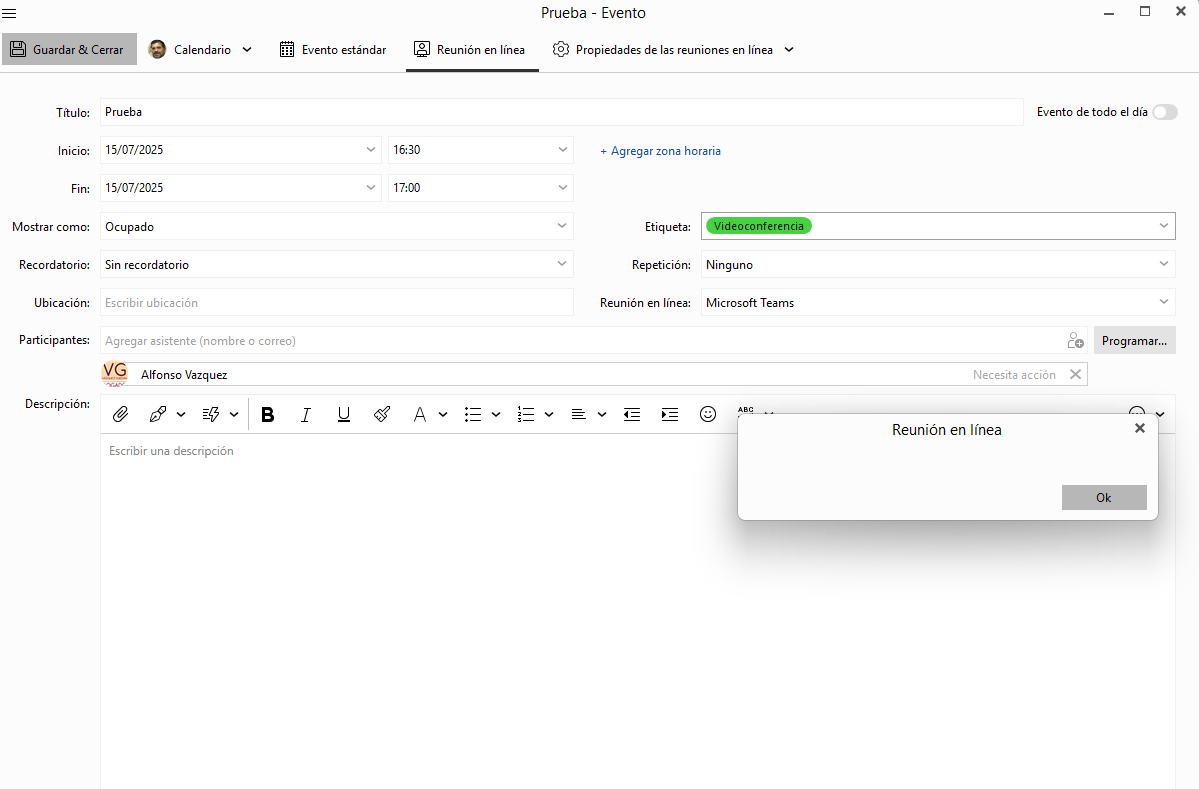
When I prepare an online meeting and enter the addresses of the participants, and I click on save and send, I get a message that hides the options. I attach a screenshot.
1 Like
I’ve got the exact same problem. I can’t create a online teams event. Hitting “Save” shows an empty dialog, without creating the event.
- Windows 10
- eM Client 10.3.2545 (Upgrade to 10.3.2597.0 shows the same error)
- Teams Online Conference
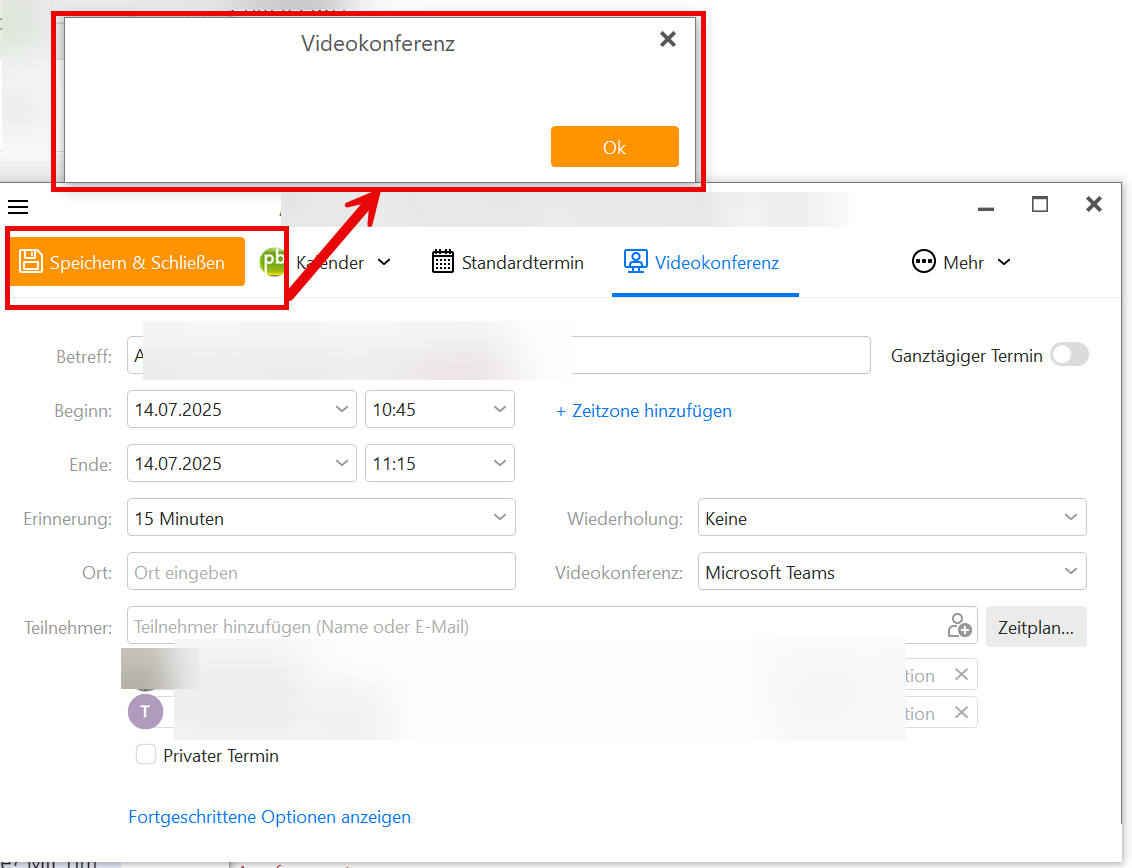
It happens to me since I updated to version 10.3.2545 (dfeb224). Before it didn’t happen to me
Yes, same for me. Problem came with 10.3.2545.
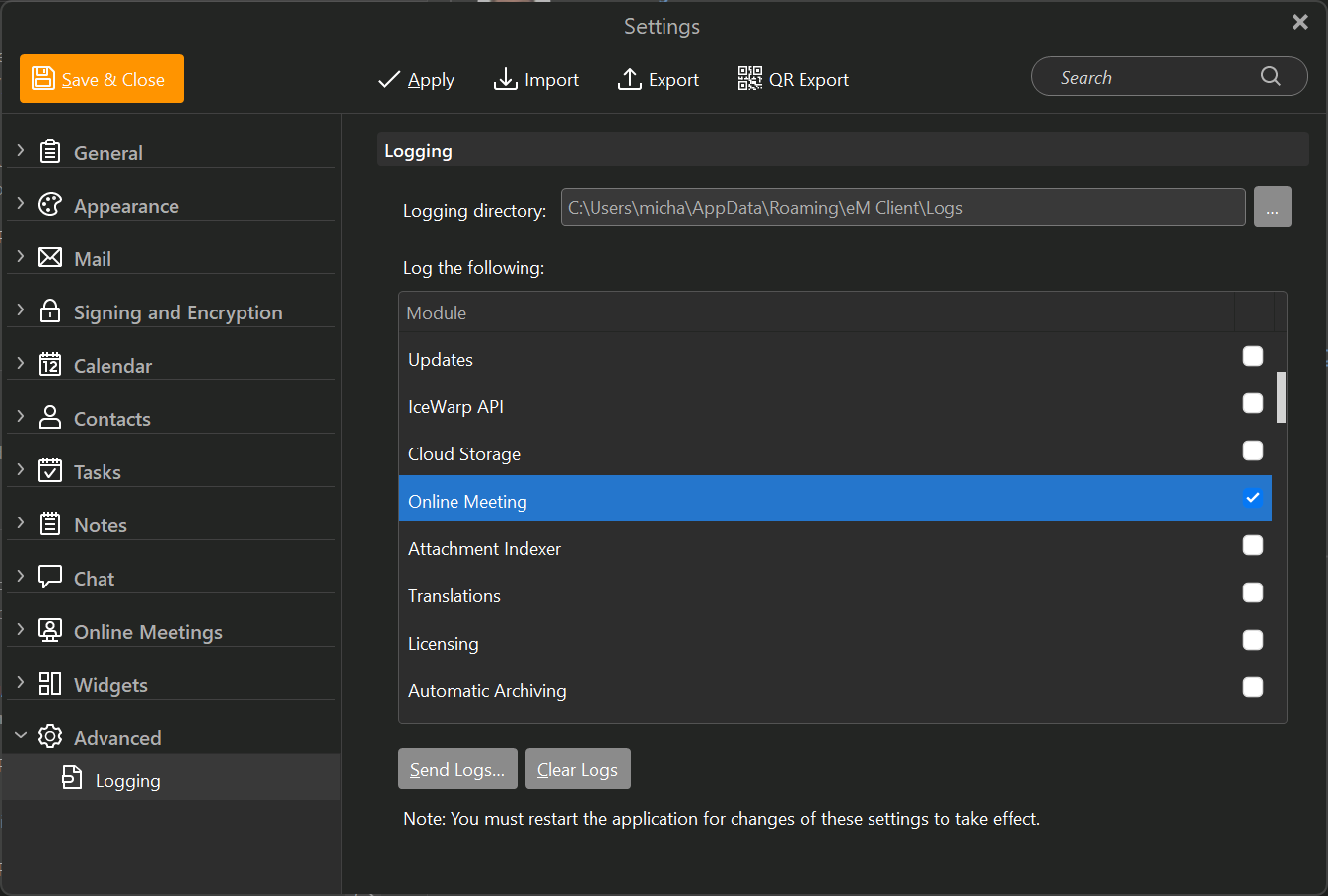
Please can you enable online meeting logs and send them to us? We need them to diagnose the issue. Hopefully we’ll be able to come up with the immediate hot fix:
Do you have paid or free ms teams account ?
Paid Teams account
I saw an error in the em Client error dialog, where I could “reauthenticate” for teams access. I tried it, but the browser dialog didn’t load.
When I created a new teams meeting event from em Client after that, em Client triggered a reauthentication browser session again:
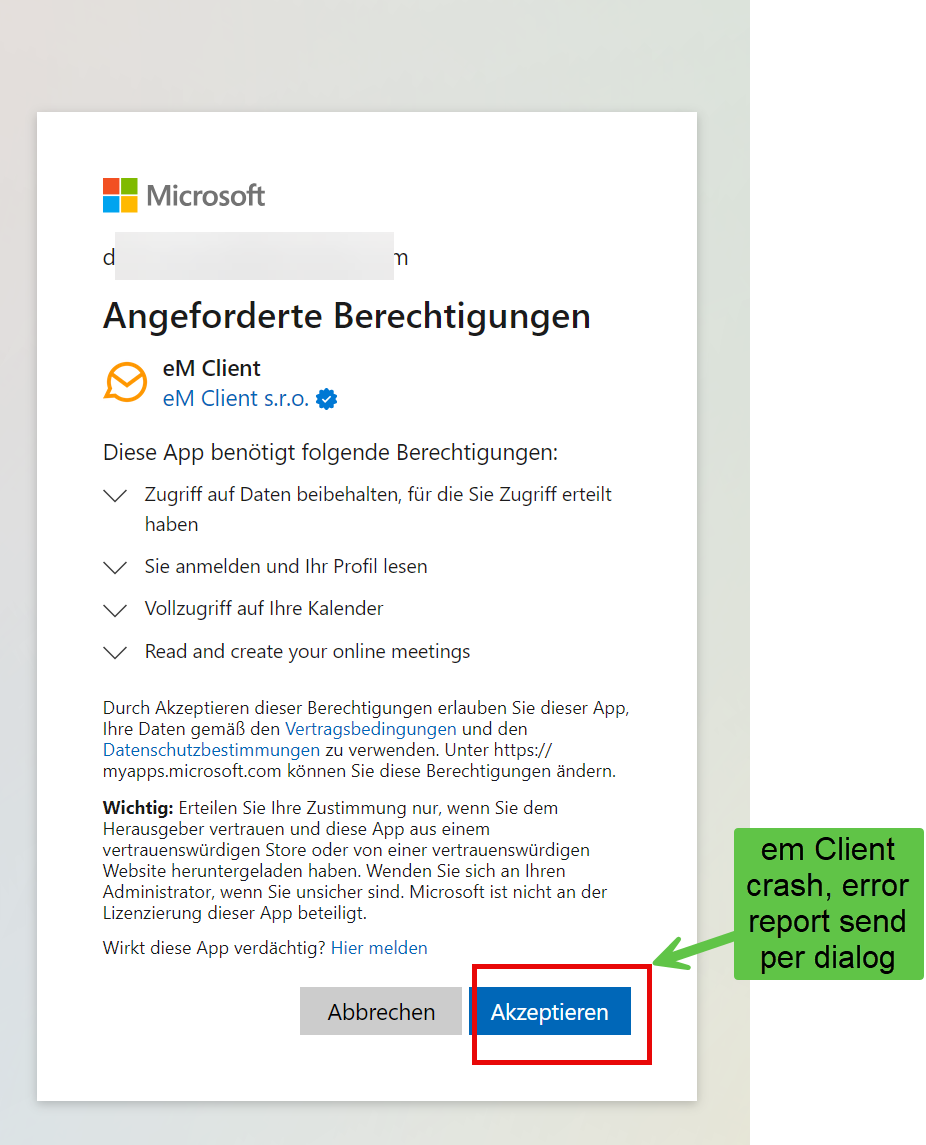
Hitting accept in the browser made em client crash. A bug report was sent with the dialog after the crash.
Hello, we are not able to reproduce it on our testing MS Teams accounts. We would really need the online meeting logs if it is possible in order to bee able to diagnose it.
I have logging enabled, but em Client will crash after hitting save in the dialog for creating new events with teams.
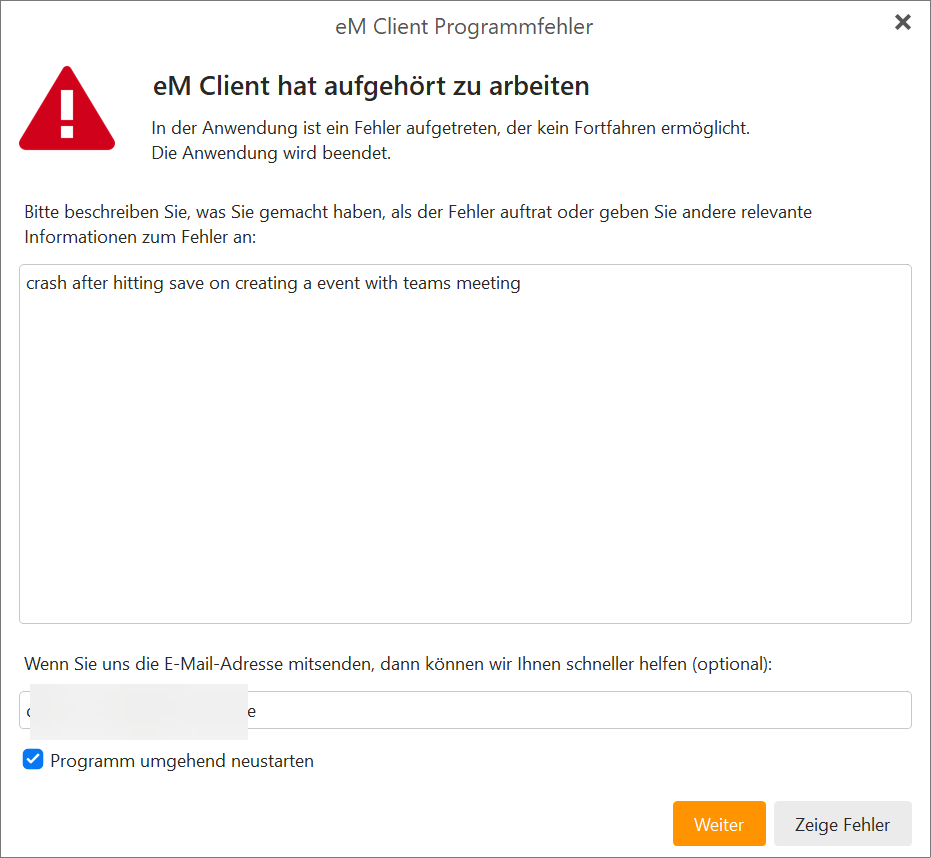
I see, but the log should now contain valuable information, so if you don’t mind please send these logs to us (Send logs button in Settings->Advanced). It seems Microsoft sends us some unexpected data.
Logs sent to [email protected]. I deleted the sqlite.log because of its size (86 MB),
I’ve checked the email ([email protected]) and it is not yet there, hopefully it’ll come soon, so we can move forward with this issue.
Yes, I can’t send mails from my account using em Client anymore since the recent crash. So I had to resend it from another mail account. Logs should be arriving soon.
When sending mails I get this error now…
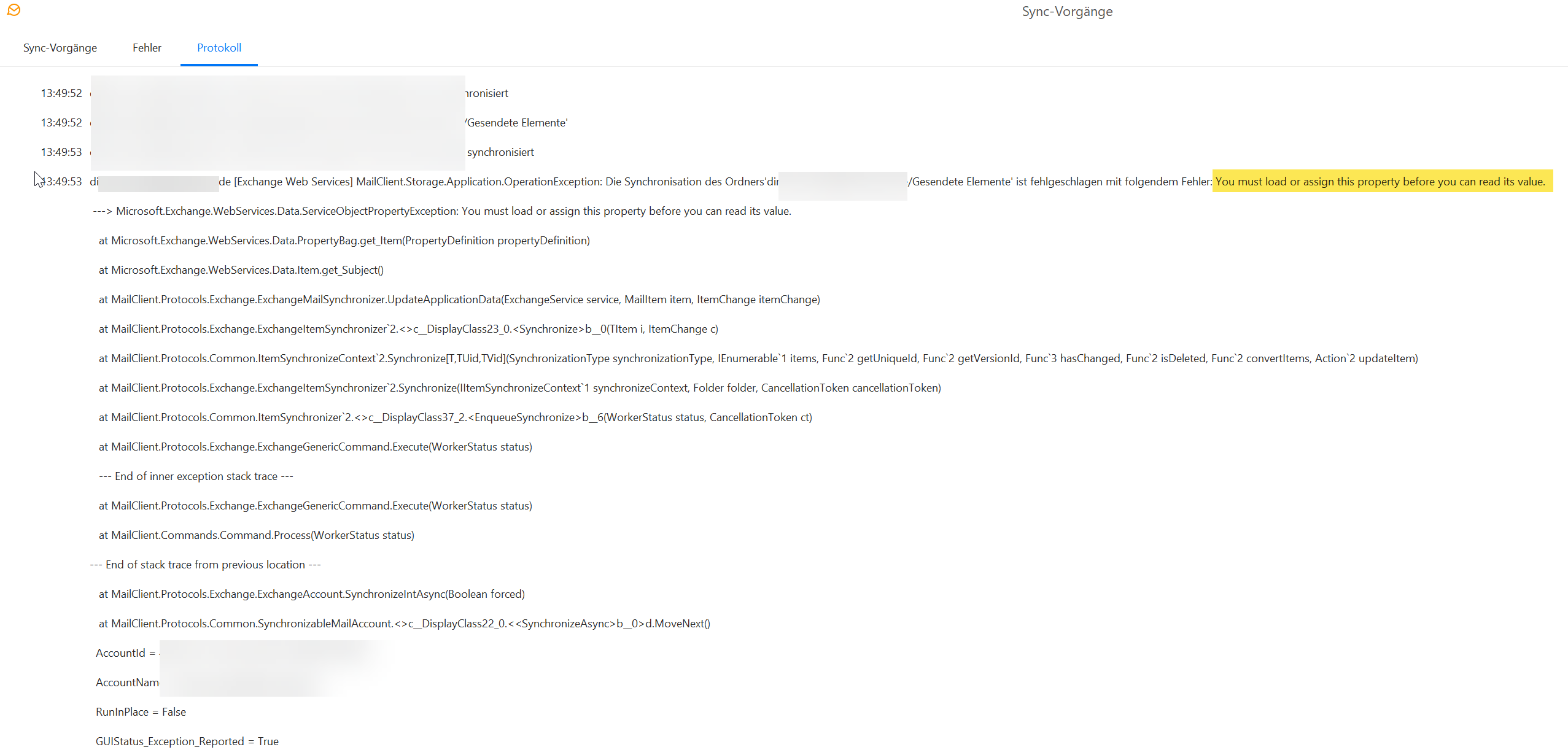
Thank you very much, we’ve recieved the log and we now see why crash happens (Microsoft does not follow his own specification and it behaves differently on different MS Team servers). We’ll fix/workaround it that immediately. The reason behind the blank dialog (the original topic of this thread) is not known yet. We are looking into that as well.
1 Like
Please try this version. All the issues mentioned here should be fixed, please confirm that if you can:
Now it asked me to log in in Office 365 first time and then it worked. Next time it don’t ask to log in again. Thanks
1 Like
Events with teams video conference are working with v10.3.2619.
Thank you for the quick fix - I appreciate it very much 
Dirk