Whenever I make a change in Settings and try and save it I get this msg:
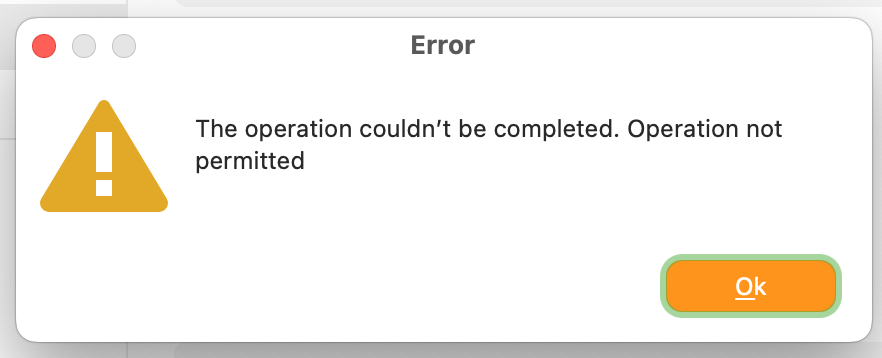
The changes appear to made though
If the changes are being saved in settings even with that message, then sounds like you have write access ok to the database but dblcheck that by going to “Menu / Settings / General / Storage” and check the folder path location permissions.
This is a the default Mac hidden database folder location. So if you have changed that, make sure it’s located on a internal hard drive and not a portable external drive or network / lan drive.
(Hidden database folder Mac)
/Users/User Name/Library/Application Support/eM Client
If the database location folder has write access and is on an internal drive location, then you might have a program running resident interfering giving you that error operation not permitted message like an eg: optionally installed firewall / security / antivirus program etc monitoring changes to your installed programs.
So If you do have anything like that optionally installed “other than what comes default with your OS”, try completely disabling that to test. Apart from that others on this forum might comment.
Hi Mlinde,
Thanks for the screenshot. “Operation not permitted” is a macOS permission message, so it looks like macOS blocked eM Client from writing a file while the settings were saved. To find out which part is affected, could you reply here with:
With these details we can look into it further.
eM Client Team