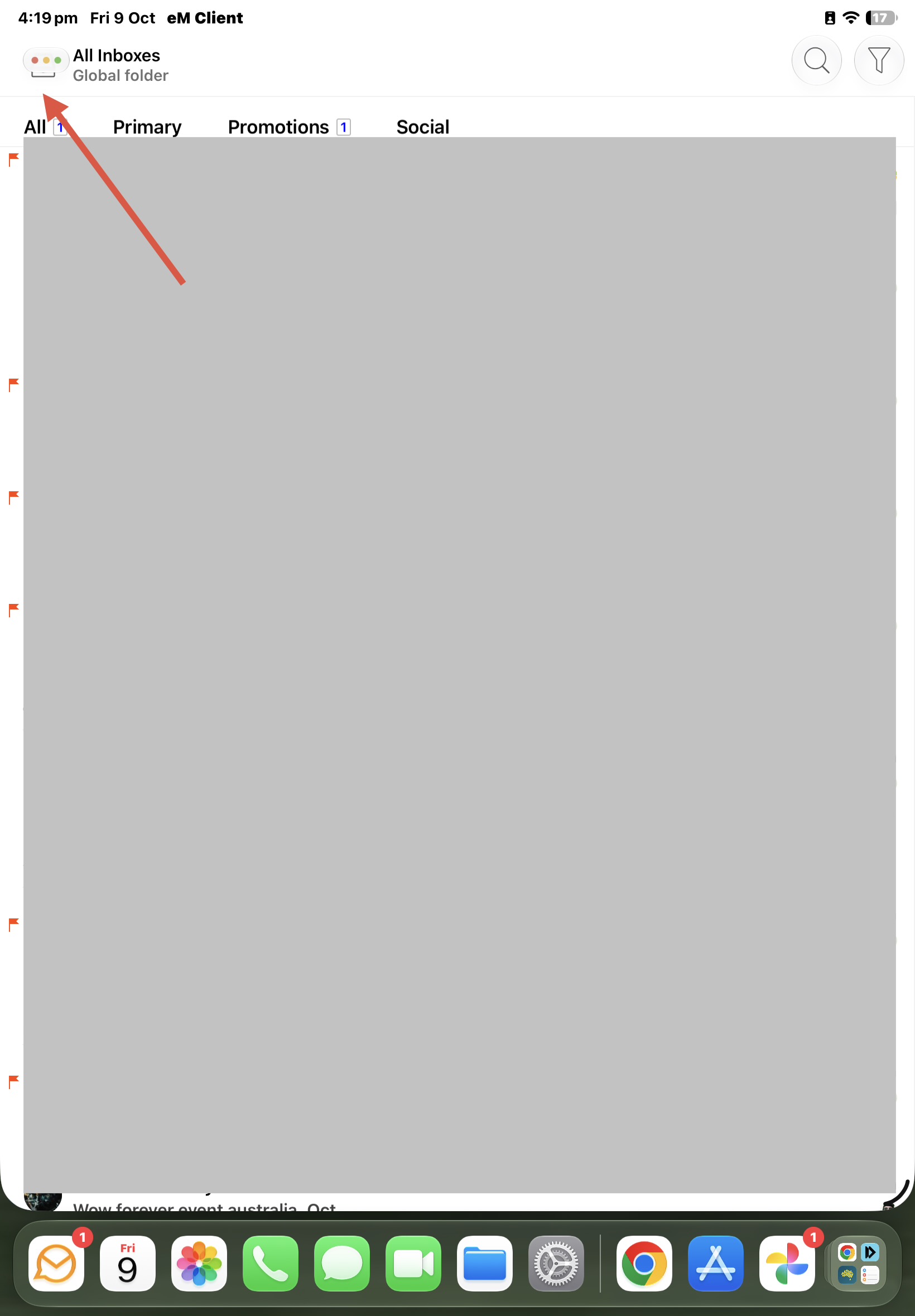
Using the latest V11.0.933 iOS app with OS27.0.1 if i am in “Portrait view” with eM Client above the dockbar, i cannot access the Menu at the top left, as its covered by the “Close / Minimize / Maximize” buttons as per below example screenshot.
Suggest to “move the Menu and All Inboxes text” to the right to fix this.
Hi @cyberzork,
We are aware of the current bug that causes the interface to display incorrectly.
As a temporary workaround, could you please try rotating the device to landscape orientation and then back to portrait? If the issue persists, please try closing and reopening eM Client.
We are investigating this issue, thank you for bringing this to our attention.
Thanks for the help with this issue accessing the Menu in Portrait view which is now solved.
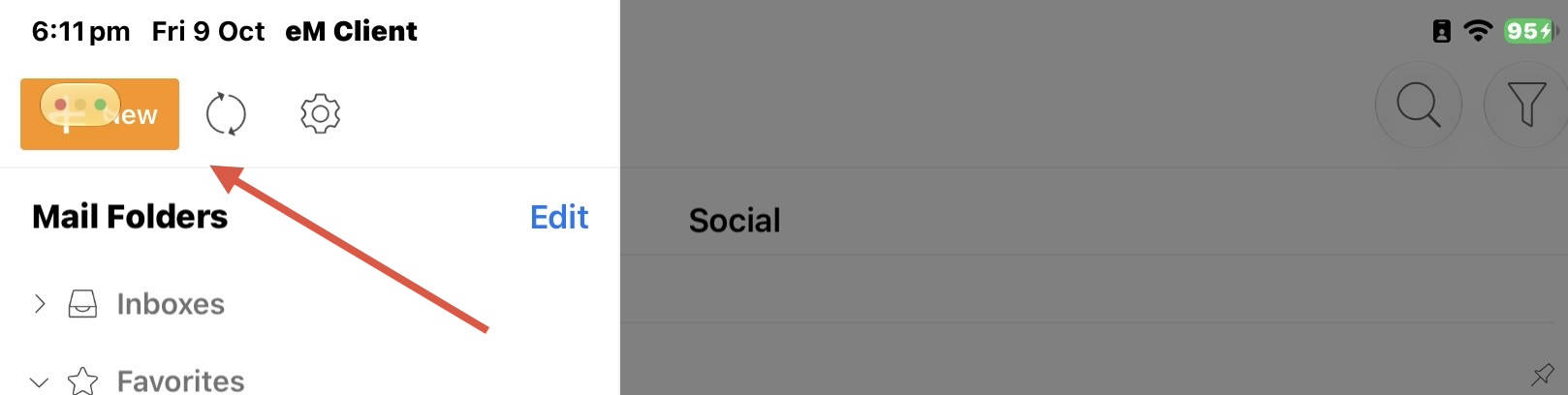
However then i also now get the problem pressing the “New” compose button in Portrait view at the top left like in Landscape view with the gui above the dockbar as in my other thread today.
Rotating the device to Landscape and back and closing and reopening the app doesnt fix it.
i suspect like landscape view with the dockbar below the eM Client gui, the New button at the top left would need to be a eg: Floating button to fix this.
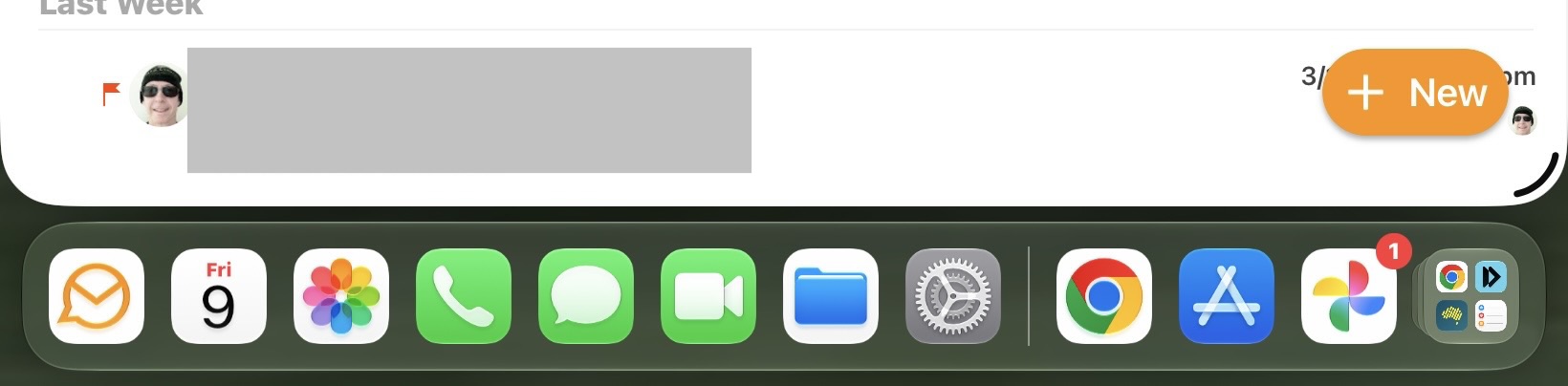
Oh i see that i can still use the Floating new compose button at the bottom right of the screen in Portrait view so it doesn’t matter the top left new button is covered. All good