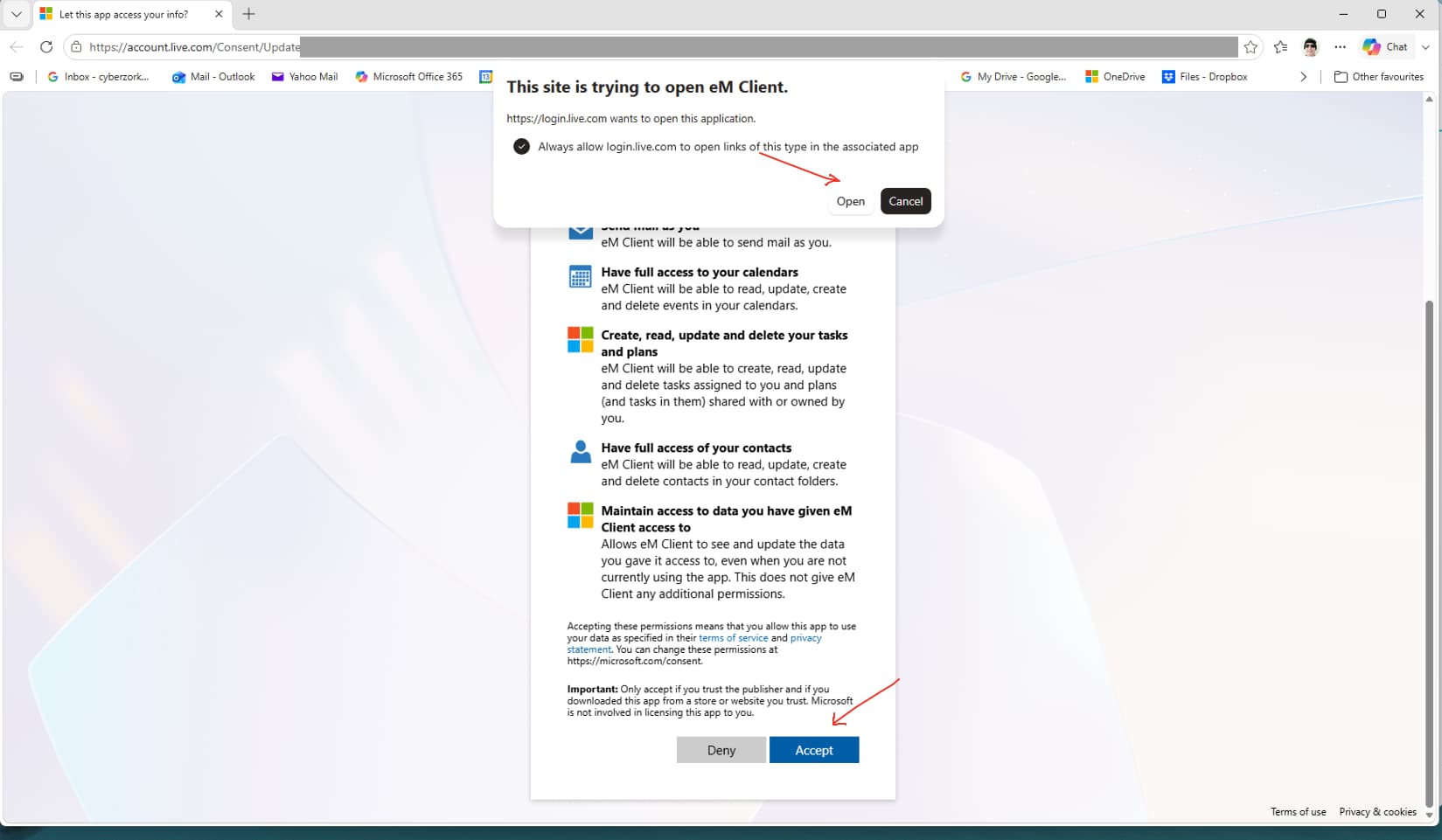
Adding a Microsoft Live, Hotmail or Outlook.com account in Windows 11 can cause the following browser popup window “to not dissapear or close by itself” after pressing accept & open. Clearing the browser cache, cookies etc completely (all time) doesn’t make any differance.
I personally only find this happens with Windows 11 and doesn’t ever happen on Mac using Chrome or Edge browsers. So you have to “manually close the browser” after adding the account. Ive been advised by devs this is not an eM Client issue incase you get this problem.