I’m experiencing a strange issue with eM Client on macOS that started a few days ago.
When I reply to certain emails, some recipients using Outlook receive my message, but the email body appears completely blank. They can see the subject and the preview/snippet in their inbox, but when they open the email, the body is empty.
Here are the details:
I’m using the latest version of eM Client on macOS (10.4.5608).
Emails are sent in HTML format.
The issue started recently without any configuration changes on my side.
I tried replying without my email signature, but the problem remains.
It does not happen with every recipient.
The affected recipients are using Outlook (I don’t know the exact version).
At least one recipient confirmed that the email displays correctly on their phone, but the body is blank in Outlook on their desktop.
I’m wondering whether this could be related to a recent eM Client update, an Outlook compatibility issue, or the HTML generated when replying to emails.
Has anyone experienced something similar or has any idea what could be causing this?
@Kim_Fisher Is this related to a similar issue on Windows?
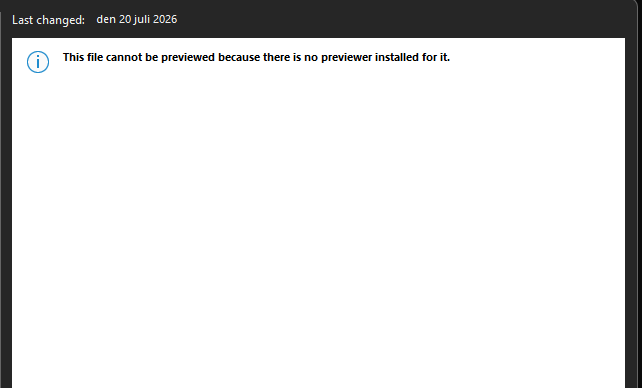
If i drag a mail from eM Client over to Outlook Classic the body is blank as well. I get “This file cannot be previewed because there is no previewer installed for it.” (See the attached image)
Sending mails from eM Client to Outlook do however work as expected.
Hello,
We are having the same issue here, Started also few days ago.
If it could help, I tried to solve the problem with ChatGPT (not a developper here) : it could be in link with this part of the mail : <!–[if !mso]> and the if who is not closing properly.
Thank you
Yes, we’ve already addressed the problem and we will be releasing an update (hopefully today). It is caused by a bug in the latest Outlook that generates invalid html code with unclosed tags in html comments. This is pretty unbelievable that Microsoft widely releases version with such bug :(.
Plus ça change, plus c’est la même chose… I remember a similar situation many years ago, between a commercial newsletter we were producing and Hotmail recipients among our customers: on that MS platform our text, say black on white, turned up white on white — in other words, a blank mail. This was discovered when a recipient happened to press Cmd+A (or the Windows equivalent). I think we ended up inserting a quick little HTML fix in our mails.
I have the same issue, had to switch my emclient to light mode. on my laptop and on my phone because of this issue. When using it in dark mode the text is there but receiver has white text on white background, thats why they see blank email