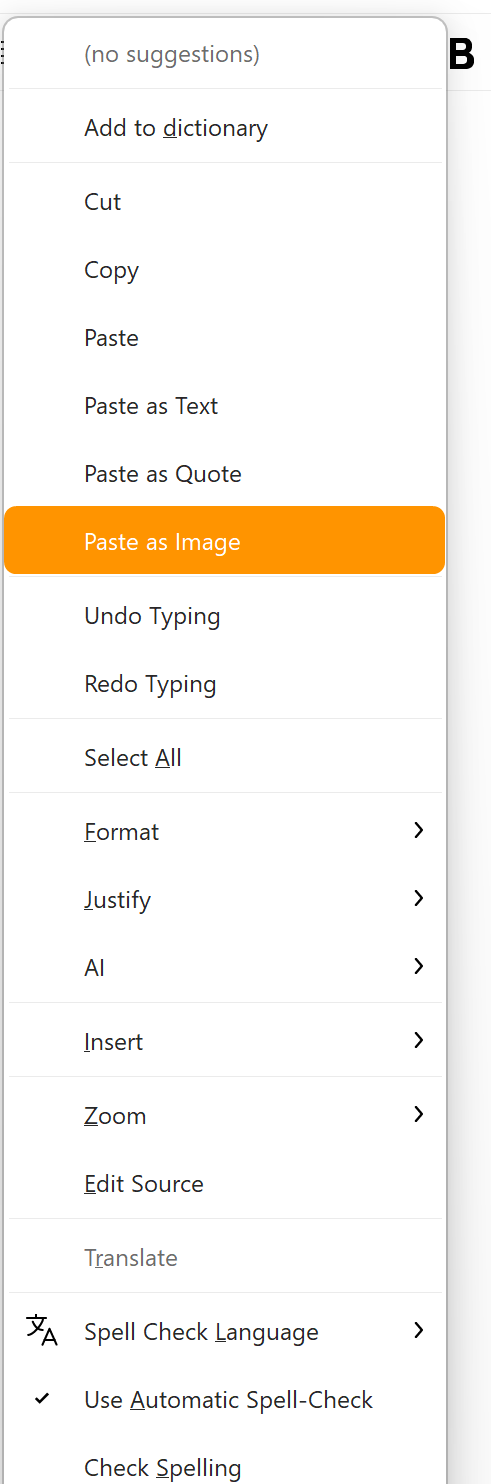
Want to paste a formatted table into your email? Paste it as an image without any hassle or worries that it will lose its properties on the recipient’s side.
Can you explain how it works now?
Thanks.
Want to paste a formatted table into your email? Paste it as an image without any hassle or worries that it will lose its properties on the recipient’s side.
Can you explain how it works now?
Thanks.
Yes good question, as i’ve also just downloaded and installed the new Mac & Windows V10.4.4124 and copying eg: spreadsheet tables from MS Excel and Google Sheets “has no paste table as images option in the compose window” with the right click in the body of the window as i expected it would.
It won’t work with Google sheet, as it is a web app, that will not put such images to the clipboard. It should work only with MS Office apps.
Also works from LibreOffice. Excellent, thanks.
Also works from LibreOffice. Excellent, thanks.
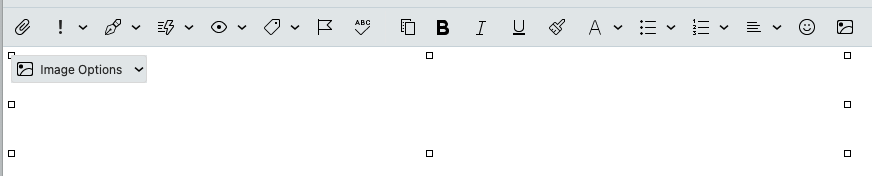
I tried copying many existing preset tables & my own created tables from Libra Office Spreadsheet on Mac and “yes it now has the paste as image option” via right click in the body, but after you paste nothing appears “only the selection area of the table”.
[Cleaned up most of the file’s contents for “privacy”]
Note that all my LO files are imported xls and xlsx from Excel before I dumped the latter.
Later: created a new LO .ods file, pasting its contents also works as it should. Only inconvenient in both cases, the absence of the rows and columns numbers. But as far as I can see, that’s the responsibility of the friendly system’s clipboard.
Also won’t work with Microsoft Office Online - Web-App. That’s too bad for me