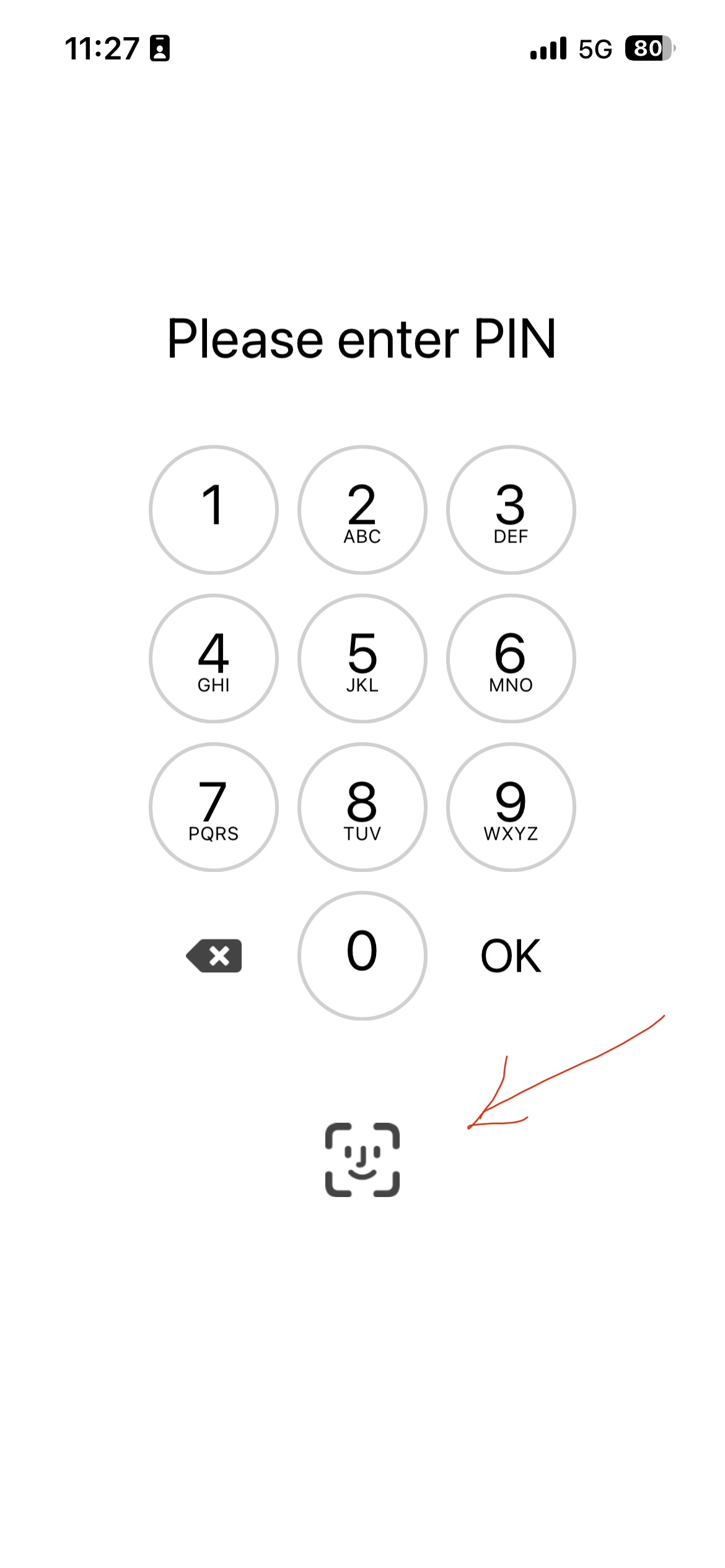
Using the latest eM Client iOS mobile app V10.5.387 it now has Face ID unlock available when opening the app if you haven’t seen it. Way quicker to login than entering a pin / pass.
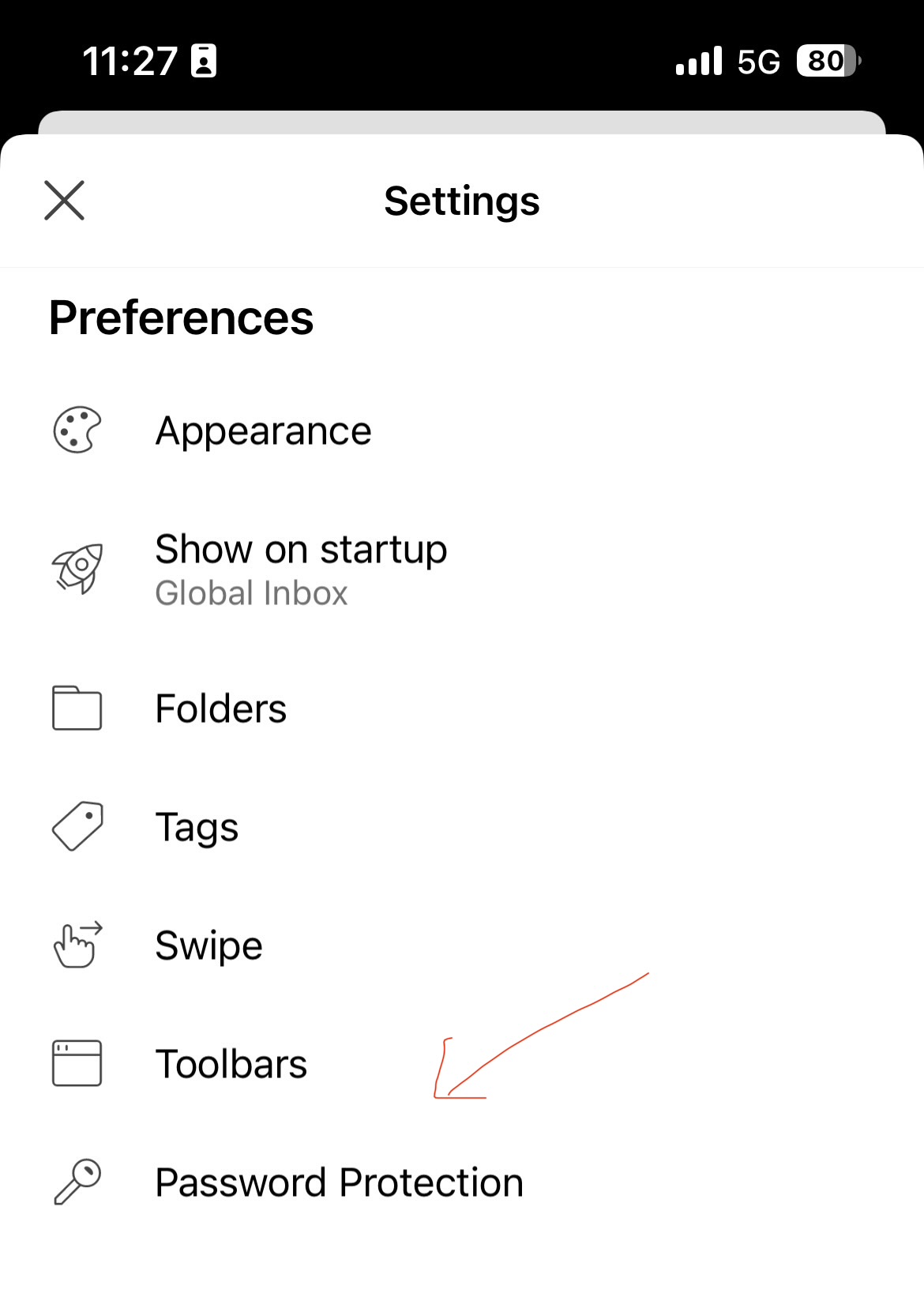
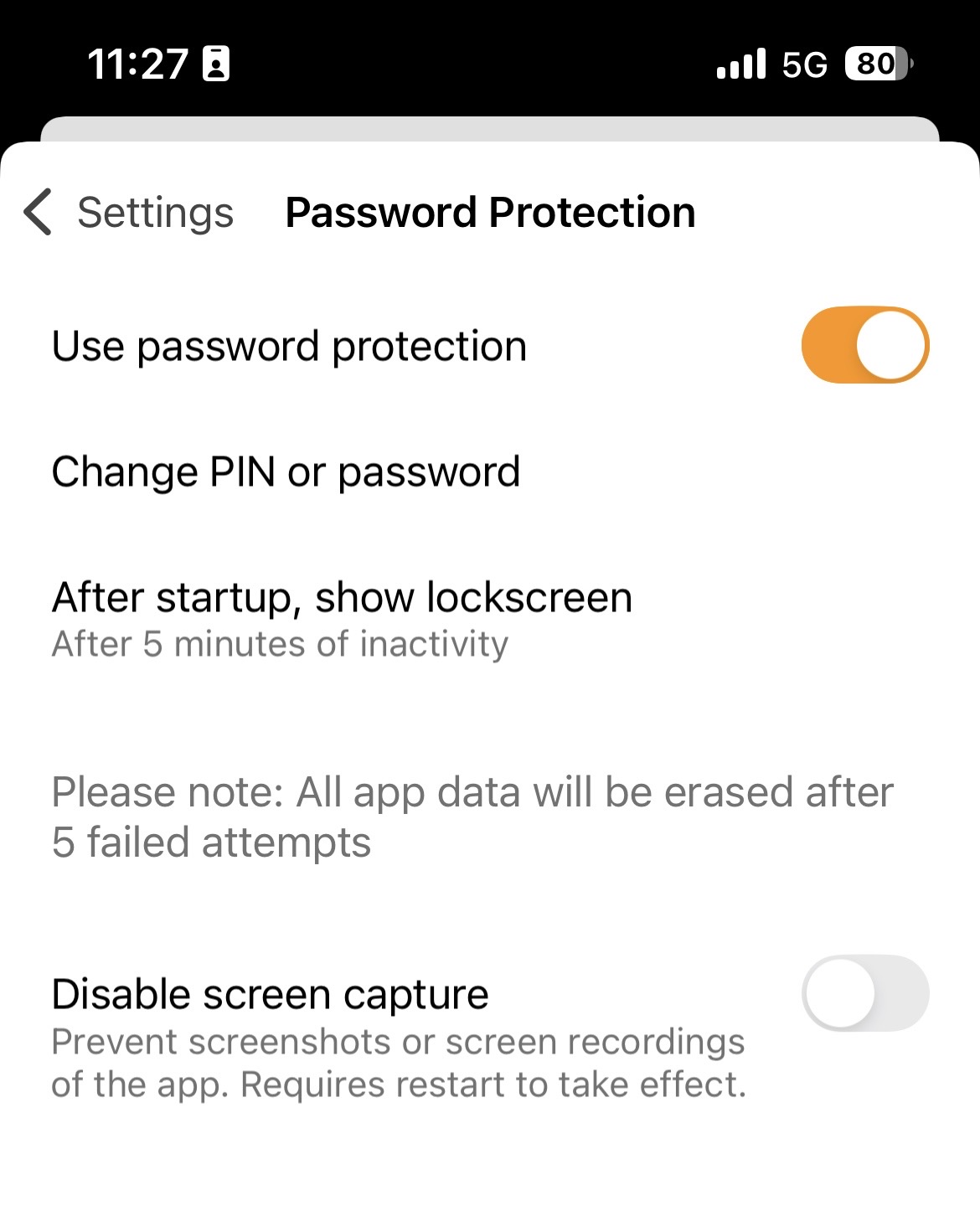
If you don’t have it enabled, press “Settings / Preferences / Password Protection” and slide Use password protection at the top, and enter a PIN number or password whichever you want.
Then “close Settings” snd “close and reopen the mobile app” and press the Face ID icon at the bottom when prompted as per screenshots below.