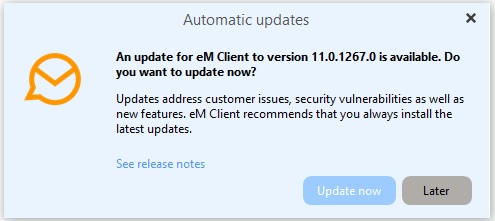
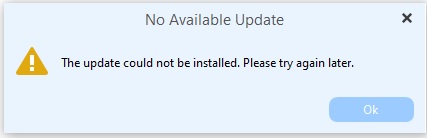
I opened the client and just for fun clicked the “Check for Update” menu option. I got the dialog box:
So, now again I clicked the UPDATE NOW button and get this AGAIN (over and over and over and over!)
THIS IS MAKING ME REALLY, REALLY, REALLY, REALLY, REALLY, REALLY, MAD!
1 Like
Hi,
I am very sorry for the trouble with the update. Please install the new version manually from our website instead of using the update window:
- Close eM Client.
- Download version 11.0.1267 for Windows from our Release History: Release History | eM Client
- Run the downloaded file and follow the installation steps.
- Start eM Client and check the version in Menu > Help > About.
Your accounts and data stay as they are. The installation only replaces the application.