since updating to eM Client 11 on my iPhone, I no longer get any push notifications for new emails.
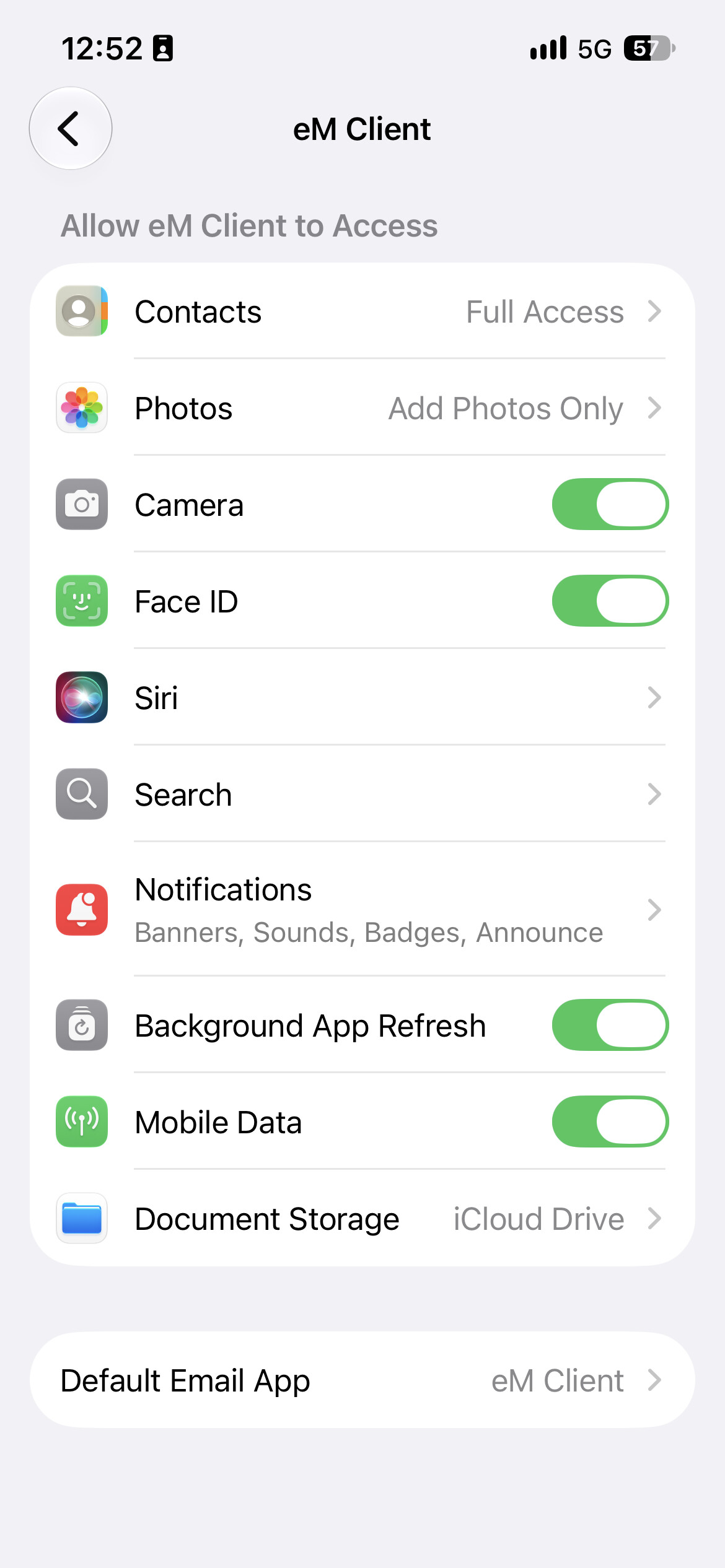
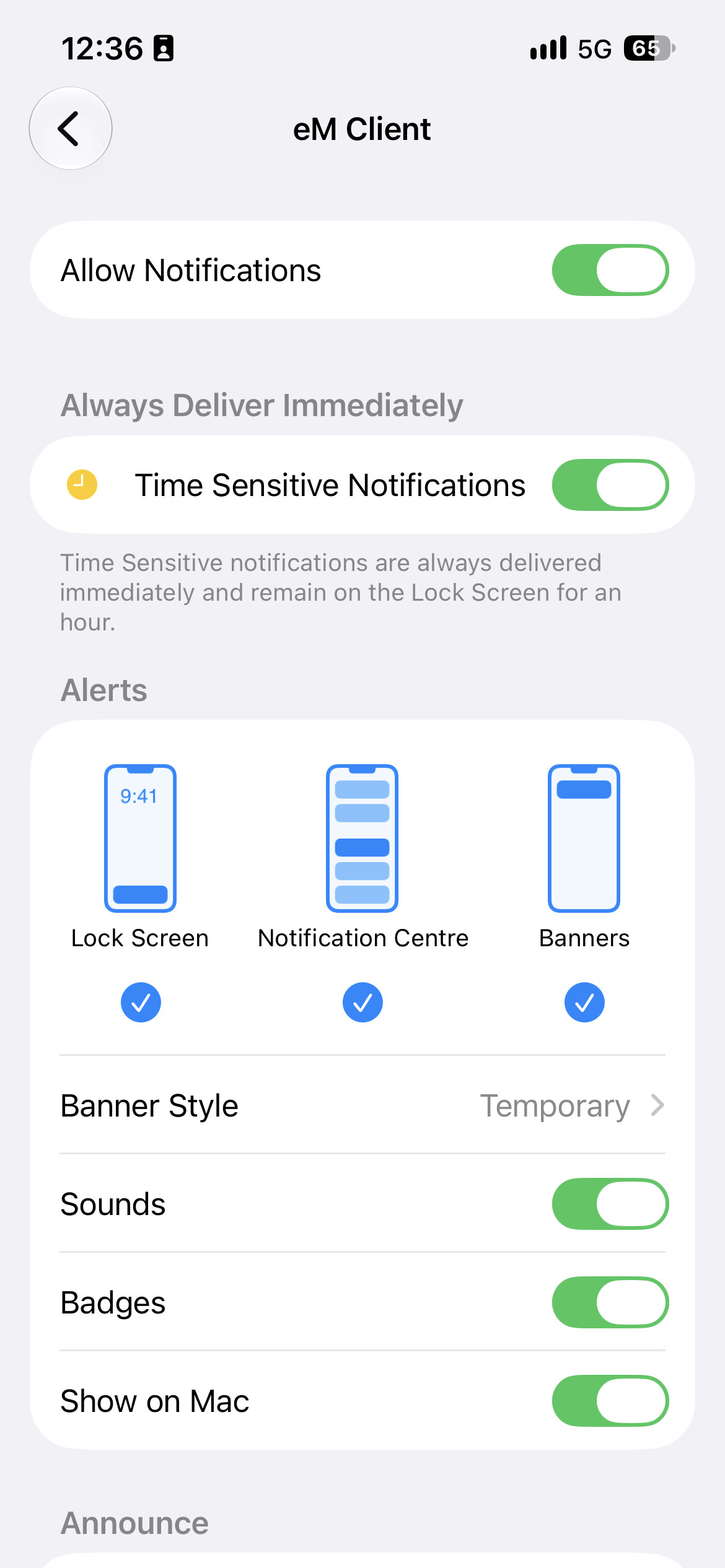
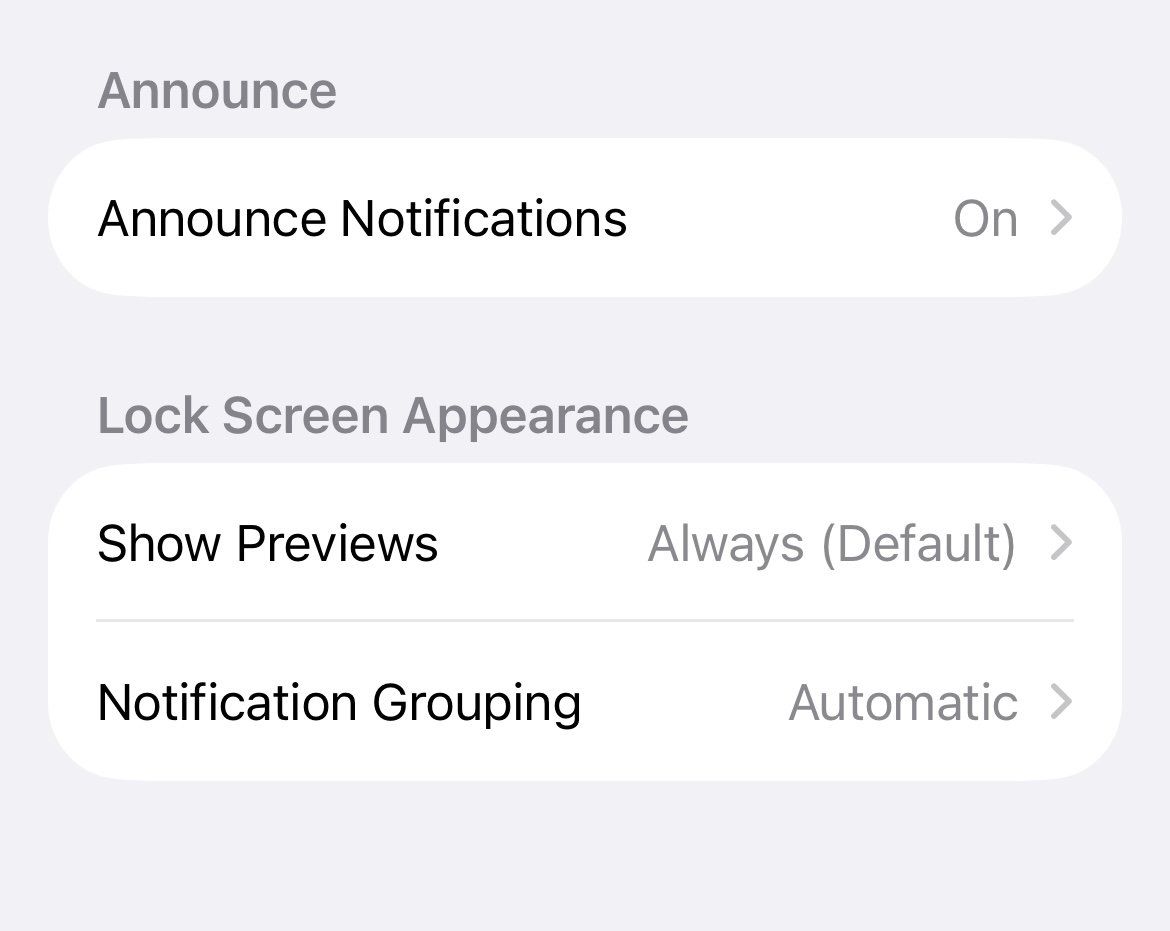
All notification settings for eM Client are enabled in iOS. I also uninstalled the app completely and reinstalled it after waiting about 30 minutes. No change.
Is anyone else seeing this? Any ideas what else I could check?
Using the latest iOS V11.0.933 / iOS 27.01 I am getting push mail notifications ok.
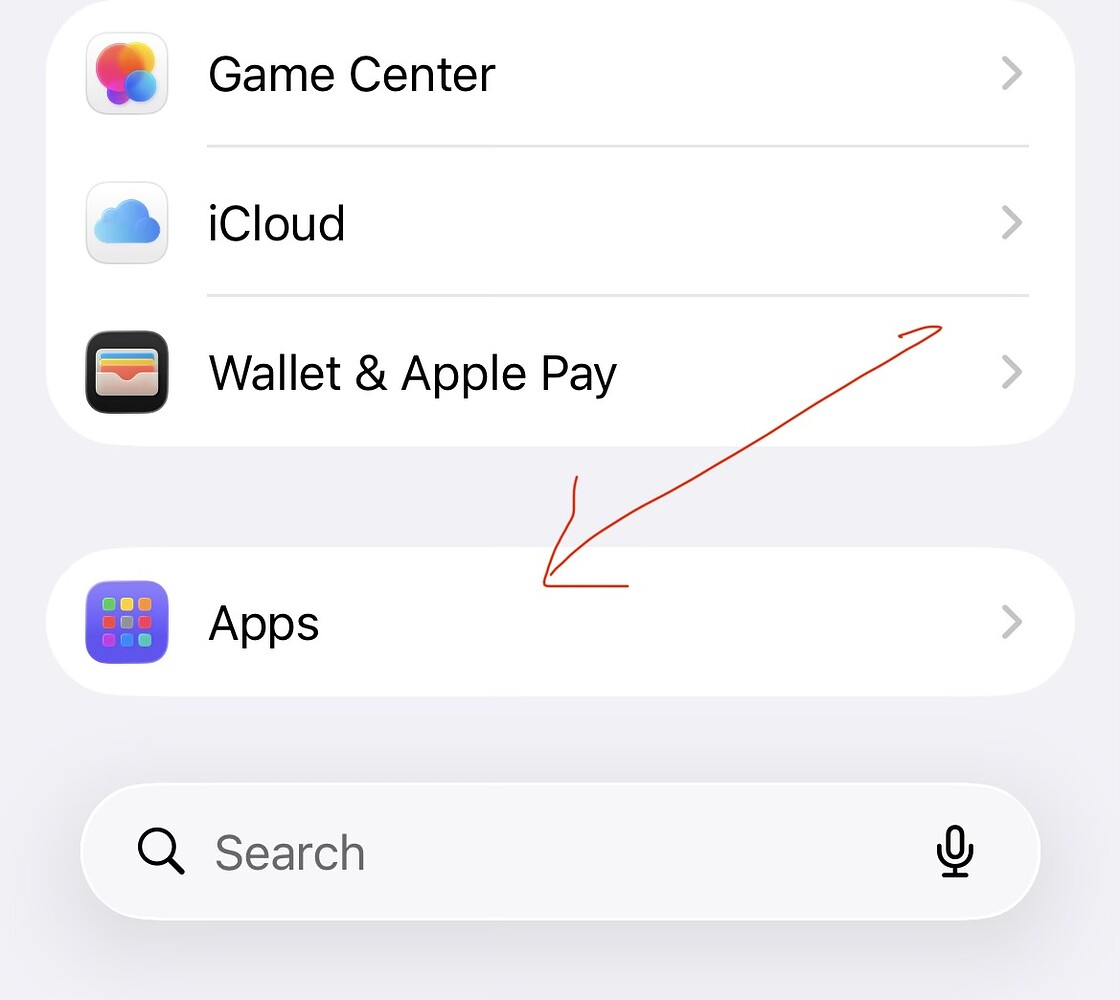
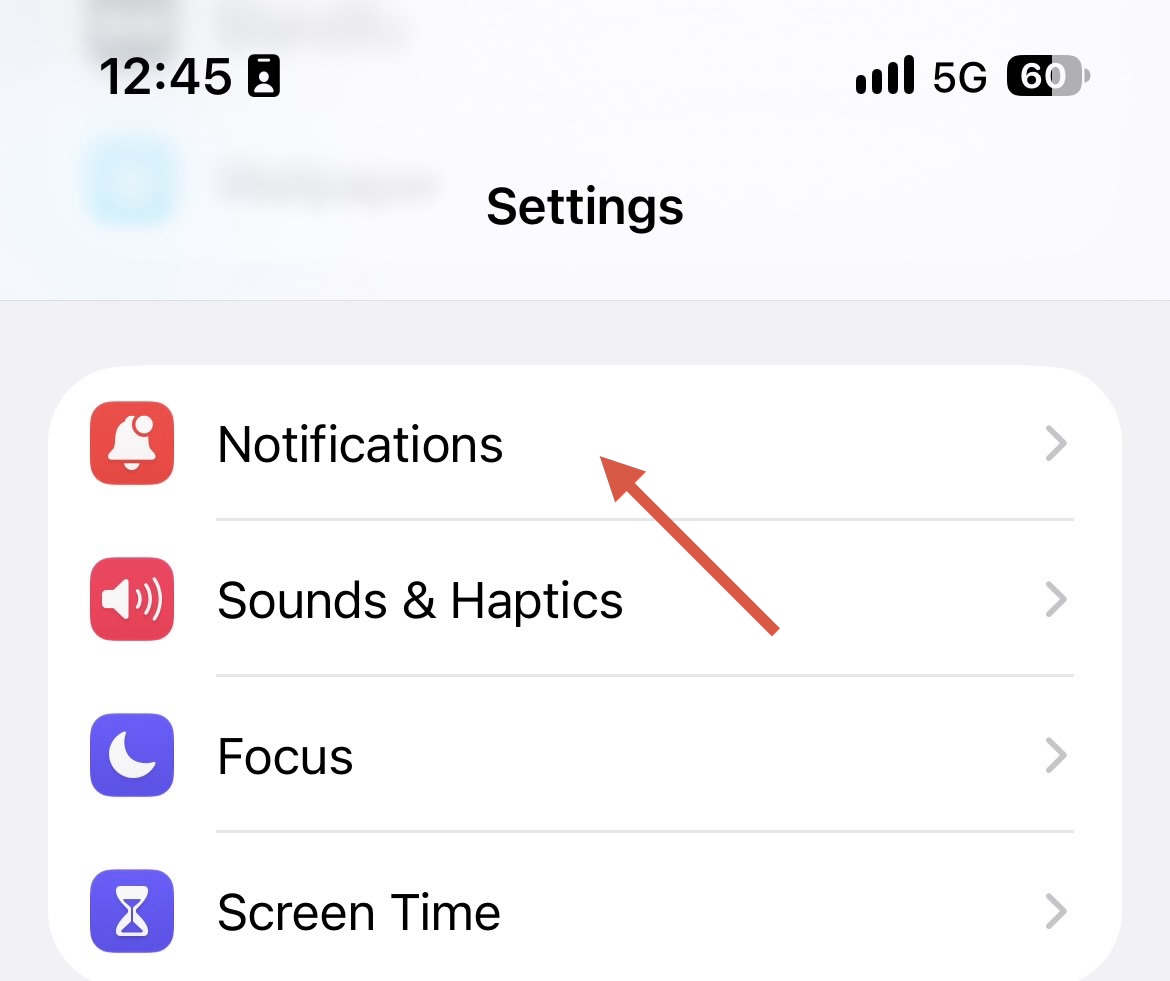
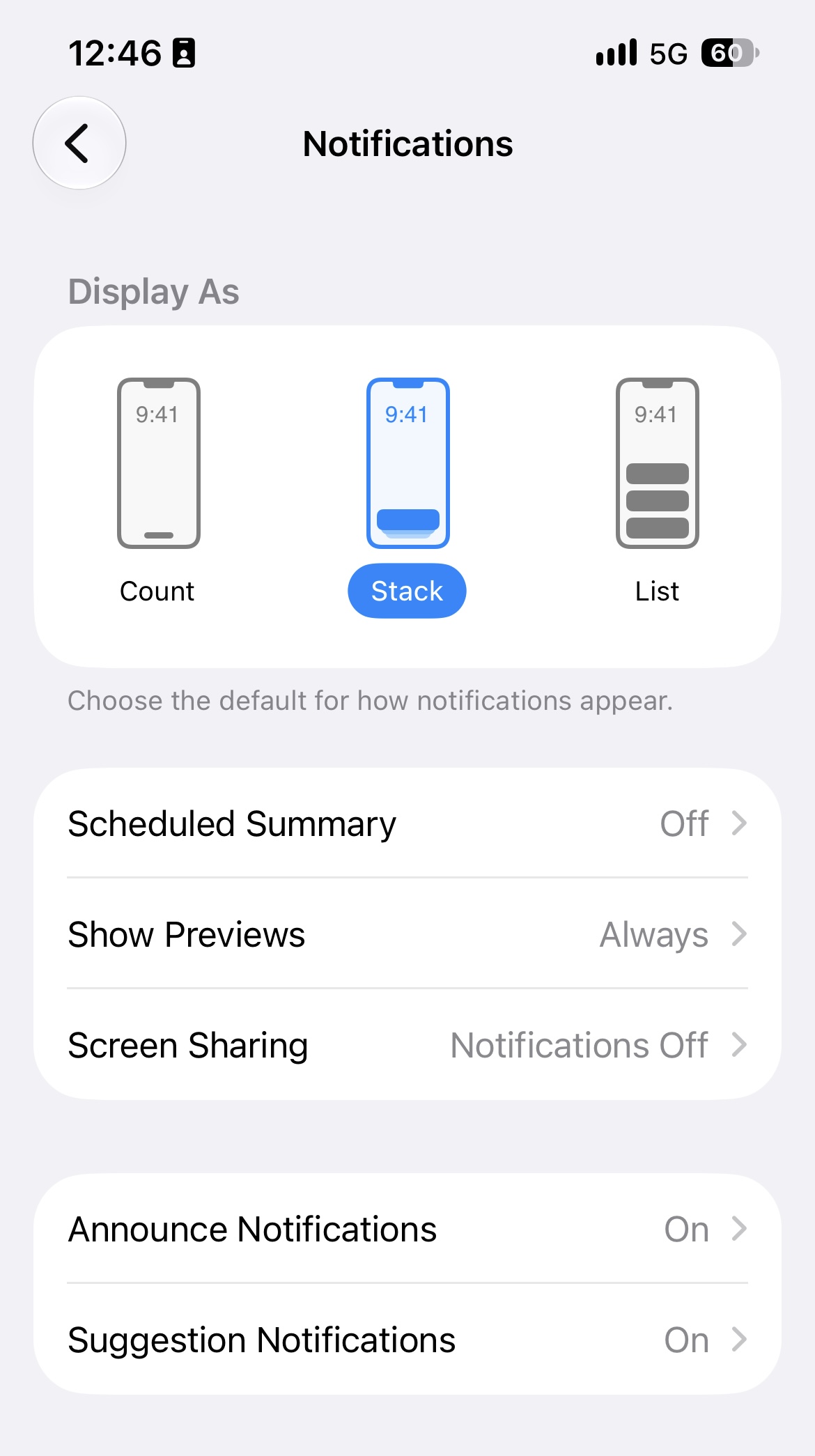
Check that you have set your eM Client iOS notifications and General iOS Notifications are set ok as per my examples screenshots below.
If you have the same iOS notifications settings, then “disable and re-enable push notifications” in your account in eM Client and “then close and reopen the app” and see if that fixes it.
Also check your Focus mode “if you use Focus” that it has allowed eM Client app & isn’t disabled.
Apart from that try “Power off & on your device” as I found sometimes it’s just an iOS system glitch.
i have the same problem but only with a folder that I forward certain messages to with a Rule. My main Inboxes (2 mail accounts) show notifications. That one folder does not.
iOS notification badges rely on primary Inbox updates, so setting rules to mark emails as unread in subfolders won’t issue a lock screen alert without explicit folder-level notification permissions
Thanks @cyberzork. I’ve now gone through everything:
iOS notification settings for eM Client: all enabled. Focus: eM Client allowed. Power off/on, uninstall and reinstall: done.
Updated to 11.0.1140: no change.
“Disable and re-enable push notifications in the account” isn’t possible for me. The option doesn’t exist.
My account is a Microsoft 365 (Exchange Online) account, which eM Client 11 moved from EWS to Microsoft Graph after the update.
In Settings > Accounts > [my account] there is no notifications or “Use push notifications” entry. I’ve also checked “Advanced”, the “Microsoft Graph” service page, the “…” menu and all global settings.
The only related item is “Log push notifications” under Advanced settings.
@cyberzork, what kind of account do you use (IMAP, Gmail, Exchange/EWS, Microsoft 365 via Graph)?
I’m also the admin of the Microsoft 365 tenant, so I checked the server-side logs (Exchange audit log and Entra sign-in log):
Until 9 October (eM Client 10, EWS):
The push service (eM.Client.Push.Service/1.0.1472.26645) read the inbox via EWS, from IPv6 2a01:4f8:1c1c:e130::1 and 2a01:4f8:1c1b:79aa::1, never from the IPv4 addresses listed on the push page.
It requested its own tokens about once an hour and reacted to every new message, usually within a few seconds.
9 October, evening: the app was updated to 11 and the account switched to Graph.
Around the same time I had removed eM Client’s EWS consent in our tenant, because I assumed v11 no longer needs EWS.
The push service made its last token requests a few minutes after that, for Exchange Online without the EWS permission. Since then it has made no token request and no mailbox access at all.
Today: I re-allowed EWS for eM Client as a test (EWS.AccessAsUser.All consent and the app ID in EwsAllowedAppIDs). I then closed and reopened the app. Still not a single request from the push servers.
The app itself signs in normally via Graph.
So it looks like the app no longer registers this Graph account with the push gateway at all.
Does eM Client 11 for iOS support push notifications for Microsoft 365 accounts connected via Microsoft Graph? If so, where is the setting? And how can I re-register the account with the push gateway without removing and re-adding it?
Does the push service still need EWS for these accounts? If so, which permissions does an admin have to allow: EWS.AccessAsUser.All and the app ID e9a7fea1-1cc0-4cd9-a31b-9137ca5deedd in EwsAllowedAppIDs? And what is the plan after EWS is retired in Exchange Online on 1 April 2027?
Could you add the push servers’ IPv6 addresses to the list on the push notifications page?
I can enable “Log push notifications” and send the logs and my device ID privately if that helps.
Thanks @cyberzork, that helps. Interesting that it works for your Outlook.com and Live.com Graph accounts. Do you see a “Use push notifications” switch in those accounts’ settings? For my Microsoft 365 (work) account via Graph it doesn’t exist. Anyone else here with a Microsoft 365 business account on eM Client 11 for iOS: do push notifications work for you? I’ll open a support ticket as well and post the result here.
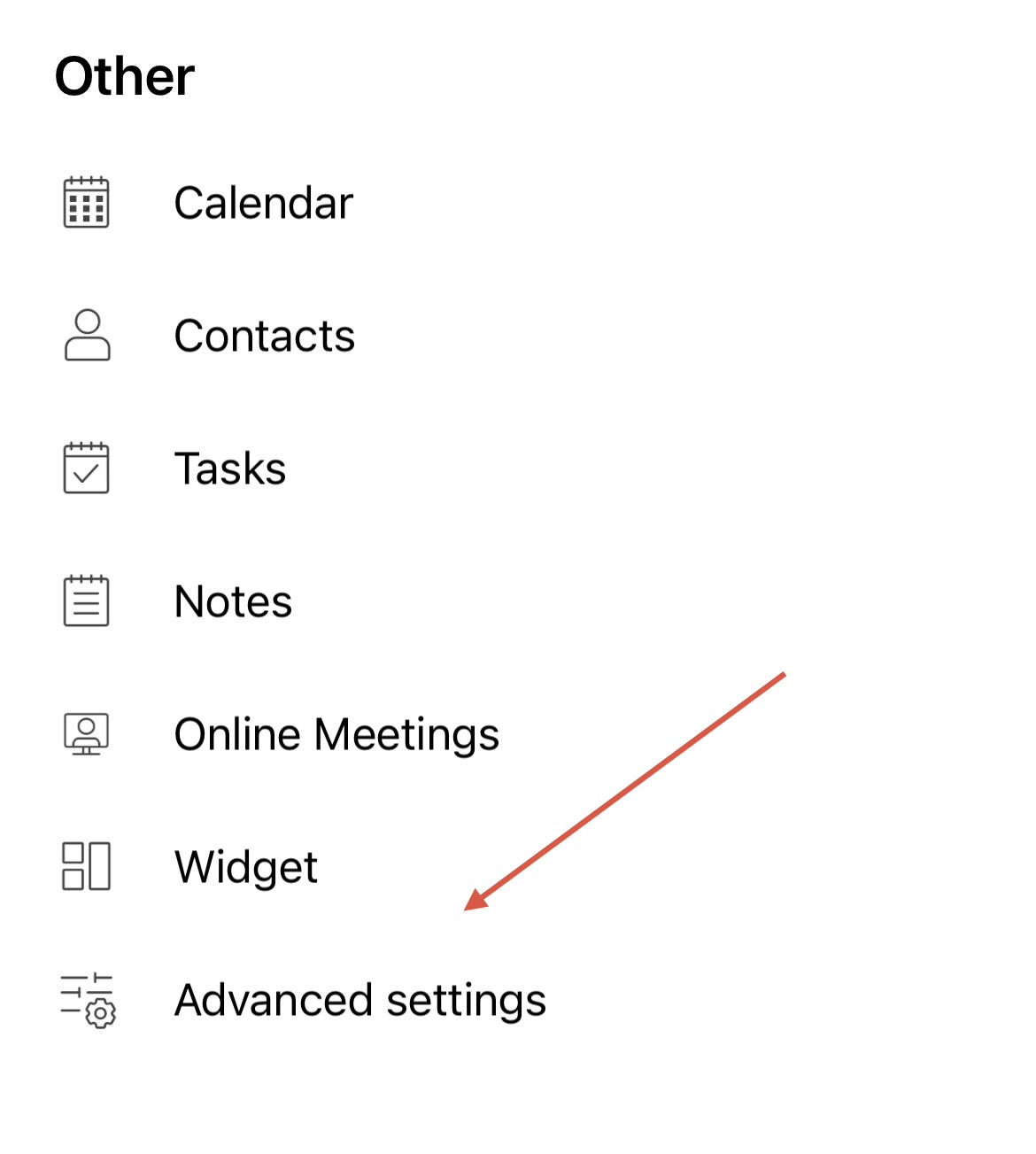
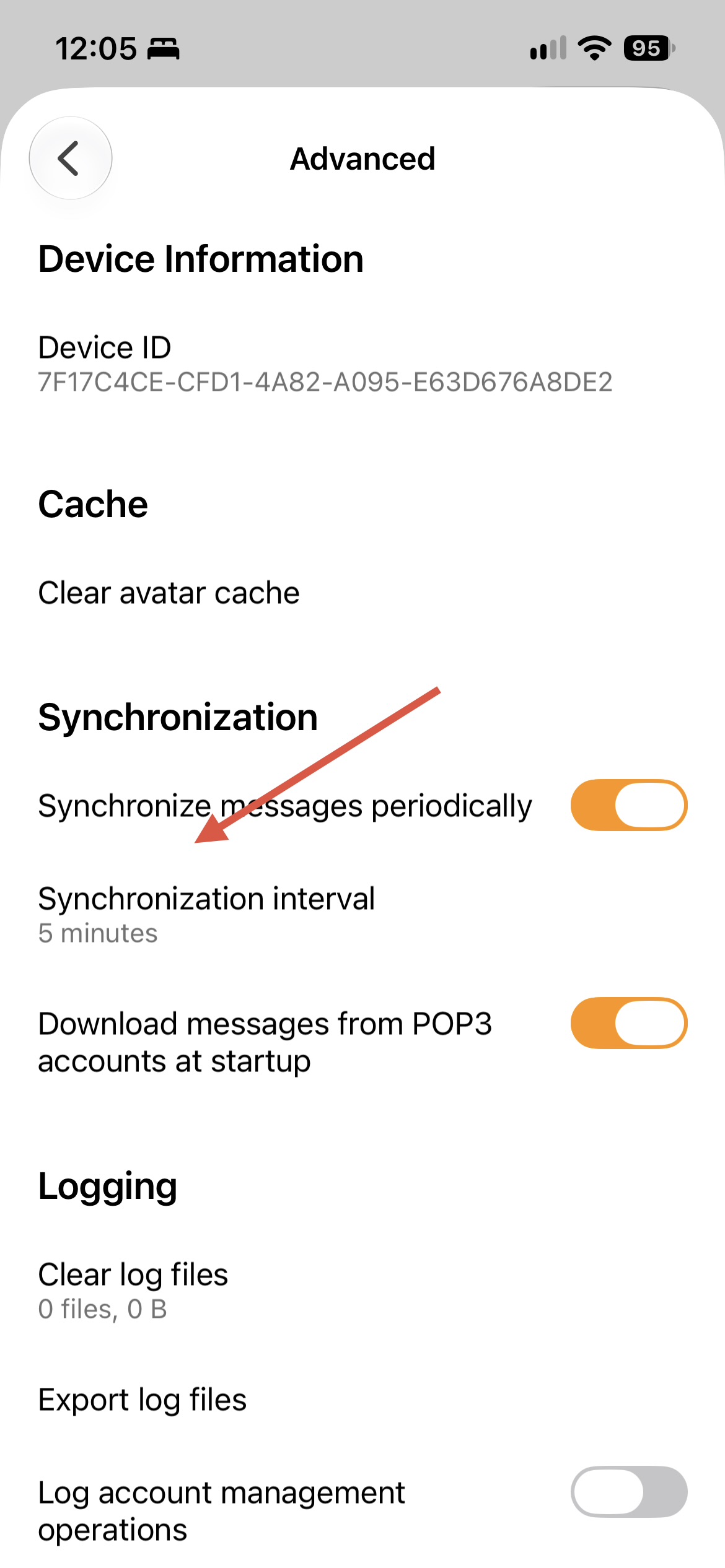
With Graph accounts they are not realtime and work off the synchronise send and receive setting in the “Setting / Advanced” section as per below.
“Why are Graph Accounts not received realtime like IMAP Accounts”
“The reason is MSGraph does not support push notifications/IDLE settings like IMAP did. Thus the account is refreshed periodically based on settings - default timeout 10minutes”.
Solved, with help from eM Client support: push only works over EWS. Microsoft 365 accounts connected via Microsoft Graph get no push in eM Client 11.
I set the account up again as an EWS account in eM Client 10 on my Mac (Microsoft sign-in), transferred it to the iPhone via QR code, and declined the switch to Graph. Push on the iPhone works again.
For tenant admins: eM Client needs the delegated permission EWS.AccessAsUser.All, and if your tenant restricts EWS, its app ID must be on the EWS allow list.
Good that you got your accounts back working with EWS to then get Push Notifications on your mobile, but the only issue will be “if you don’t have an On Premises server” where EWS is set to fully shutdown in April 2027 and might shutdown earlier leading up to April. So then only Graph.
Phased Shutdown: Microsoft began disabling EWS by default in Exchange Online tenants starting October 1, 2026.
Final Retirement Date: EWS is scheduled for a permanent shutdown on April 1, 2027.
On-Premises Exception: EWS will continue to be supported for on-premises Microsoft Exchange Server environments