Hi
I have been using the latest eM on my new Macbook Air M4 Sequoia for some time now. I have now noticed that when I first open eM (defaults to my calendar as desired), when I open the email section, there are no emails listed in my default Inbox (see screenshot). To view them I have to click somewhere else and then back there again and they all appear. I don’t recall having to do this before. Any suggestions what may cause this and how to have all the previous/new emails show in the default Inbox on entry?
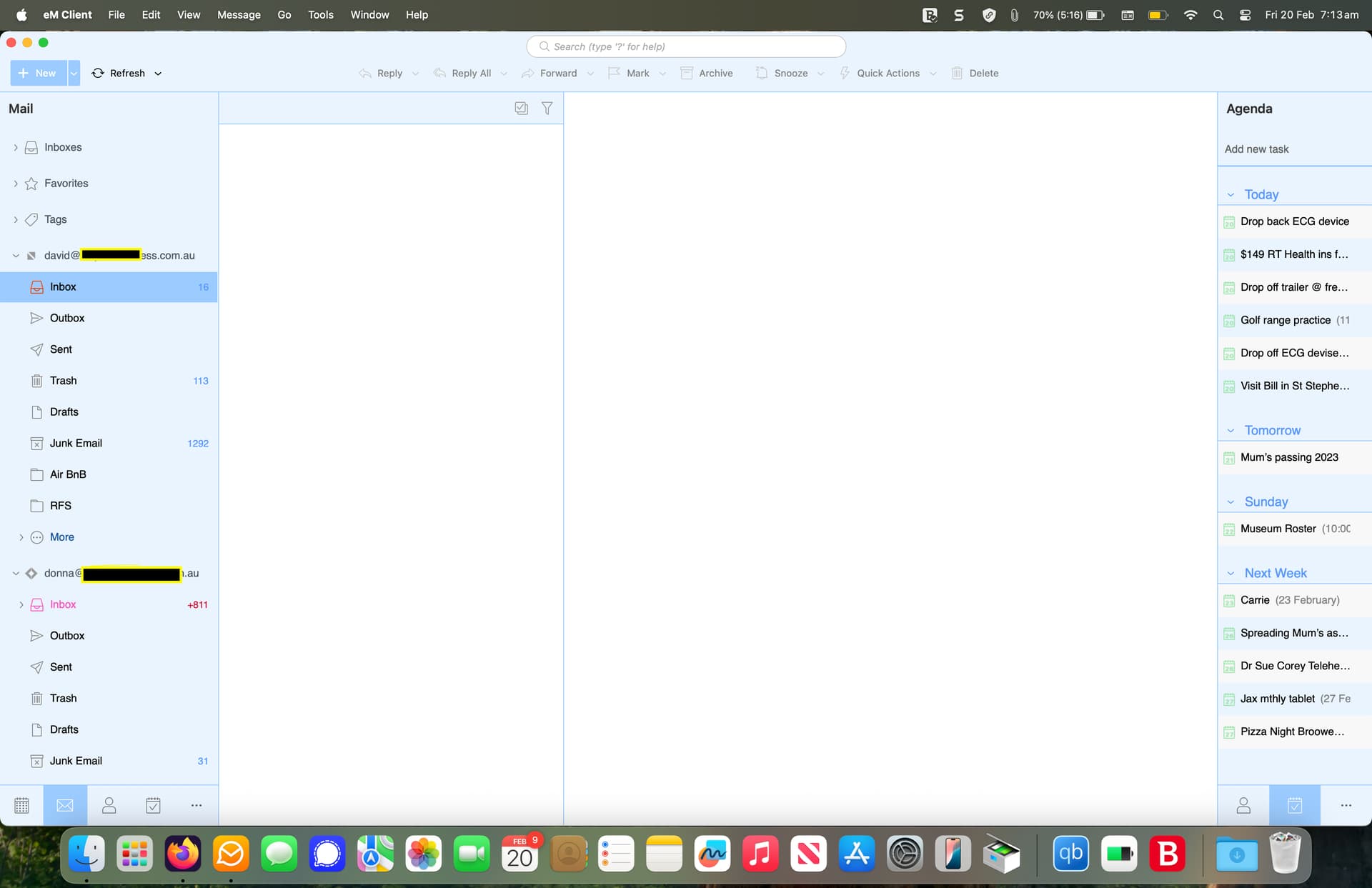
That’s unusual.
Could possibly be either when you upgraded eM Client some went wrong or you might possibly have a problem with your new mail database or might be some external resident program possible interfering or a physical connection internet issue.
So I’d first close eM Client and then go to your “Finder / Applications” and drag the eM app to the bin. Then go to the release history page and redownload the same or later Mac version and reinstall and see if that fixes it. If you have been running V10, there is a new V10.4.4867 update.
Next if reinstalling eM Client makes no difference then if you have been making regular backups either automatically via the settings or manually via the menu, and have an IMAP, Exchange, Office 365 or iCloud account and nothing in Local Folders then try restoring a recent backup when you know it was working ok via “Menu / File / Restore” and see if that fixes it. Any new emails since the restore will update when eM Client re-connects.
Apart from that try powering off your Mac and modem / router for say eg: 2 mins and then power back on see if it makes any difference in case it’s a physical internet connection delay issue.
Also if you have any eg: optionally installed firewall / security programs or optionallly installed antivirus programs or vpns “other than what comes default with your Mac” try completely disabling those to test in case of interference.
Lastly update to Mac OS26.3 which just came out recently if you haven’t already in case of any OS problems that might be causing this issue.
Thanks for your reply.
The first thing I did was to to check my MacOS version. It states 10.4.4195 but also get No Updates Available when I check? (See screen shots).
(I have a Ver10 ‘Personal with lifetime upgrades’ licence).
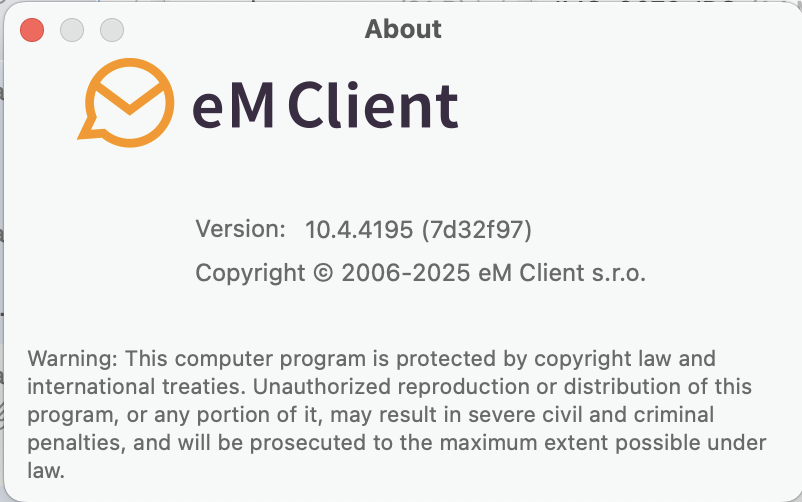
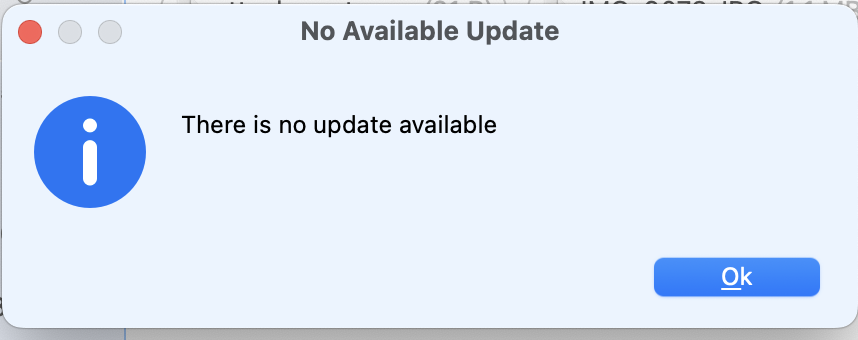
If I Bin my current eM Client from my Mac then download and install the latest one from eM website, will it just remember everything (settings) as it was before, or will I have to backup now and then restore from backup?
V10.4.4867 only just came out in the last few days so probably just hasn’t pushed to everyone yet. So you can just manually download it from the release history page and install it.
If I Bin my current eM Client from my Mac then download and install the latest one from eM website, will it just remember everything (settings) as it was before, or will I have to backup now and then restore from backup?
Yes the database is in a separate hidden folder so you wont loose anything when you drag the eM Client app to the bin and reinstall. Its different than Windows when uninstalling.
You can however make a manual backup first if you like via “Menu / Backup” incase you need to restore for any reason. Thats allways a good idea when upgrading if you don’t already backup.
You can see when the manual backup is complete in “Show Operations” via clicking the dropdown on the right of Refresh. The backup creates a dated backup,zip file in your “Documents / eM Client” folder by default unless you change it via “Menu / Settings / General / Backup”
1 Like
Thanks again.
I have uninstalled my version and installed the latest one. Disabled my Bitdefender Total security and Bitdefender VPN. Still have the same issue. I shut down my Mac every night so that isn’t the solution. Apart from the Backup I did today before reinstalling, the last one was in Nov last year. I don’t really want to Restore from that.
Perhaps I should log a formal Support ticket so they can investigate deeper by maybe checking Logs or other operations?
Perhaps I should log a formal Support ticket so they can investigate deeper by maybe checking Logs or other operations?
[/quote]
Yes I would next contact official support via a ticket next being installing the updated new version made no difference and also disabling your bit defender security program and bit defender vpn made no difference.Link this thread in your ticket.
Apart from the Backup I did today before reinstalling, the last one was in Nov last year. I don’t really want to Restore from that.
You should really make more regular backups in future like at least once a week in case of any issues that may arise especially if you have POP accounts or have messages stored in local folders or are tagging messages etc daily.
I personally currently make a new backup at least every 3 days and keep the last 3 backups.
1 Like
Thanks again for your advice… will do.
I have tried Submitting a Ticket quite a few times now but nothing happens when I submit it. After awhile the connection fails. I attached a video clip of issue in both .mov and .mp4 format and different sizes in case that was a problem, but didn’t help. Is their Support Ticket system down at the moment?
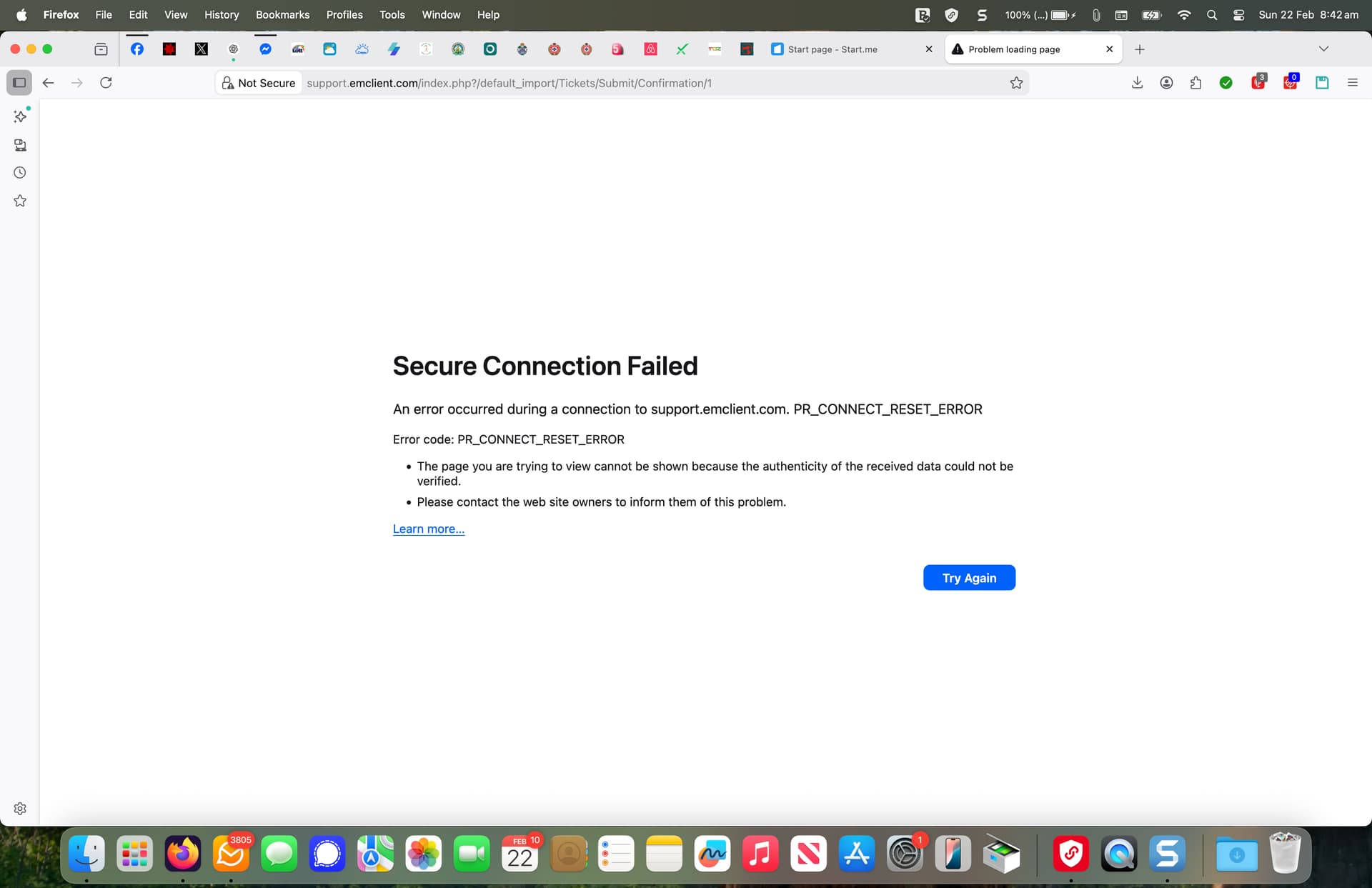
I have tried Submitting a Ticket quite a few times now but nothing happens when I submit it. After awhile the connection fails
Try “a different browser” and also “try completely disabling your bit defender security program and vpn” to see if that makes any difference.
Finally got it to Submit. I tried Safari instead of Firefox but still wouldn’t go. I thought I would keep reducing the video screenshot attachment. When I reduced it right down to 3.1MB the ticket submitted. I don’t know what the limit or file format has to be. Perhaps that is something they should state more clearly, as I couldn’t and still can’t find it anywhere?
eM Support checked my logs and recognised there was a problem. This has now just been rectified with their latest version update.