I’ve already fed this back via support, but for some reason I am no longer getting badge notifications on IOS. Therefore I have to open eM Client each time to check for mail.
in Settings under account:
Use push notifications is enabled
IMAP & SMTP both enabled
Already tried toggling these off and on several times - no difference.
Notifications:
Allow Notifications toggled on
Time sensitive notifications enabled.
I don’t use ‘Focus’
This is obviously a new issue related to a recent update as I never had this happen before.
Just opened up the App and sure enough the badge notifications suddenly pop up. These should appear on the App Icon regardless if the actual App is open or not.
As said fed this back to support but not heard a thing.
IOS 26.1
Latest eMClient available under Testflight.
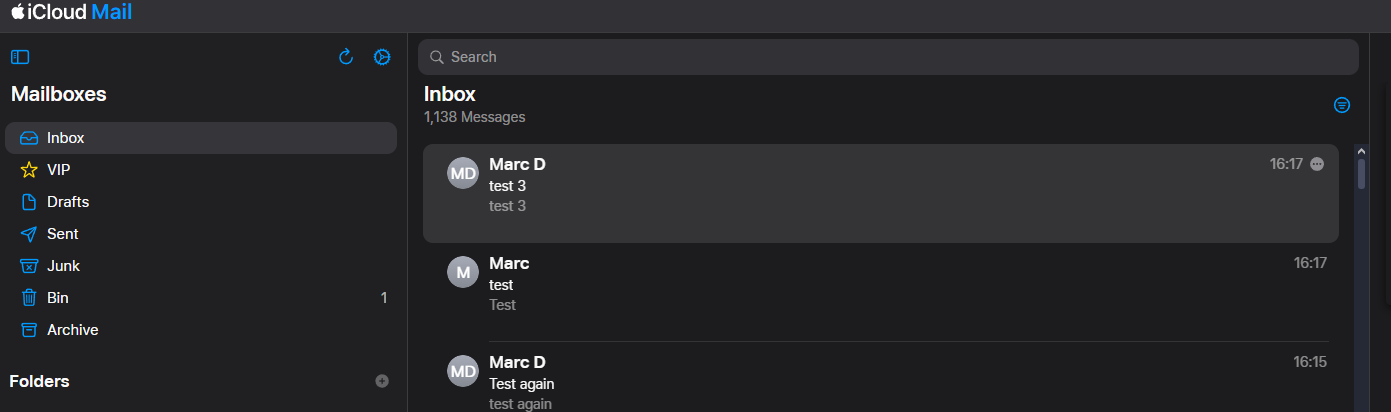
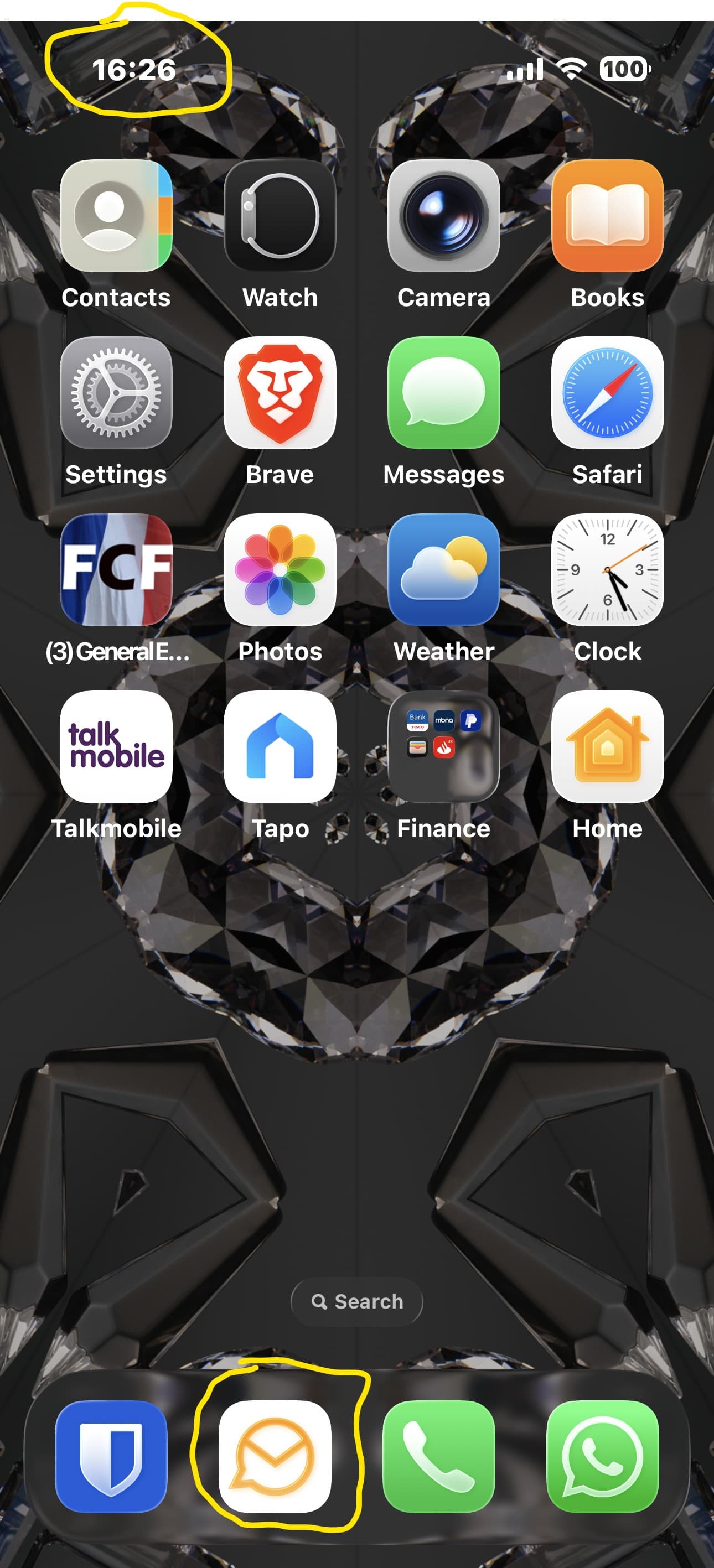
As you can see 3 emails sent to self showing in iCloud Web interface (see time stamps), yet on iPhone 11 minutes later (see time) no notifications at all, yet I know these have come through as they are showing on the desktop client. This is just an example of what has been happening for weeks now.
Since posting I have gone through the ‘tooth pulling’ exercise of restoring iPhone via iTunes. After IOS 26.1 firmware was reinstalled, I did use my iPad to restore my settings, but this has not worked. As far as I am aware the following is supposed to be the process for Push Notifications (from eM Client), so there appears to be a glitch with either the eM Client server not telling the Google Firebase Server there is a message or the Firebase Server is not sending the notification to our Apps for some of us.
What eM Client and many other mail apps need to do, is to let this server know there is a new message, and in turn the new message notification shows up in your phone, even though eM Client is not running.
A step-by-step of your email notification path to appear on your phone:
A new message is received in your Inbox on your mail server
eM Client server, waiting on any news, is alerted
Message envelope data is processed by the eM Client server (Sender, Subject, Received time, optionally Message preview)
This data is sent to your account on a Firebase server
Firebase uses the envelope data to create a notification
The new email notification is pushed to show in your phone
… hours later… and death by a thousand cuts, I have to report that I finally had to rule out all possible system issues.
So first a complete iTunes iPhone Device restore (Wipe and reinstall firmware) and after that restored from iCloud backup - that was a total fail! All bugs still present.
Had to bite the bullet and completely erase the iPhone and reinstall a second time. However this time I did not choose to restore from a backup and it has resolved the issue.
Reinstalled Testflight and eM Client, manually added account and that is now working as it should. I already tried this multiple times before the iPhone wipe to no avail, so the bug was the fault of the IOS 26.1 upgrade and that was carried through in the backup.
So unfortunately, a total manual reinstall of all Apps and loss of all data within those apps was inevitable it seems.
If anything, this shows the desperate need for Apple to provide an APP only backup and forget about the system settings as this seems to be the culprit by backing up bugs.