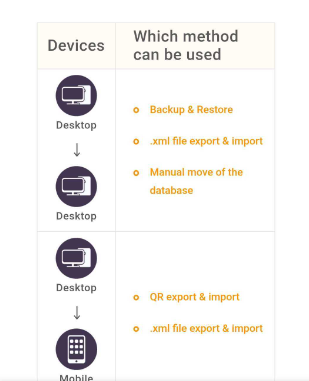
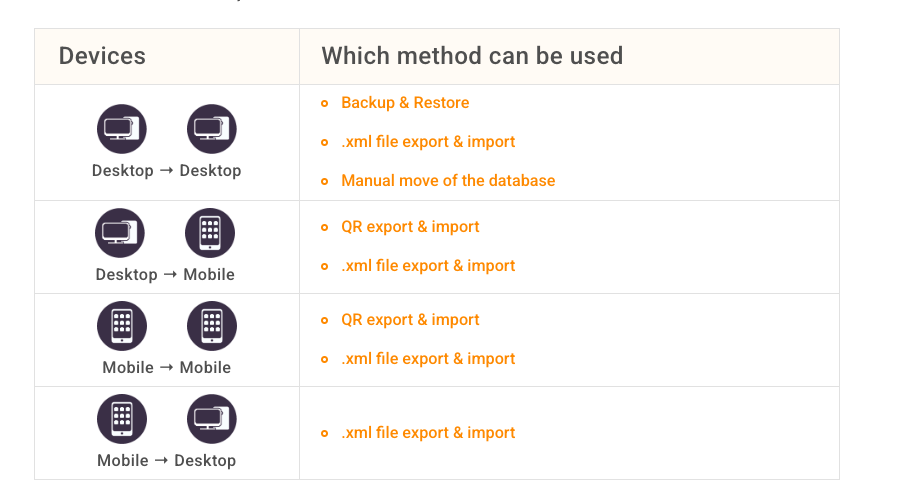
New eM Client updated blog on Transferring to a new device
Wednesday 27 May
Hi @cyberzork
Is this something that I missed or is it that Blog posts are not routinely announced?
In my opinion they should be.
I have a comment that the Blog says Desktops, I know or at least I presume that this
includes Laptops, but I will not be surprised if there are those who ask the question.
Bonne chance!
Lucy_C
We promote the new blogs on our socials, but not on the forum.
And all articles can be found here, of course: The Official Blog | eM Client
As for the use of word desktop - we are using it to cover any Windows/macOS device (as opposed to Android/iOS/iPadOS which we call “mobile device” in this article), which of course covers laptops, but thank you for the feedback, we’re going to discuss with the team if we can make it more clear 
Wednesday 27 May
Hi @Olivia_Rust
Thanks for that,though why when in the past, announcements were made about updates
to eM Client versions not do the same for the Blog?
Unfortunately many organisations, eM Client included, seem to have taken the stance
that everybody subscribes to Social Media, I do not believe this is the case, I have
never done so for past employment security reasons, and never will.
Bonne chance!
Lucy_C
1 Like
why when in the past, announcements were made about updates
to eM Client versions not do the same for the Blog?
Yes id suggest to also link any new blog post urls to the Announcement forum page. Why not have it in both places for forum users. Announcement - eM Client
1 Like
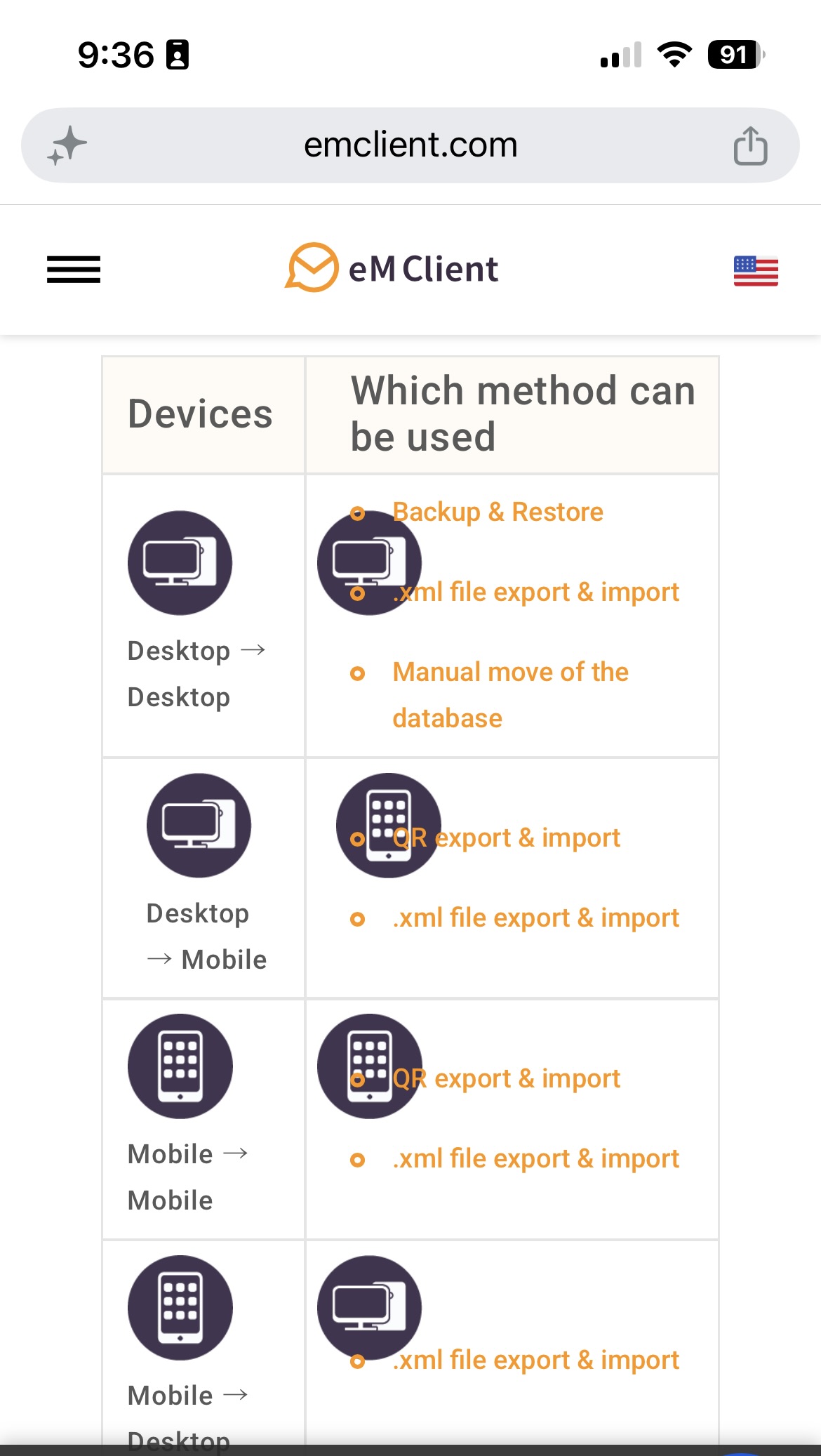
One thing on this new blog post, if you view it in Portrait view on a eg: iOS Device with V10.4.5360 / OS 26.6 the orange text goes over the black images on the right side, and also the second set of black icons are not aligned vertically under the others. It displays fine in Horizontal view. Just needs a bit of tweaking to the page for mobile view.
Also with the new blog post, on the “Mobile to Mobile” and “Mobile to Desktop” sections when I click on those links they jump / target down to the Desktop sections and should jump / target down further to the Mobile section instructions “under them” as it’s confusing.
Just needs link jump / target adjusting for these mobile links so you see the mobile instructions.
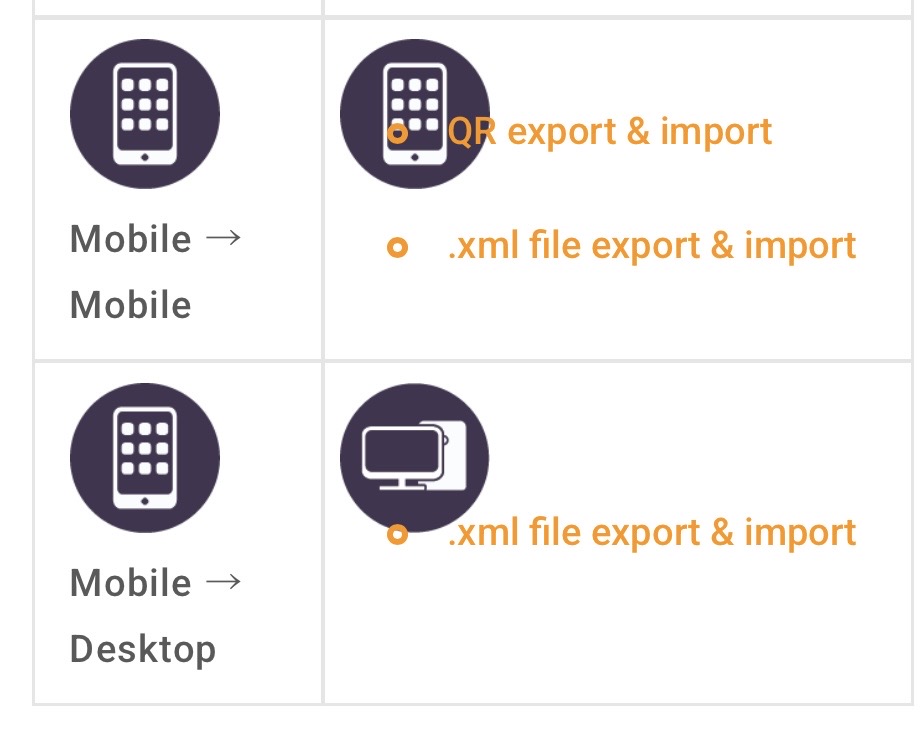
Eg: When I click “QR Export and Import” on the right of the mobile to mobile section, it jumps / targets down to eg:
“From a desktop to a mobile device” which is confusing.
Where it should jump / target down further to eg:
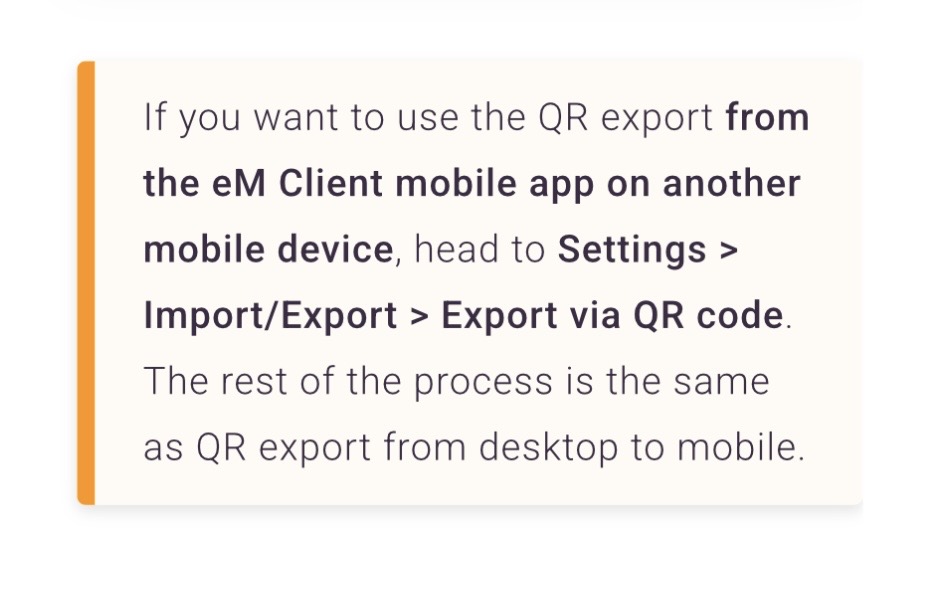
Thank you @cyberzork, I’ll report these to our web team, we were trying something new with this one and seems like we missed some details, but we’ll look into it 
1 Like