I have been using calendar in the emClient Desktop app for years. Version is 10.3.2619. How can I sync the emClient calendar on android with it? Version is 10.3.2269. Can’t find any hint on how to do it…
The best way to get the mobile app calendar the same as the desktop calendar, is to use the QR Export code option on the Desktop.
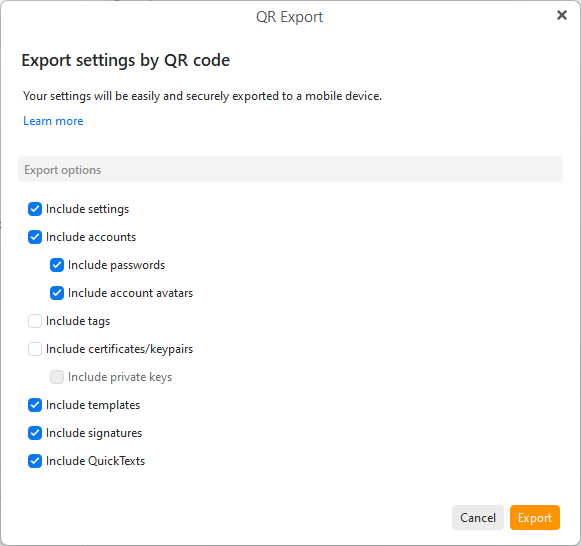
To export via QR Code on the desktop, go to “Menu / Tools / QR Export” and select your accounts and any other options you want and click “Export” at the end.
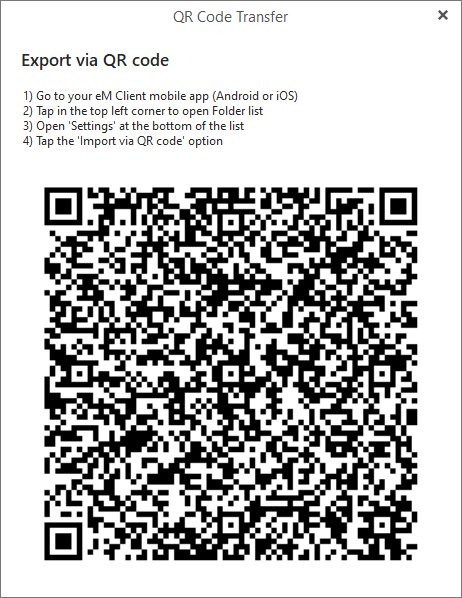
Then when you see the QR code appear on the desktop, open the eM Client mobile app and press "Menu / Settings / Import/Export and press Import via QR Code as per the eM Client online documentation link.
1 Like