Need Help Displaying Full Date and Time on All Messages

Hello,

I need some assistance with message display settings. Currently, messages sent today only show the time, while messages from previous dates display both the date and time. I would like all messages including those sent today to consistently show both the date and time.

Is there a setting in eM Client that allows this? I’d appreciate any guidance on how to enable this feature.

Thank you!
I would like all messages including those sent today to consistently show both the date and time.

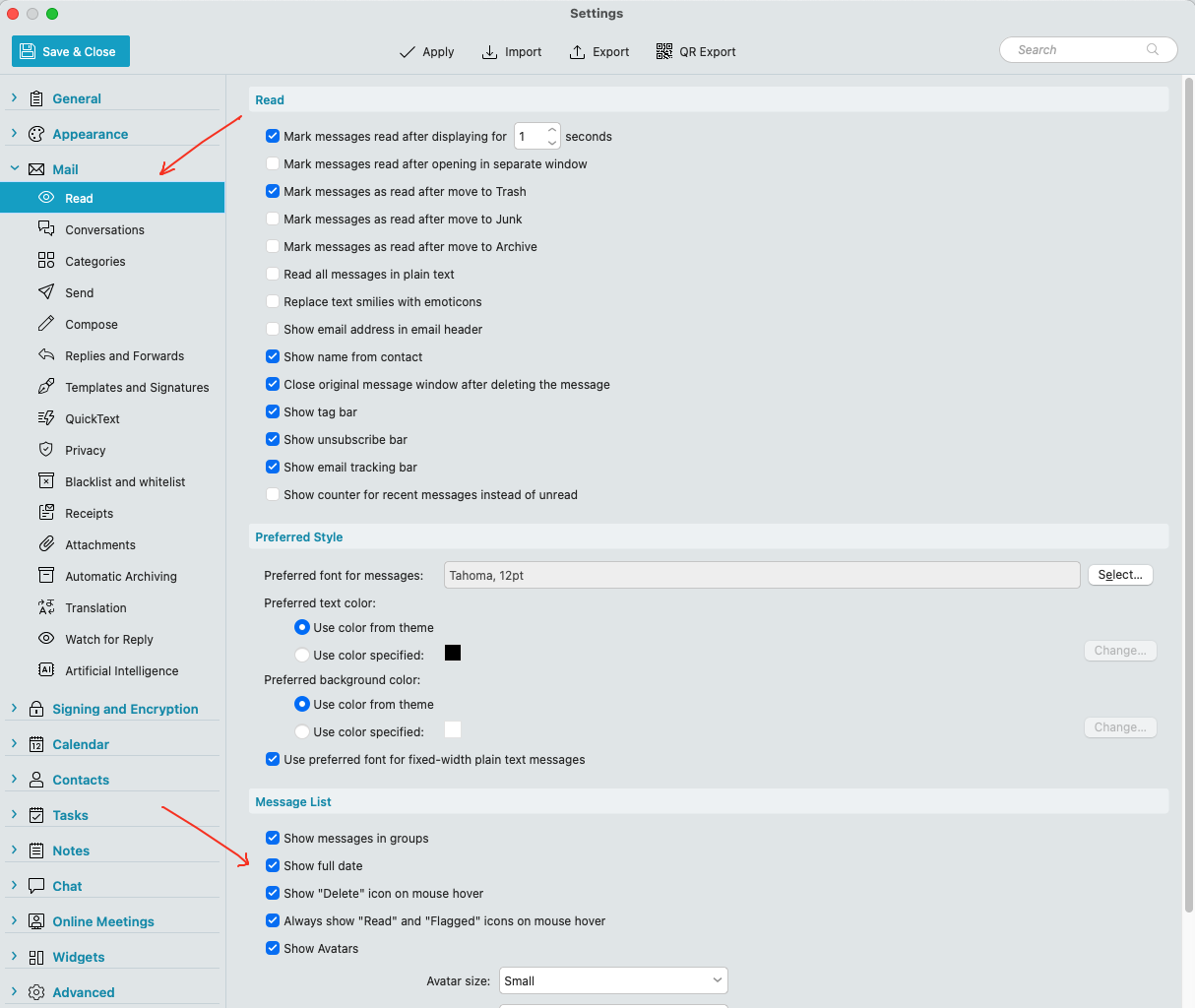
To enable all messages to show todays date and time in eg: V10, go to “Menu / Settings (Preferences) / Mail / Read” and down near the bottom check the box marked “Show Full Date” under Message List as per the example screenshot below. Then save settings.

1 Like