Nowadays, our mailboxes are spammed with fishing mails.
Most of them try to hide their real source behind a sender name, eg. "Deutsche Bank"[email protected].
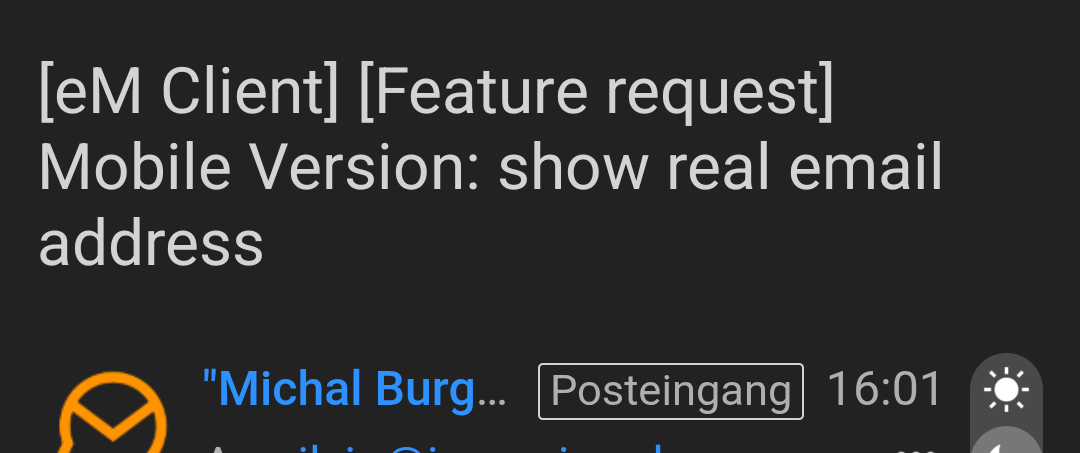
In the mobile app I only see “Deutsche Bank”.
It is much easier to immediately discover fishing mails when I see the real sender address, but this is too complicated in the mobile em Client. In the desktop client we have the tool tip, not perfect but good enough.
Please add an option to show sender address instead of sender name.
It is already there, same place as on the desktop: Settings->Read->Show email addresses in email header
No
Setting is enabled, I can’t see your real mail address…
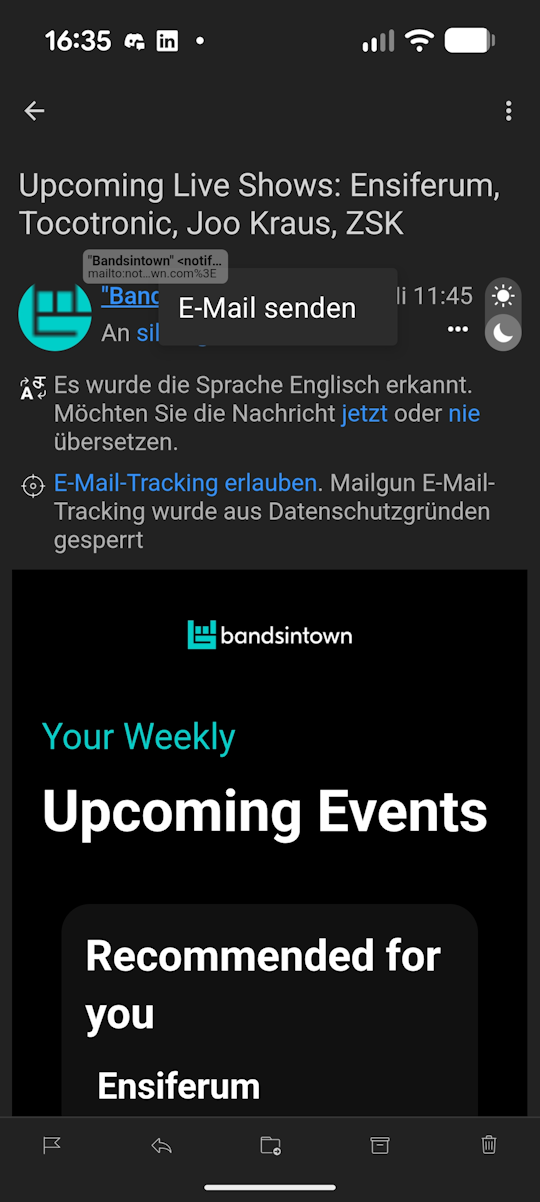
If I long press on the address, a Mini Tooltip appears, and it is completely covered by my finger. If I release, the tooltip disappears immediately. No chance to see the real address.
You could, alternatively, display the real address when I try to move the mail to junk - there I am being asked whether I want to put the mail address or the domain onto the blacklist:
What do you want to blacklist:
[[email protected]]
[*@thievery.com]
@siaccarino
Setting is enabled, I can’t see your real mail address.
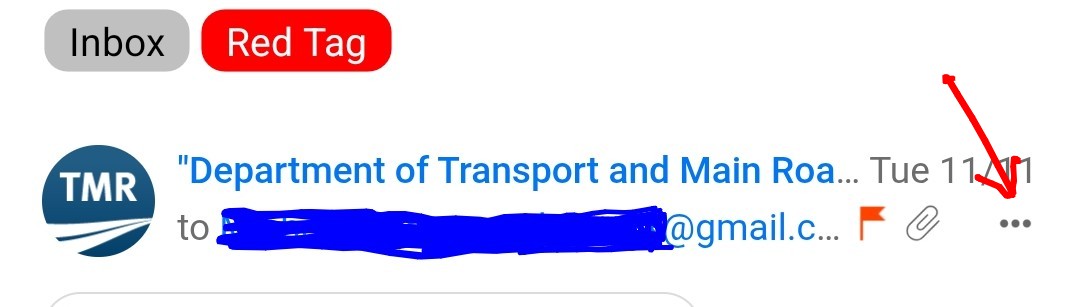
If the “sender name is too long” as in the below example screenshot on eM Client Droid, (even if you have show email address in header) then you won’t see the sender email address or you might only see a partial sender email address depending on how long the sender name is.
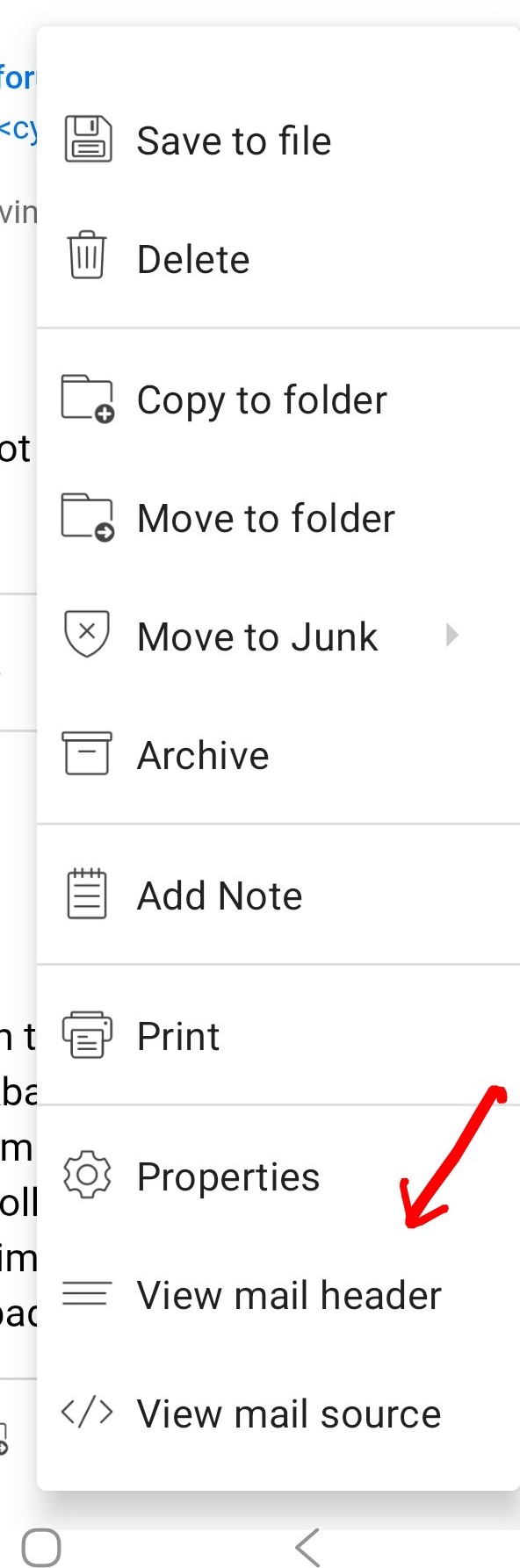
So to then see the sender email address for these type of senders with long names “press the 3 horizontal dots” on the far right of the sender email address and swipe down to th very bottom and press “view mail header”.
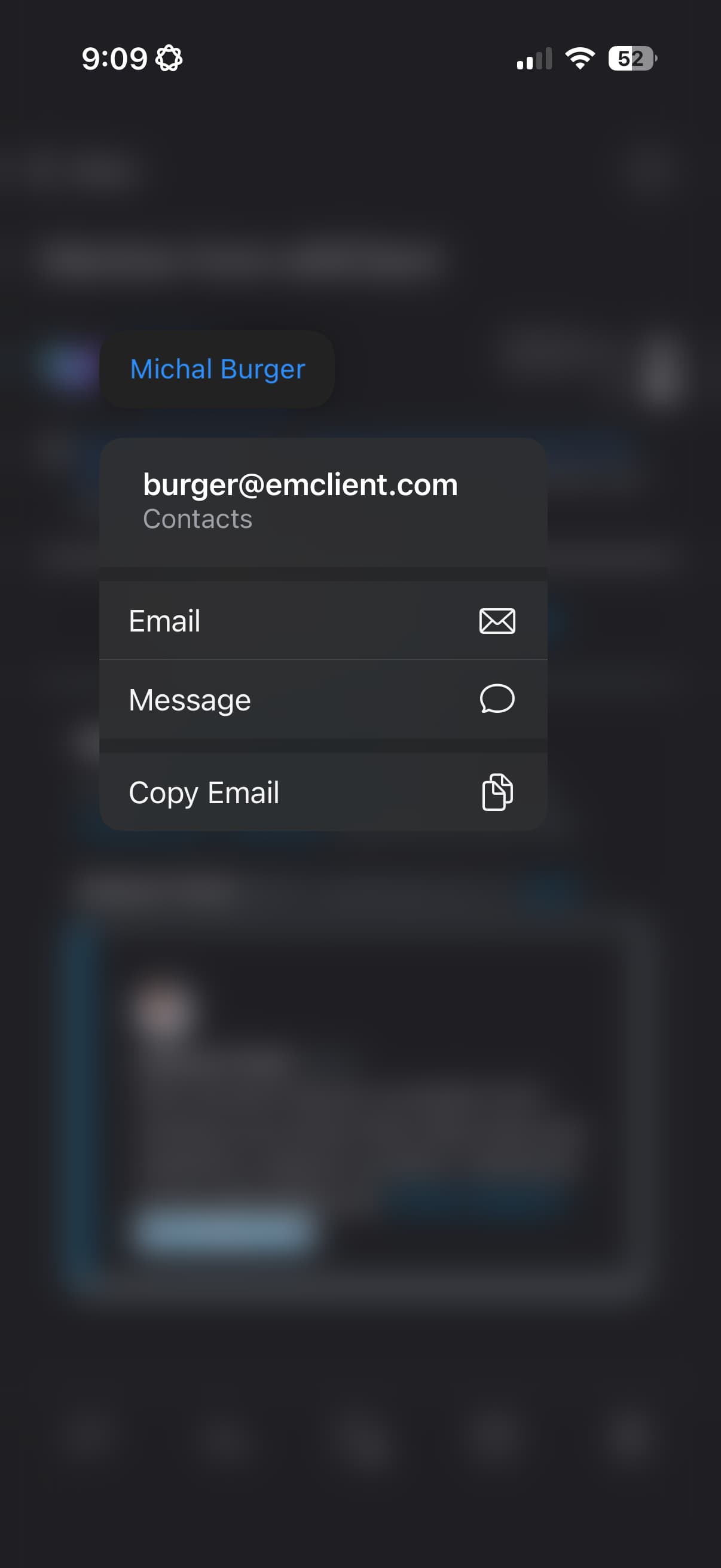
We‘ve recently added a feature that with long tap on the email address you are able to see the full email address as well.
1 Like
The popup opened by long tab is so small on my Pixel 10 Pro XL that it is always hidden behind my finger. Font-scaling is broken for this popup - and I would recommend moving the popup some pixel up to prevent that the finger overlaps the window.
BTW: This feature popup - is there a setting to enable it? “Copy Email” is quite useful but not shown on my device.
Yes using the latest eM Client mobile droid V10.4.4297 / OS 16 “long tap on the senders email address is not usable on” as its behind your finger as @siaccarino advised. I can also replicate that. No popup window shows.
However on the iPhone / iPad V10.4.4205 when you long press on the senders email address “you do get the popup window” showing the senders full email address as in your screenshot.
EM Client support replied back and they have reproduced this same Android issue “where long pressing on the senders email address does not show the popup window on Android” and have sent it to the devs to fix in a future update.