I have written email and password, but it is just spinning. Cant log in. Se image.
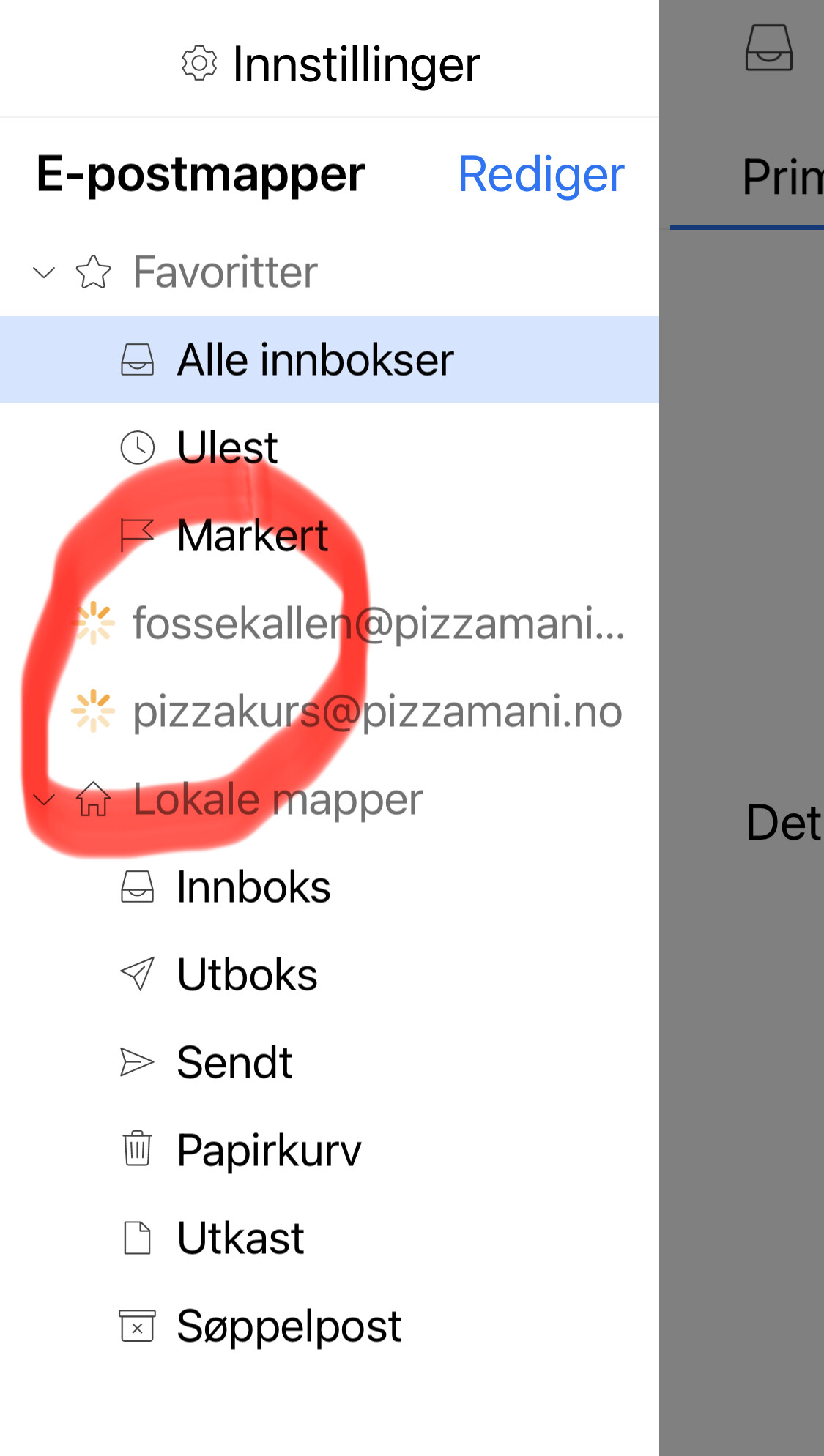
Press “Settings” and press “Show Operations” and see if it’s if still synching or doing anything.
If it’s not still synching or nothing happening, click the “Log tab” and look for any obvious error messages. If there is any errors, “press on the error” and then copy and paste them in this thread. We might then see whats wrong.
Also is this a POP, IMAP, Exchange, Office 365 or iCloud account ? and who hosts your mail ?.
Also did you setup the app via using the “QR Export option” from eM Client desktop and scan the QR Code with the mobile app ?, or did you just manually setup the mobile app via the automatic account wizard or manual setup account option ?
Operations says synching folder list.
It is IMAP
How do I find the QR-code?
Operations says synching folder list.
Probably means it’s just going to take longer. I’d personally just give it a bit more time.
If nothing happens after along time “and you have eM Client for desktop” sending and receiving mail ok, try exporting the QR Code to the mobile app.
Also if you have an optionally installed firewall security programs or optionally installed antivirus programs or vpn “other than what comes default with your OS”, then try completely disabling those to test in case of interference causing delays.
How do I find the QR-code?
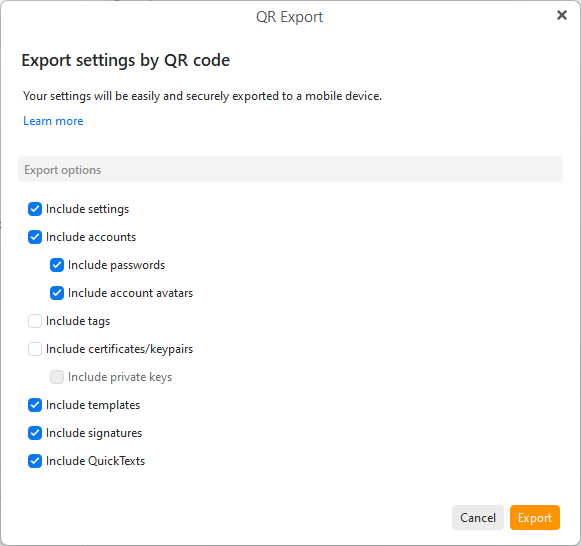
To get the eM Client desktop settings to the eM Client mobile app, use the Export to QR Code option via either the Menu or Settings as per the eM Client QR Export documentation
https://www.emclient.com/webdocumentation/en/10.0/emclient/default.htm#QR%20Export/QR%20Export.htm.
To export via QR Code, go to “Menu / Tools / QR Export”.
Or on the desktop, go to “Menu / Settings (Preferences)” and “click the QR Export button in the toolbar” of the Settings window will give you the options to export.
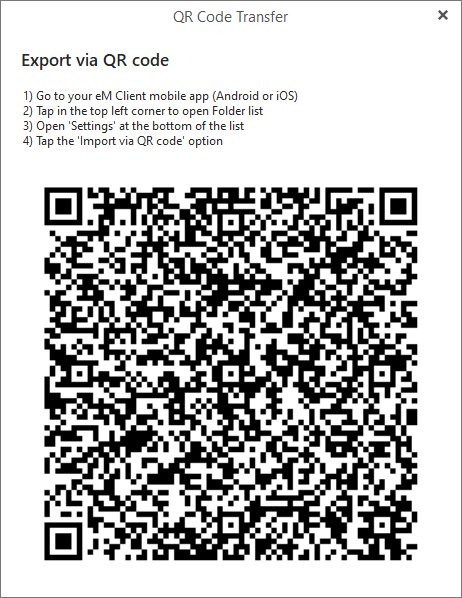
Select all the Settings, Accounts & any other options you want on the QR Export screen. Then click “Export”, and when the QR Code appears “open the eM Client mobile app” and choose the option to scan the QR Code as per the QR Code instructions.