For some reason eM Client is failing to upload messages that come from my doctors or a medical institution. The error says those emails are FORBIDDEN. These are important for me to receive. Fastmail has indicated that it is a problem with eM Client. Need some help here. I uploaded a sample of the error.
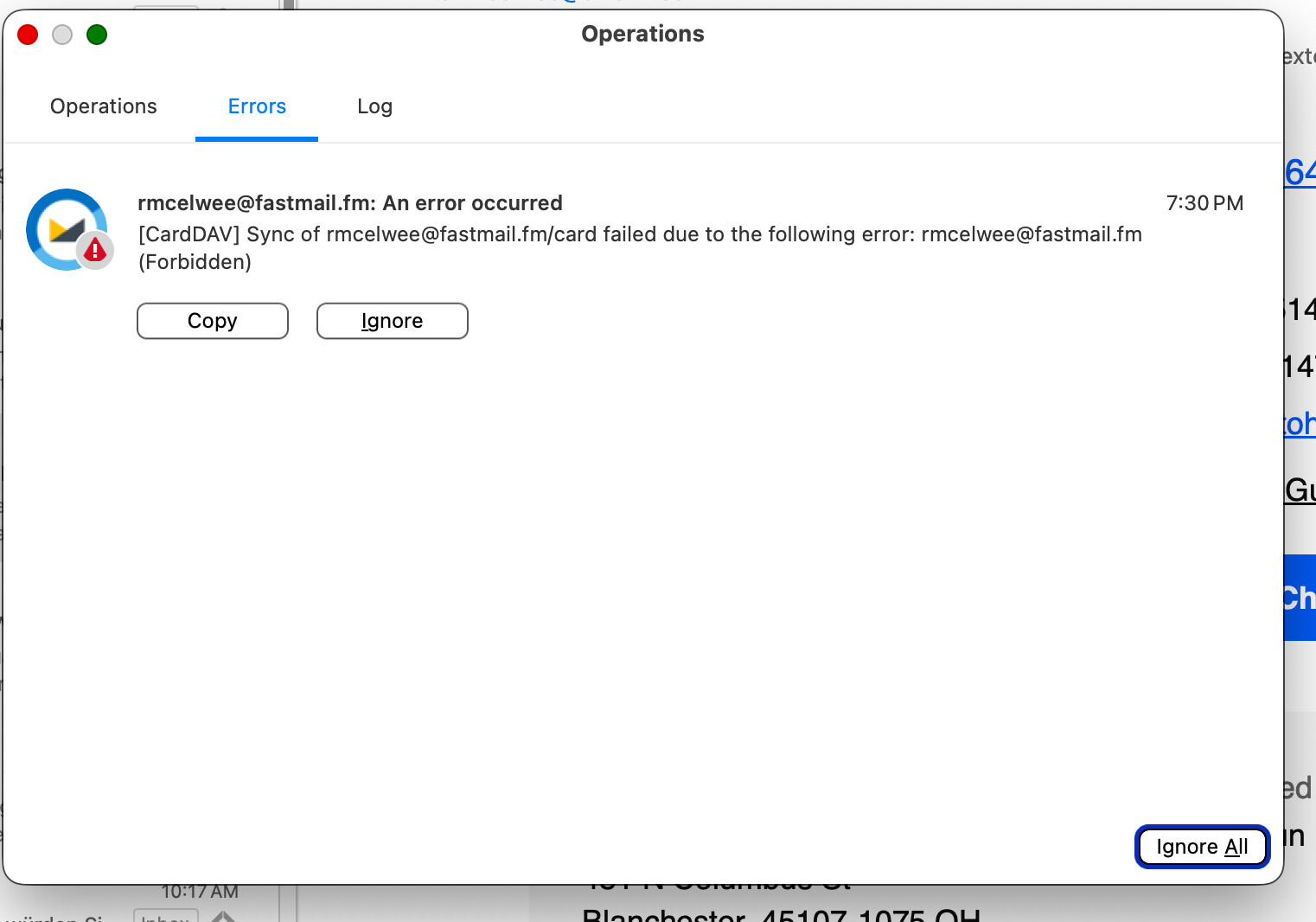
Based on the error, it seems the issue is with uploading your contacts, not the emails.
Please try the following steps to resolve this:
Back up your contacts. Go to Contacts in eM Client, navigate to the “card” folder in your Fastmail account, and create a backup of your local contacts: Copy them to a Local Folder. Alternatively, to export them as VCF files, select all, right-click, and select Save as.
Then Right-click on the card folder and select Properties > Repair. This will re-sync the folder with the server by discarding unsynced local changes and downloading the fresh state directly from Fastmail
Once the repair is complete, check if your emails upload and sync properly. If a new error message pops up, please copy and paste it here so we can investigate further.