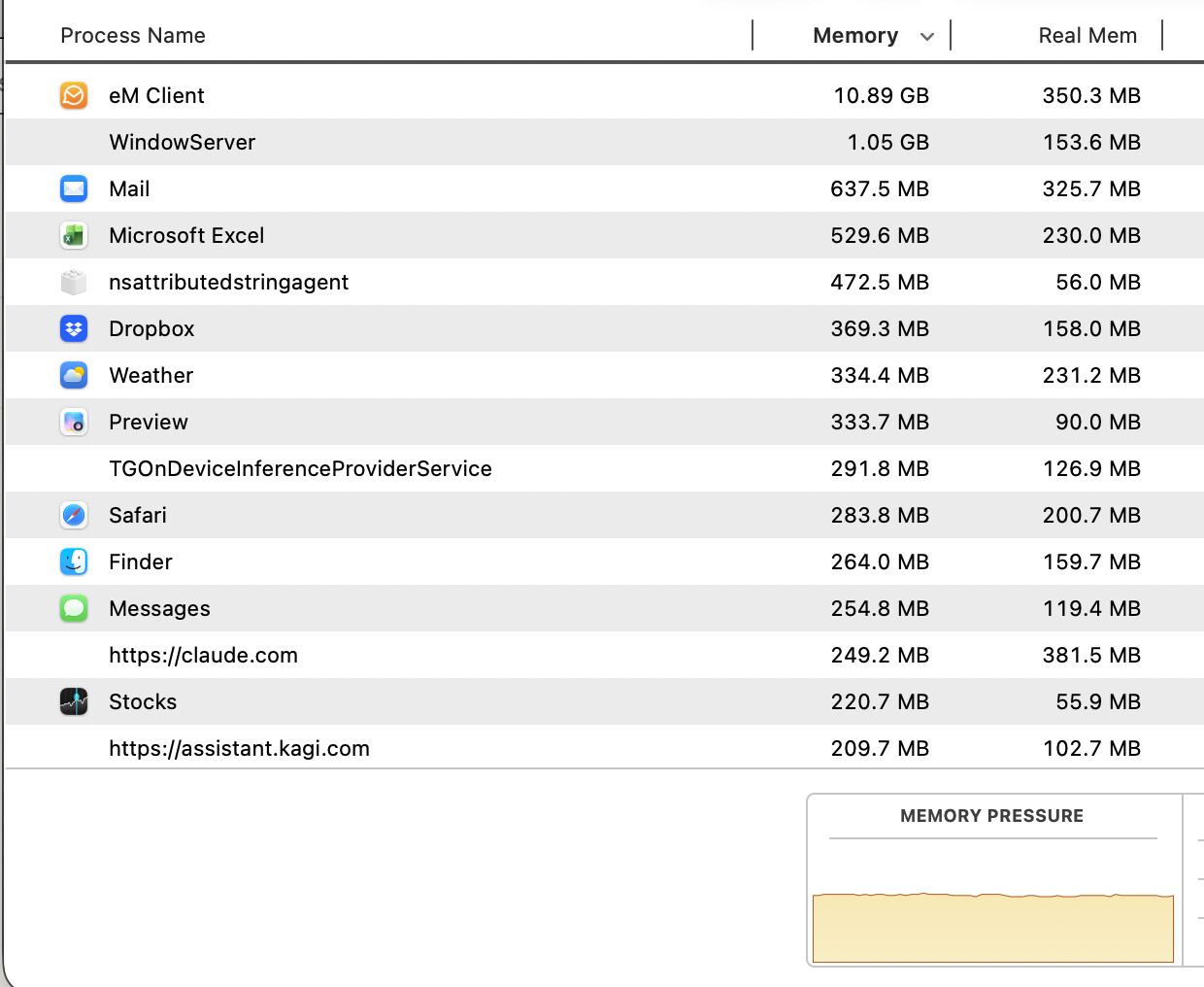
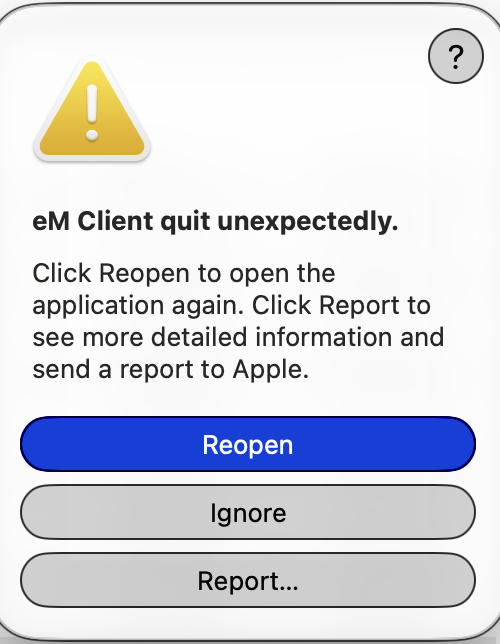
This, in my understanding of MacOS, is a feature of the OS rather than a flaw in eM Client. MacOs believes unused RAM is wasted RAM so it caches files data that it believes the program will require. This, of course, will speed up the system. If that cached memory is needed by other programs, it will release that memory. On Activity Monitor, make sure the “Real Mem” column is visible and note that it is significantly less than Memory used. Real Memory is what the program is requiring to run. On my 8GB system, Memory is typically 700 MB to 1GB, while Real Memory is between 50 and 300 MB, depending on what the program is actually doing.
I would love to hear the developers response to this.
Yes the Mail Client will always use more memory when you are refreshing or initially opening the client as it checks all the changes in the mail, calendar, contacts, tasks etc in all accounts.
However the memory used will then normally reduce back down after the operations are completed and goes idle. It can sometimes take time though to reduce back down in memory just due to how the Mac OS works and is not a fault.
Also if you close eM Client “with the red dot” and then reopen the client, that always uses more memory the next time due to how the Mac OS works. So if you are closing the program for the day, exit / close it completely via the Menu.
Updated title. The memory footprint increases, even without user inervention such as trigering an update. Sure, eM Client is updating or checking by itself in background.