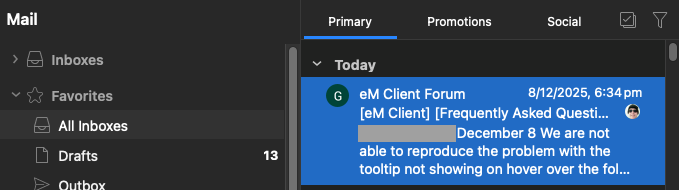
I have emclient set up with 4 POP3 email. Initially set up with default theme and had two lines per new email. Then decided to explore themes and tried Microsoft-Office-Dark entheme as well as trying Microsoft-office-Dark V2 entheme. Shortly after I noticed all mail was coming in with only a single line per email. I tried to fix it in appearance but even when I chose 3 lines, Client displayed the same single line.
I re- applied the default theme and the theme has returned to default colors but still displays emails as a single line although I have set it for 3 lines.
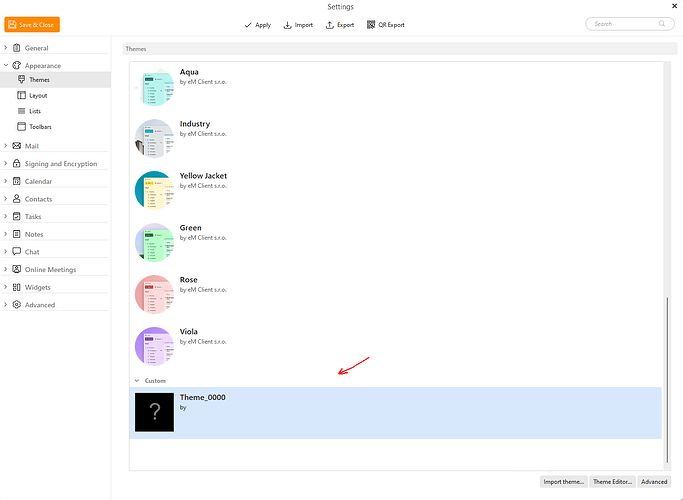
I’m aware I didn’t “uninstall” the new themes before returning to the default, but I didn’t see a way to do that. How can I return to a state where settings actually apply?
Thanks for all suggestions.
Shortly after I noticed all mail was coming in with only a single line per email. I tried to fix it in appearance but even when I chose 3 lines, Client displayed the same single line.
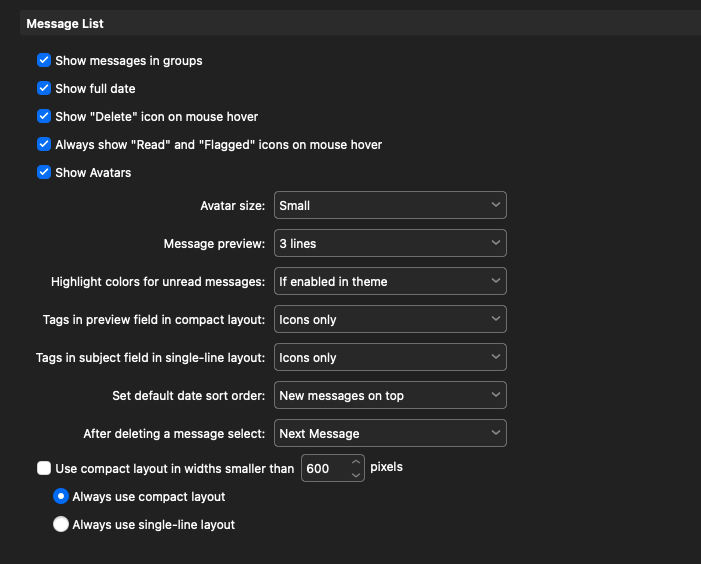
Could be “you have some other settings in the Message List” are not quite right via “Menu / Settings (Preferences) / Mail / Read” Message List section. Works fine for me personally.
The below is what i have setup for 3 lines “using the built-in Dark Theme” and the latest V10.4.4124 for PC or Mac.
You can also download different user created Dark Themes to try via this link.