Deactivating in licencemanger was possible, but I can’t reactivate my licence anymore, even if I have two open seats availbe.
Even a full new installation of eMC didn’t help. Demo Mode works but activation to full version is impossible.
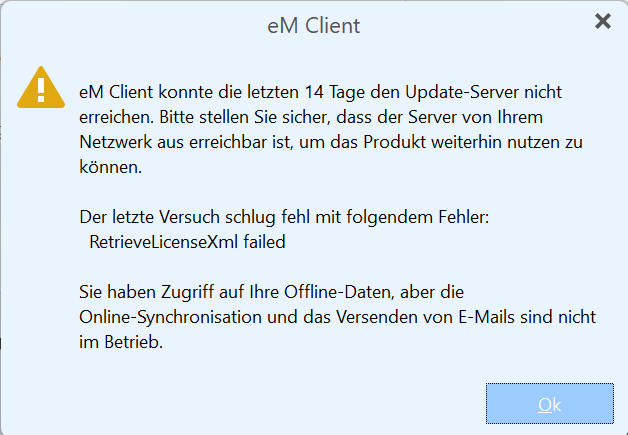
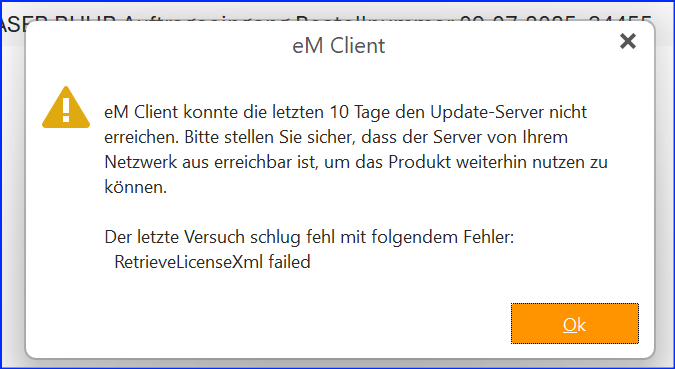
eM Client has been unable to reach the update server for the past 14 days.
Please ensure that the server is reachable from your network to continue using the product.
The last attempt failed with the following error:
RetrieveLicenseXml failed
You have access to your offline data, but online
synchronisation and email sending are not working
+++++ +++++ +++++ +++++
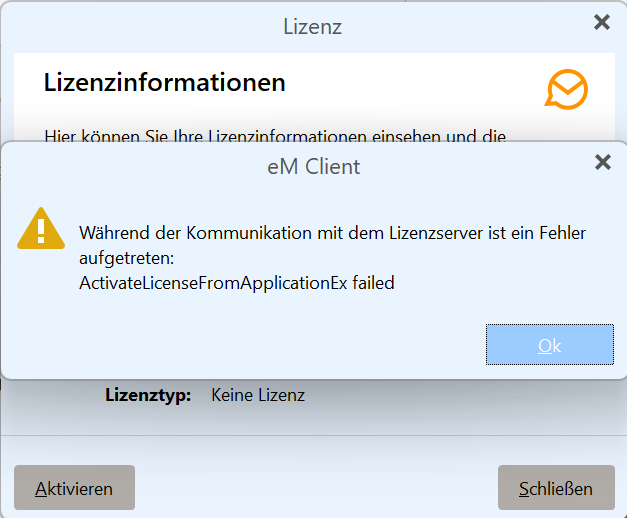
License Information
Here you can view your license information and the
An error occurred while communicating with the license server:
ActivateLicenseFromApplicationEx failed
License Type:
No License
Activate Close
+++++ +++++ +++++ +++++
It is unlikely that the eMC server is unavailable for 14 days.
I believe this indicates that your installation eMC has been unable
to carry out a security check, you should check that your system
is NOT blocking this verification, perhaps VPN.
If you can not address this issue yourself contact: [email protected]
skybat
¡Buena suerte!
¡Saludos desde Sevilla la soleada en España!
¡Mis mejores deseos y mantente a salvo!
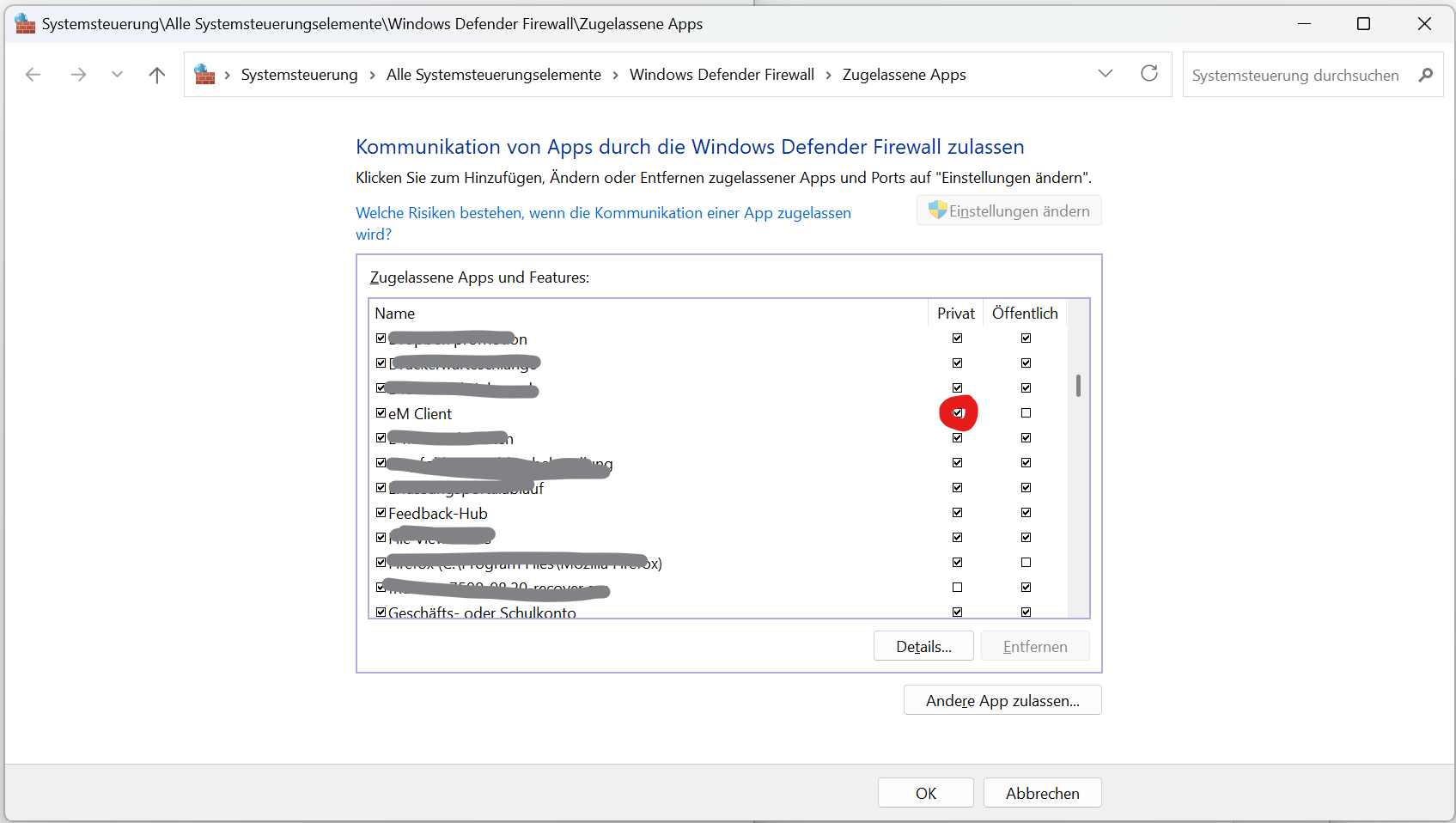
I’ve found the solution in the Windows firewall setting. For for what ever reason eMC was disabled, even if it was working for years without trouble.
Thanks for helping.
Hi, I have the same problem since a few days on several computers, but I couldn’t find any setting for “eM Client”…
What rule name should I be looking for?
Funny, I don’t have this entry at all.
Maybe the problem here is at another level. At about two weeks ago, I installed a VPN service tool on my computers. By default, the VPN connection is OFF and the tool is NOT started. Everything works fine, but it seems that eM Client has a problem to verify the license. Today on day 14 the eM client switched to offline mode. I closed eM client, started the VPN tool and opened a connection. Then I started eM Client and it seems the license could be verified again because it was back in normal mode without the error message on starting up.
I will watch this behavior.
Unfortunately the problem is back, even it seems to be solved with the above mentioned setting for Defender.
Anyone else any idea? I would hate to kill my paid licence of eMC and switch back to Thunderbird.
I tried a few things and have now disabled Surfshark’s real-time antivirus protection. It looks like the license could be renewed; at least eMC is working again. This is a bit strange, as I’ve been using this configuration for 3-4 years and have never had any problems until now. Means for the time being, to disable my virus protection from time to time for a short period to allow eMC to connect to the licence server.