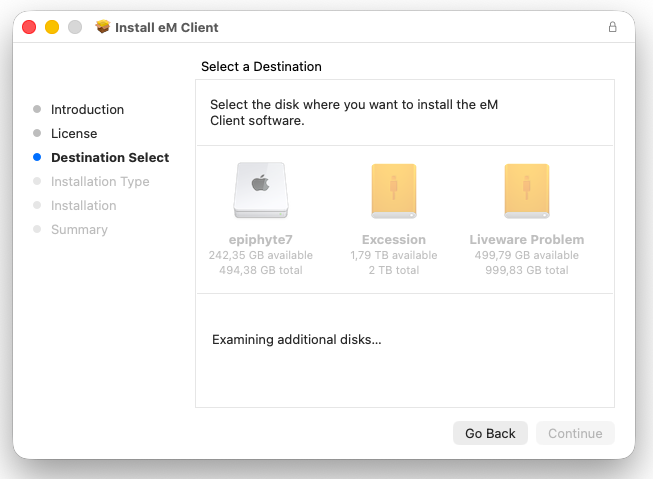
I was just reminded to upgrade to the latest version of eM Client, but the installer stalls halfway through (while choosing the destination), apparently while scanning for more potential volumes where the app could be installed on.
I am not able to proceed from here, and thus not able to upgrade.
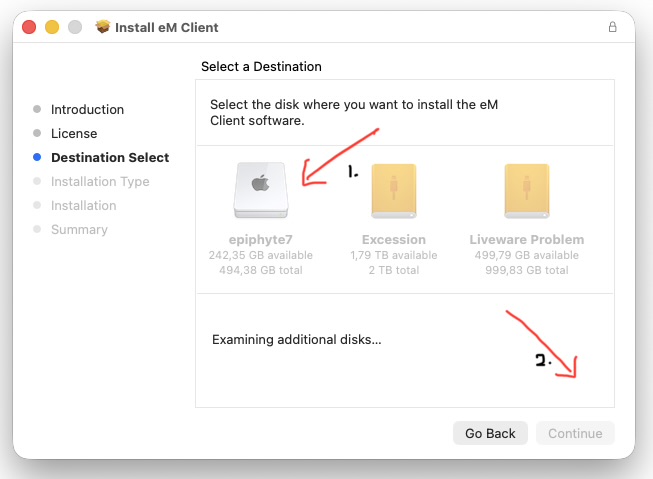
I attach a screenshot showing that no options are clickable at this moment during the installation.
Close eM Client and go to “Finder / Applications” and drag the eM Client app to the bin.
Then go to the release history page and download “the same or later version” of whatever you have currently installed, and reinstall and “choose / select your Internal hard disk” when that prompt appear.
If you carnt select your internal hard disk shutdown and reboot your Mac. Also check you have the latest Mac OS updates as well.