I’m trying to create an IMAP/POP gmail/outlook account and after inputing the email address and account’s name for the list, I get a message “Pasword is required for the account 'xxx”
and keeps indefinately spinnig. Sure there is sth wrong with this version.
Please do your best to fix it.
All problems ( lost contacts, rules, tags, suignatures, PGP keys lost upon setup). In my opinion all started because the application is downloaded from Release History | eM Client as a windows apps and not as msi executable file. I was lucky to have a backedup copy of all data. Developers should release the msi file. They bear a lot of responsibility for users data loss.
All problems ( lost contacts, rules, tags, suignatures, PGP keys lost upon setup). In my opinion all started because the application is downloaded from Release History | eM Client as a windows apps and not as msi executable file. I was lucky to have a backedup copy of all data
You can download an MSI version as an upgrade from V10 to V11
Windows Download page that includes (the last) MSI installer: Download eM Client 11 for Windows.
This MSI doesn’t contain the app itself - it keeps your existing file associations and then installs version 11 through the .appinstaller
Thank you very much for your reply.
If I understood well, every user who has already installed latest 10 version should run the updater (left option in page Download eM Client 11 for Windows | eM Client). If this is the correct procedure I wonder why this instruction was not included in page Release History | eM Client as a windows app.
A lot of problems and lost time would have been avoided.
(What procedure we should follow for a future version after 1101201?)
After the instruction received and followed the problem remains.
I cannot create a new imap/pop account.
I’m sure there is sth wrong with the new version.
As the MSIX or MSI version have the same issue for you, could be then some problem with your eM Client OAuth tokens in your online account.
So “try closing eM Client” and going online to your Gmail and Outlook accounts and “revoke / remove” the OAuth tokens and then try adding the accounts again via “Menu / Accounts”.
When adding the POP account you add that via “Add Account / Mail / Other” as example below.
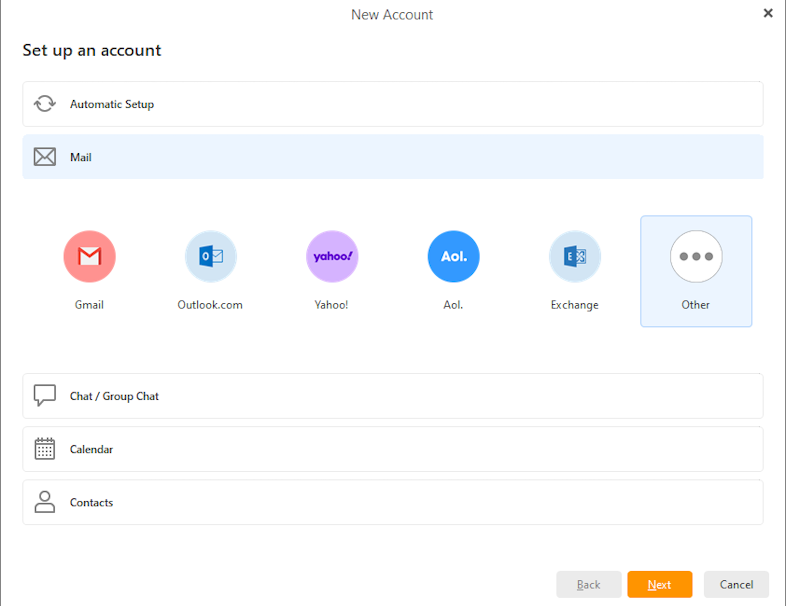
It’s the 1st time for me to revoke/remove OAuth tokens. Could you provide any detailed help?
Thank you
With the help of my friend revoked the tokens for all outlook and gmail accounts.
When tried to create the accounts again nothing happens. We get the message that a password is required (which we inputed in the relative filed) and a circle is spinning indefinately.
It seems that this version destroyed my emails accounts setting. I do not know what else to do.
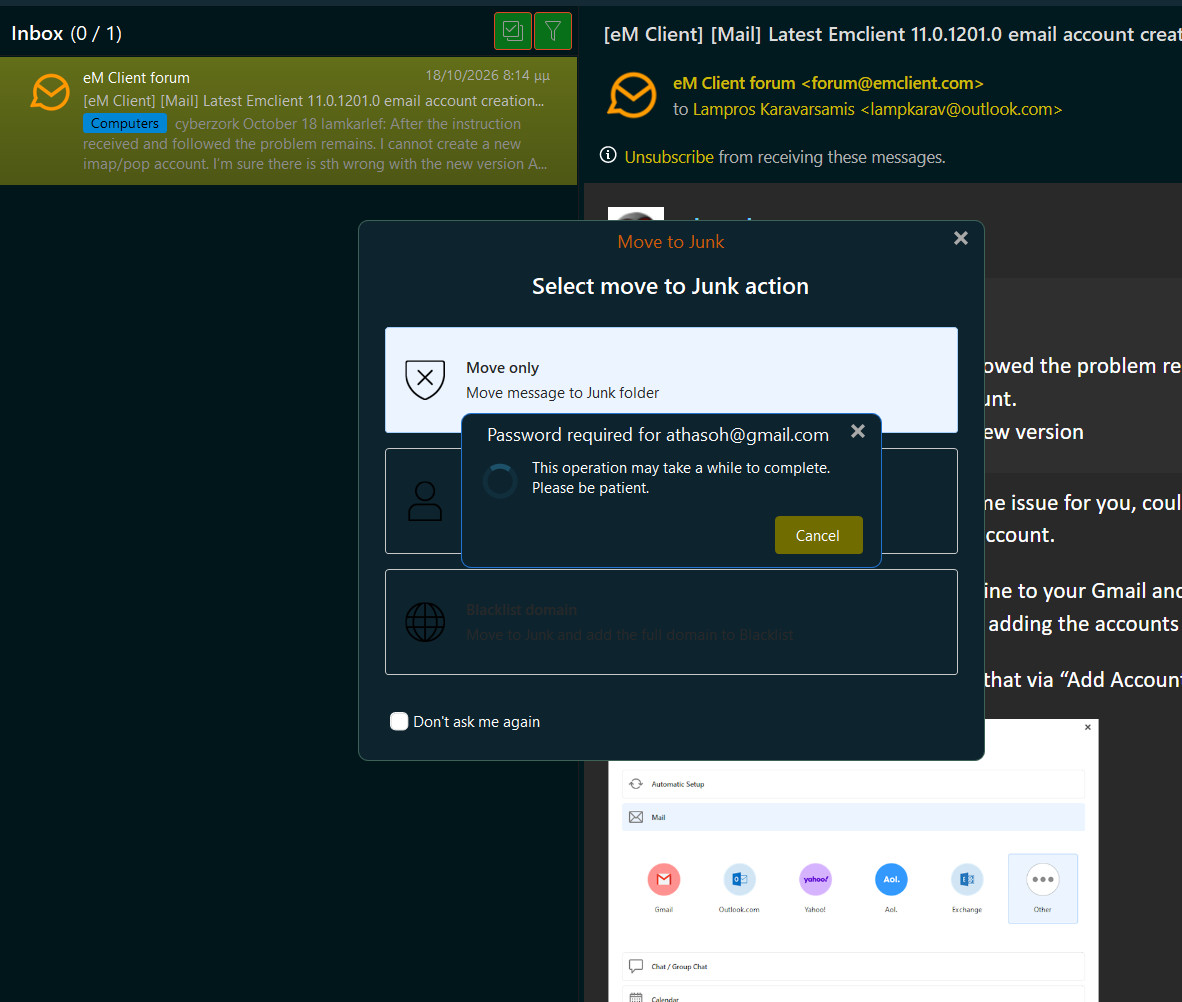
When you are setting up a Gmail IMAP or Outlook IMAP account, follow these guides and screenshot where you get up to in the setup wizard?
eM Client with Google Workspace
https://www.emclient.com/em-with-google-workspace
eM Client with Outlook
https://www.emclient.com/em-with-outlook
Also for your POP account, screenshot where you get up to in the setup wizard.
We had to uninstall latest version and installed 10.4.5674.0 . Everything now is working fine.
IT SEEMS THAT DEVELOPERS FUCKED UP EMCLIENT IN LATEST VERSION.
TELL THEM TO WORK CARREFULLY AND NOT MAST…TE.
There is nothing wrong with the latest version as far as a Gmail or Outlook IMAP or POP setup goes. I and many of my friends have exactly the same accounts as you it works fine with either Windows 10/11 or Mac OS & V11.0.1201
So if you want to try that again in the future as i said update where you get up to in the wizard.
You can download an MSI version as an upgrade from V10 to V11
Send the corerct link my friend.
Acc to @cyberzork there is no msi installer containing the full application.
Finally problem solved thanks to developers’ detailed help.