eMClient on IOS does not show new mail until it is opened, push and notification is enabled. The native Mail, Outlook and gmail client showing the new mails on the app icon without opening them.
The iOS mobile app will show you new mail notifications when the app is not open and does work for me personally using the latest V10.5.430 and iOS 26.7
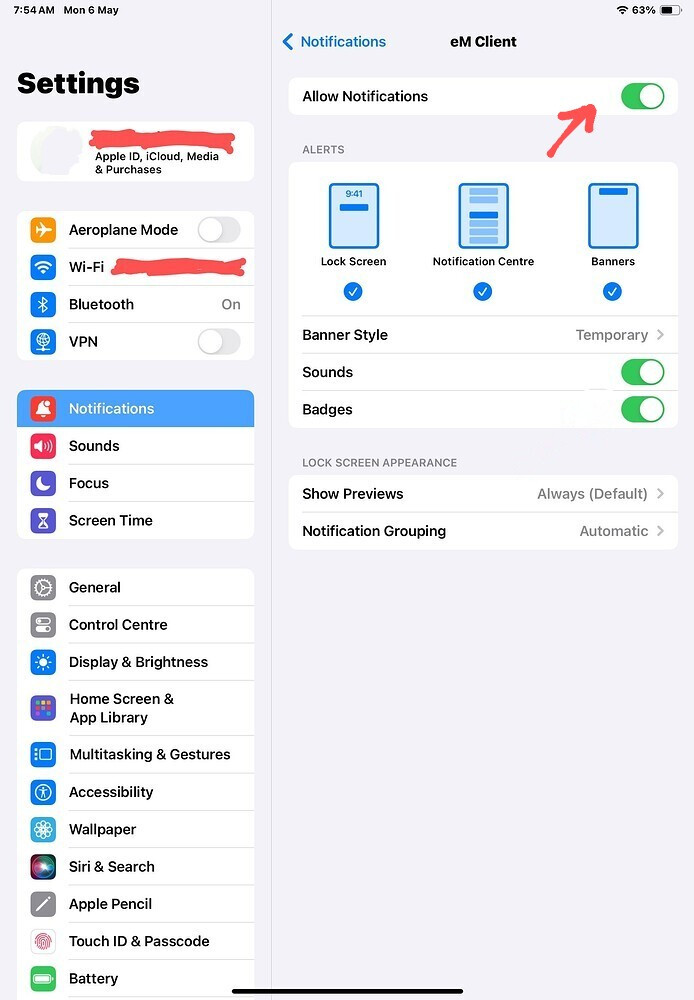
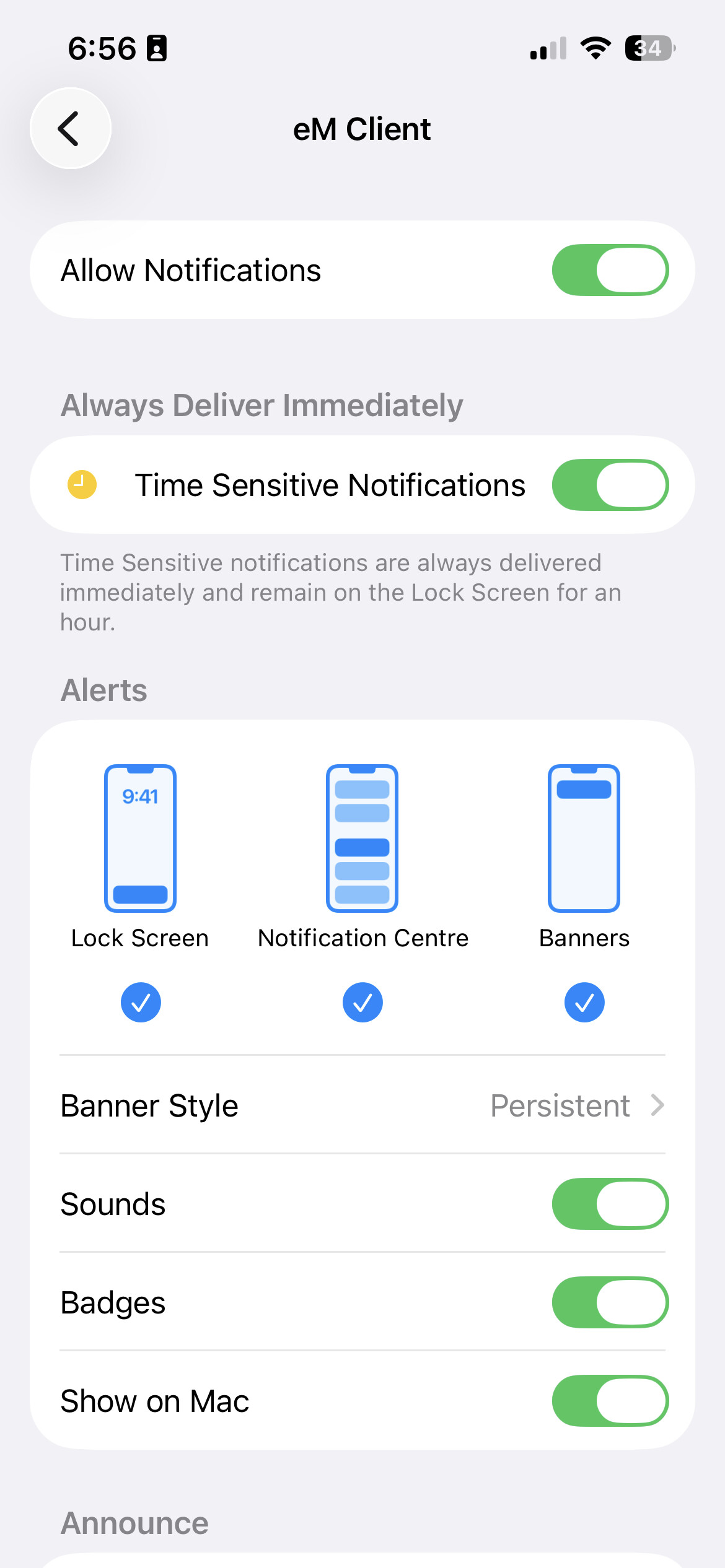
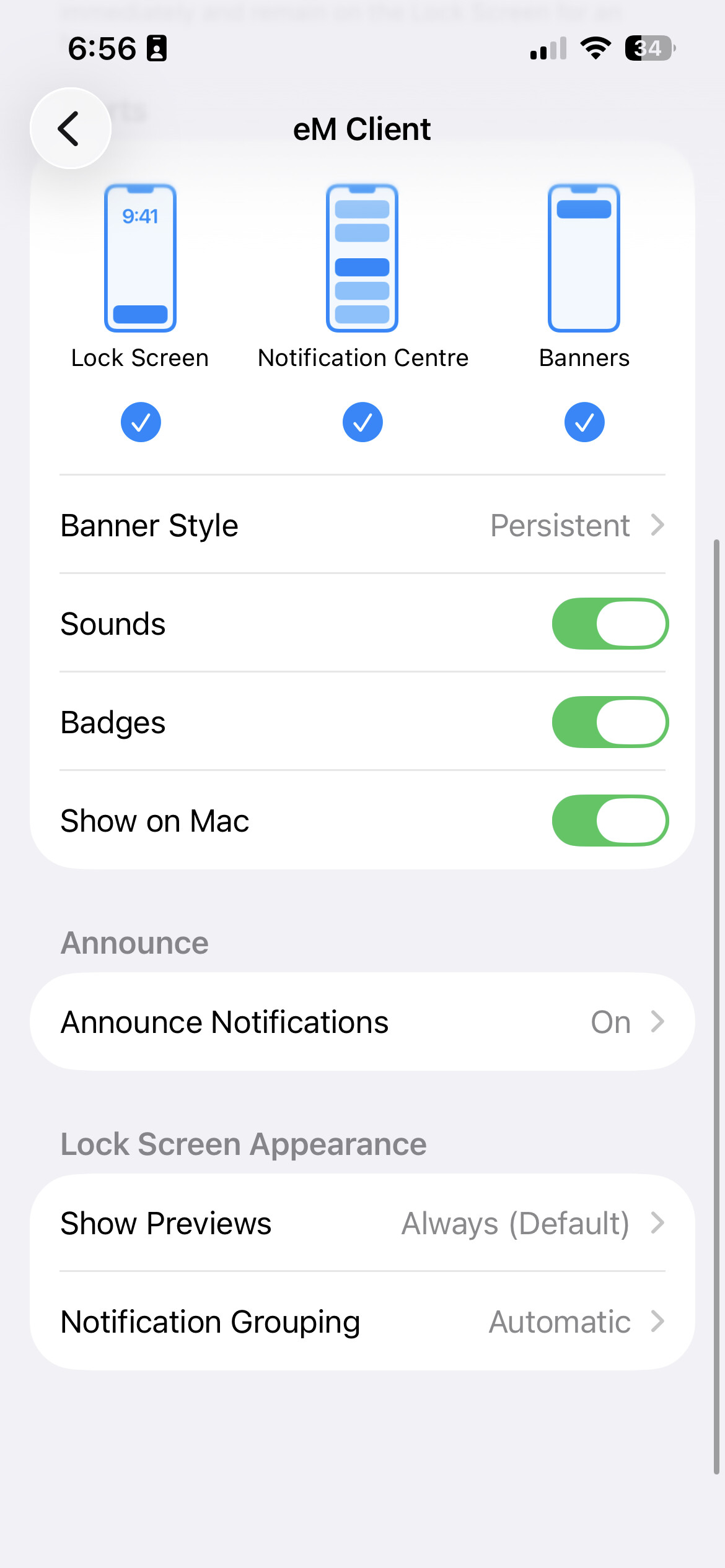
So if you already have push notifications enabled in the app within your account then go to your iOS device “Settings / Notifications / eM Client” section, and make sure you have “Allow Notifications enabled at the top” and selected “Lock Screen”, Notification Centre & Banners" as per the below example iPad screenshot example below.
If you already have notifications enabled in the OS then try power off your phone & back on.
I have all these options set in Notifications for the EmClient, but it only shows the number of unread messages after the client is opened and closed again. It does not update the count when new mail arrives until is opened again. This shows up on iPad with IOS 17.7.11 and iPhone IOS 27.0
I have all these options set in Notifications for the EmClient, but it only shows the number of unread messages after the client is opened and closed again
The iOS mobile app will show new mail notifications “via a banner and via the app badge red icon” with the app closed as per example screenshots below just tested again in iOS26.7 on my iPhone.
It will also show the new mail number “next to your Inbox, All Inboxes & Unread” when opened.
Everything else will update usually “shortly after the app is opened and syncs” depending on how many accounts you have setup, and how many mail folders you have, and type of account.
eM Client iOS mobile app new mail notification examples via banner, badge & Inboxes.
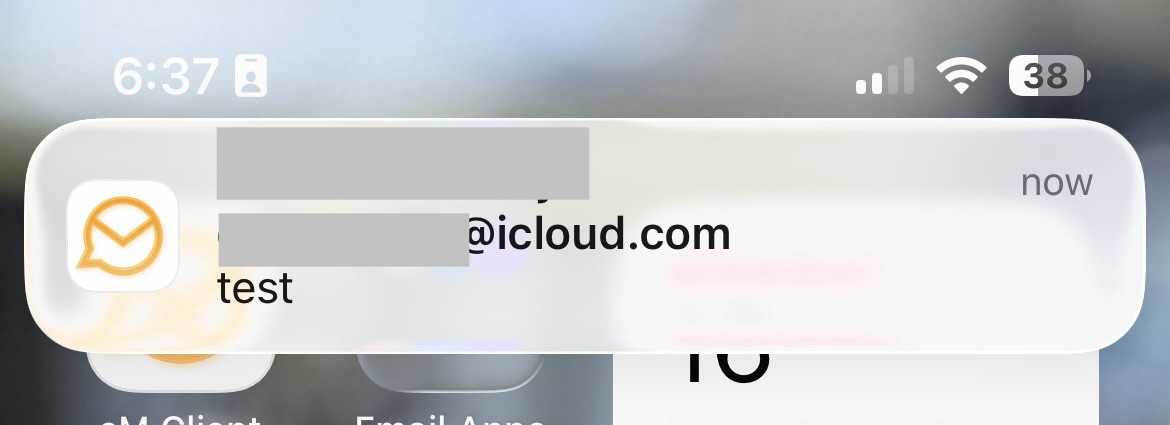
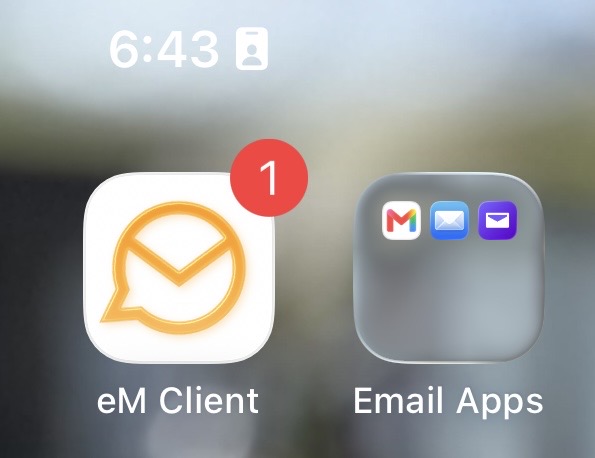
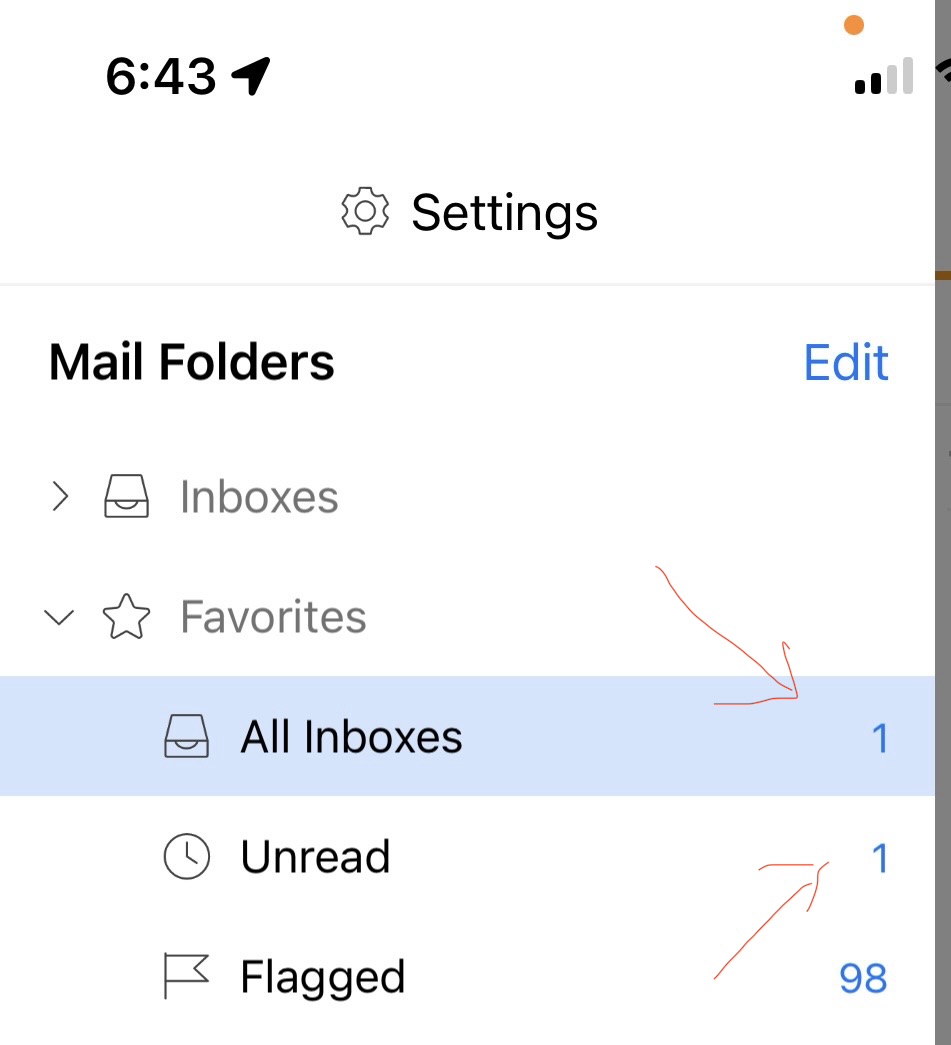
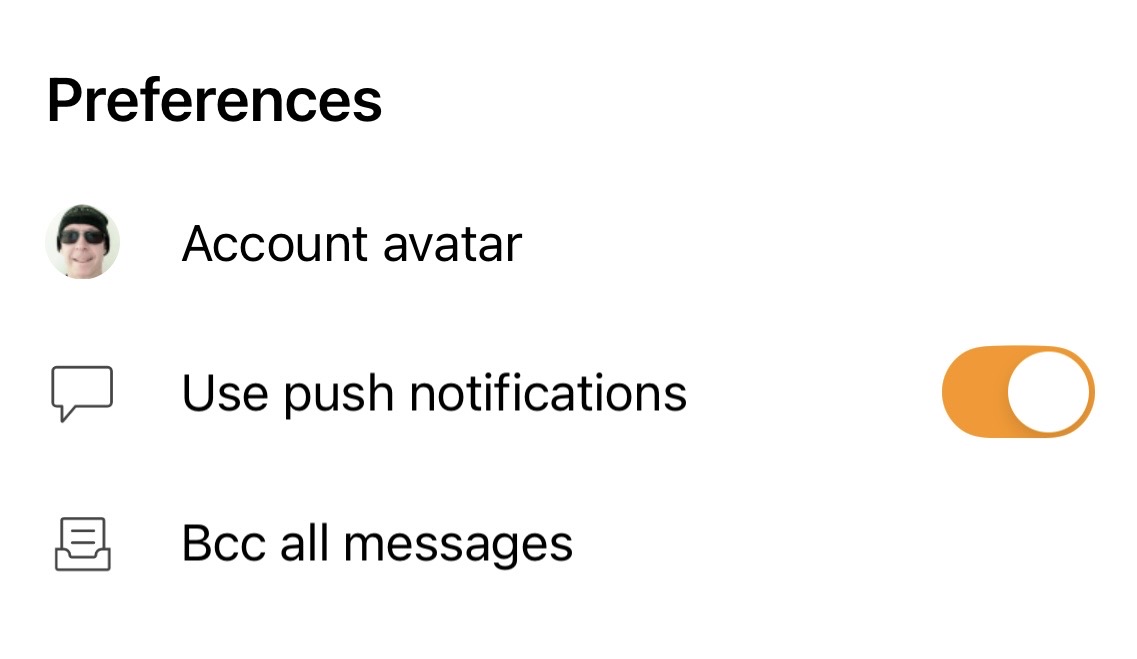
If you are still not getting the new mail notifications appear at the top via a banner or via the app icon badge of your iPhone or iPad when eM Client is closed, then go back into your eM Client Account / Push Notifications “and disable and reenable” and close the app & test again.
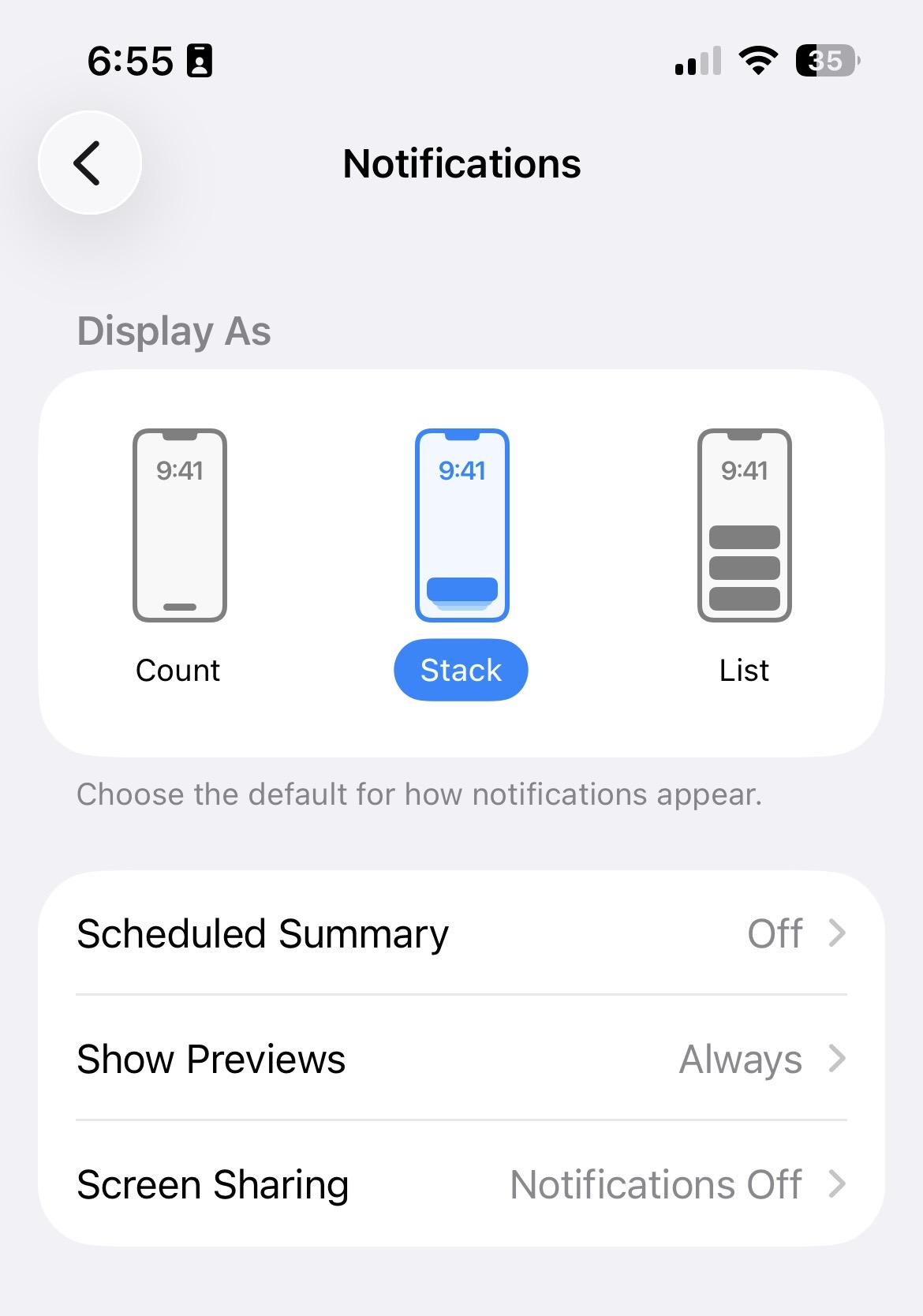
Also go back into your OS Settings / Notifications / eM Client app and disable and re-enable as well. See below iOS26.7 Notification examples below.
Ps The only thing I change in the iOS / Settings / eM Client notifications is Banner style Persistant rather than Temporary but either way normally works fine when I tested it again today.
.
I see the same issue that Horton’s is seeing. New notification popups come in with push as expected but the badge is not showing until the emclient is opened and the messages are downloaded. Also seeing something downloading is stuck and it requires me to force close the app to get the messages to download. As said push seems to work as the notifications come in.
All configuration is done as described by cyberzork. Running iOS 27 on my iPhone.
The problem might be that the emClient does not use IDLE polling, like other IOS mail clients. I only want to see the mail count in the icon updated and notified of new mail when the client is not opened.
That’s exactly what eM Client does. It shows new mail notification “via a red badge on the icon” and shows a “banner at the top” when not opened. That’s works for me on two different iPhones & iPads with iOS 26.7 & iOS 27 using V10.5.430 .
As that doesn’t work for you then it’s something with your iOS settings / notifications / eM Client section. Try “disabling every slider and checkbox then re-enable all again” and see if that makes any difference when the mobile app is closed.
Also try again “disabling and re-enabling push notifications” in your account within eM Client.
Also try power off and on your iPhone or iPad “if you haven’t already tried” and see if that makes any difference incase it’s a resident iOS issue.
If none of that makes any difference you might need to “uninstall the app and reinstall” and setup as new as could be it hasn’t installed properly.
I will look at it at a later time