After years of trying, they finally got my outlook.com calendar to sync properly in the iphone app. But now I can’t click through a date in an email to add it to my calendar, and I can’t click on a phone number to make a call. These are very basic functions and they don’t work. Now what?
I can’t click through a date in an email to add it to my calendar, and I can’t click on a phone number to make a call.
Can you elaborate on click through a date “with example screenshot” of what you are trying to do.
I can’t click on a phone number to make a call.
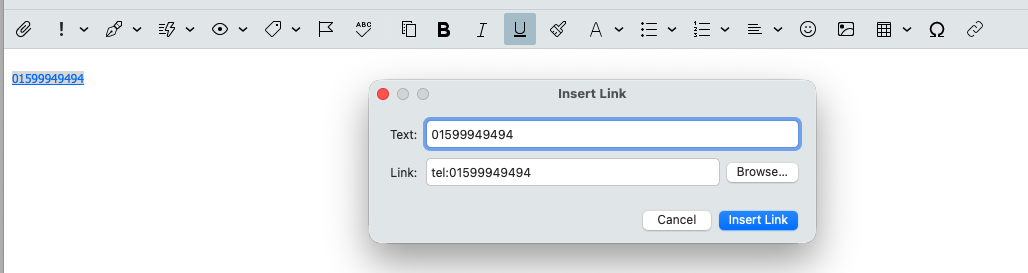
To make a phone number clickable, just insert it as a link with tel: at the start
Follow up: The calendar still doesn’t work. It takes too long to sync, which means that if I open it up to check a schedule, I have to wait too long to find out. Other apps are instant. I shouldn’t have to keep someone on hold while my calendar syncs to see if I can schedule an appointment.
How long does the calendar take to sync ?
this is not a real solution. What about adding an appointment to the iphone calendar? I should be able to click on the date and have it go to the calendar. Outlook does this. The native Iphone app does this. Why can’t EM client do this?
When you press on the date in the iOS Outlook or native Mail app to go to the calendar, is the date in the body of the email or at the top of message ?
Also does every email allow you to press the date to launch the calendar or only certain emails ?
Maybe if you can screenshot an example where it is.
It seems like the app isn’t fully utilizing the native iOS “Data Detectors” API yet. That is the specific system that allows Apple Mail and Outlook to automatically recognize text strings as dates and hyperlink them. It is definitely a standard feature users expect nowadays, so hopefully, it is high on their roadmap for the next update.
1 Like