Maybe I need more coffee this morning. I can’t figure out how to invite a single contact to eM Client. When I try to use the built-in tool, it appears to select all of my emails. See the screenshot. Am I missing something?
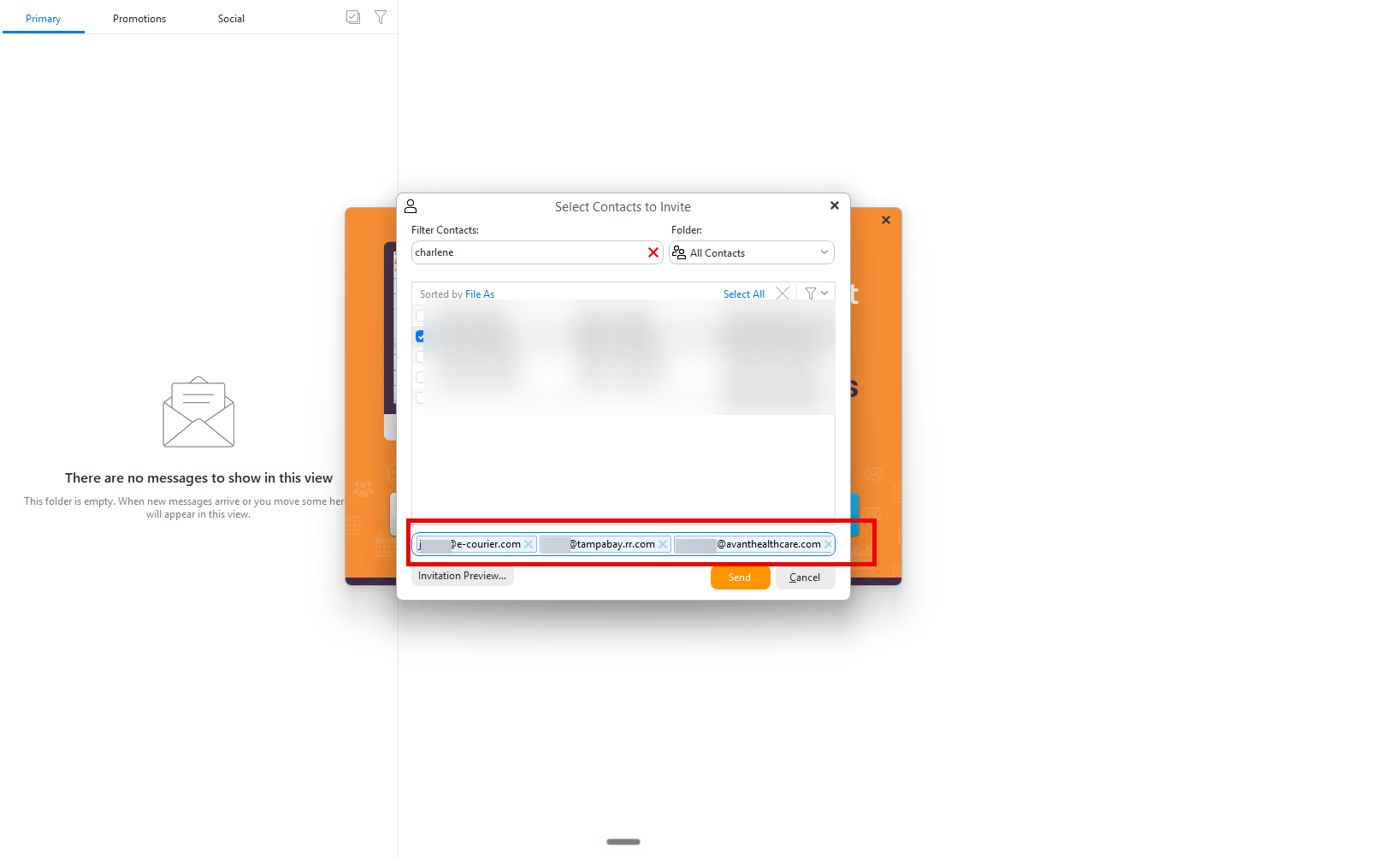
You can click inside the text field where the emails are listed, use CTRL+A to select all, press Delete key - that will remove all the preselected contacts.
You can then fill in just the emails you want (or double click the ones you want to add from the list above).
You can also “Right click” on one of the email address and click “Select All” and then Delete key